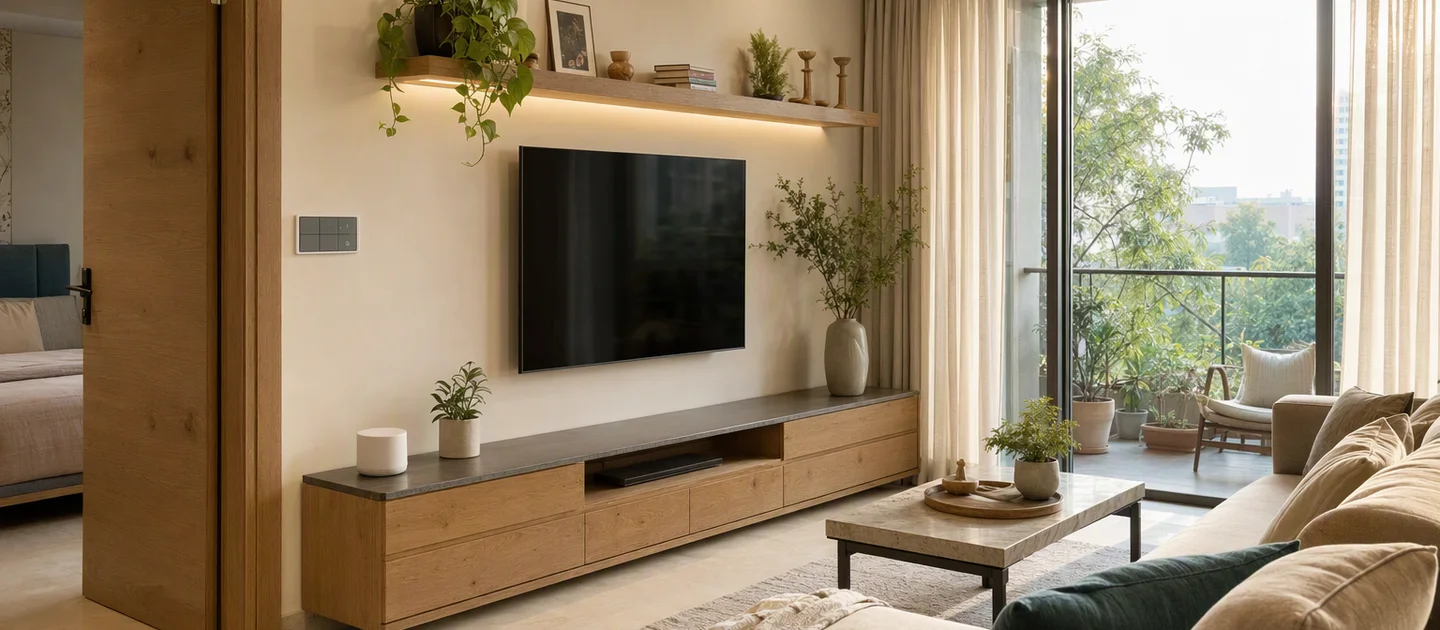
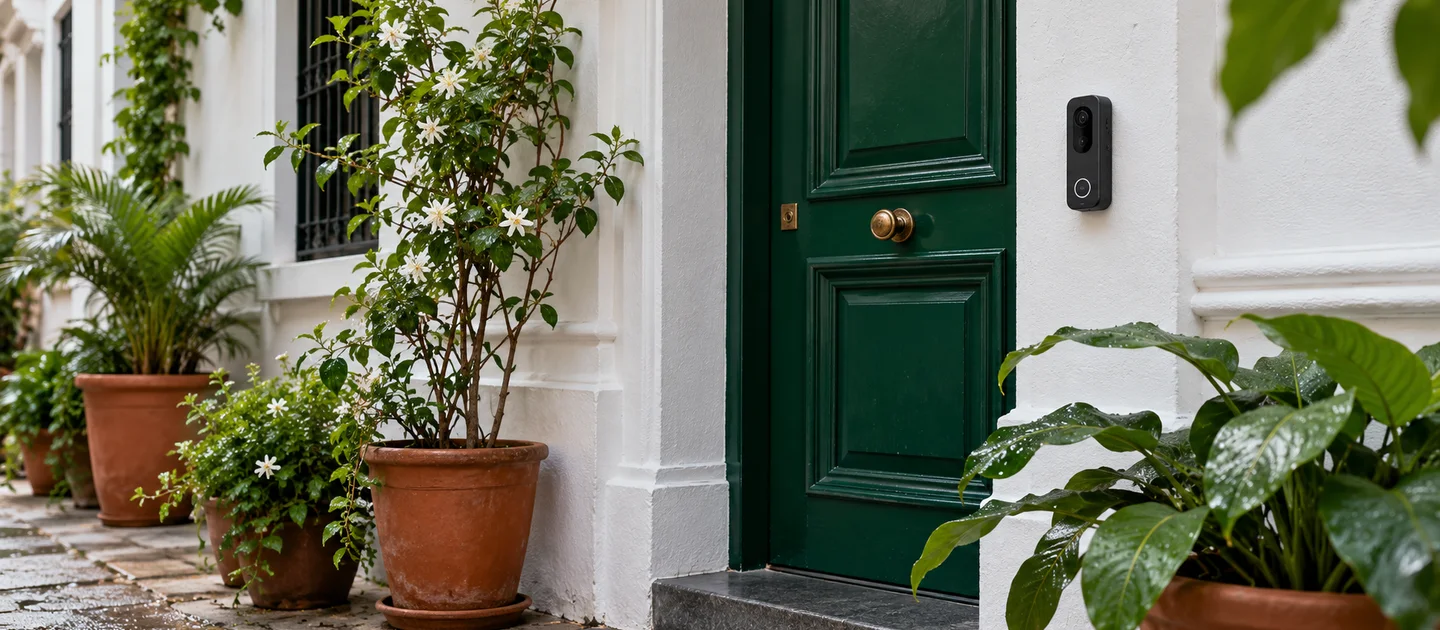
Smart Home Starter Kit in India: What to Buy First
How to start a smart home in India on a budget: buy a hub first, then lights, sensors, curtains and a lock. Priced baskets, renter tips and what to skip.

By Abhi Bavishi
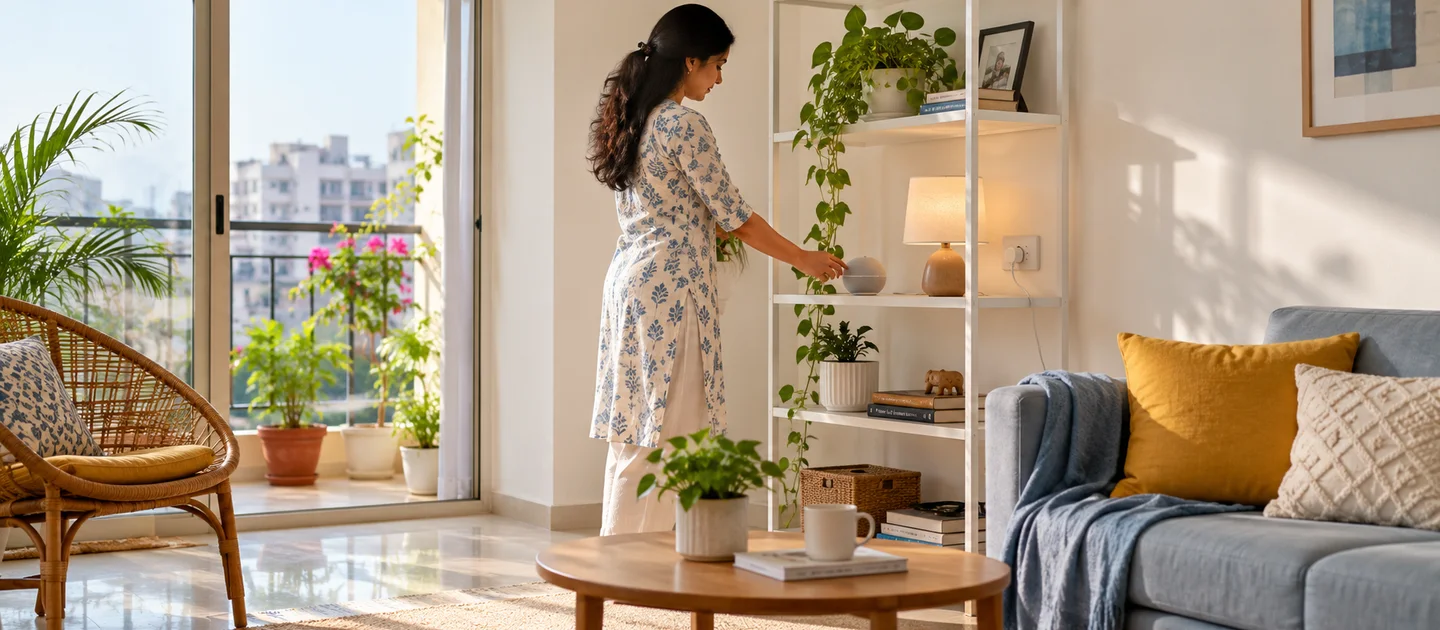
The best first smart-home purchase for most Indian homes is a hub plus the devices for one room, not a cart full of gadgets. Start with a Zigbee hub (₹8,100 for Smartify’s Core LAN), put the lights you use most behind it with a relay (₹4,500 for a module that handles two switches), and add a door sensor and a motion sensor. That first basket comes to ₹22,200, and every later device joins the same hub.
The order we suggest: hub and the lights in your busiest room, then more lights and fans, then sensors and automations, then scene buttons, then curtains, then a lock, then cameras. Skip a whole-home bundle until you have lived with one room. If you rent and cannot touch the wiring, start with the hub, stick-on sensors and a battery scene button instead, and read the renting section first.
How we wrote this: Smartify sells every product named in the baskets below, so treat this as a seller’s guide, not an independent test. We have not lab-tested these products against others, and there are no ratings on this page. Prices are our catalogue prices, including GST, added up when this page was built on 17 October 2026; stock is checked live on each row and on the product page. Statements about Zigbee and Matter follow the standards bodies listed at the end.
What a smart home starter kit actually is
There is no standard “smart home starter kit”. It is whatever a seller chooses to bundle, usually a hub and a few devices. The box matters less than three questions: what does the hub speak (Zigbee, Matter, or only the seller’s own Wi-Fi cloud), do the devices need wiring, and can you add other products later? The baskets below are lists of separate products rather than a boxed kit, so you can stop at any point or change the mix.
Start with a hub, not with gadgets
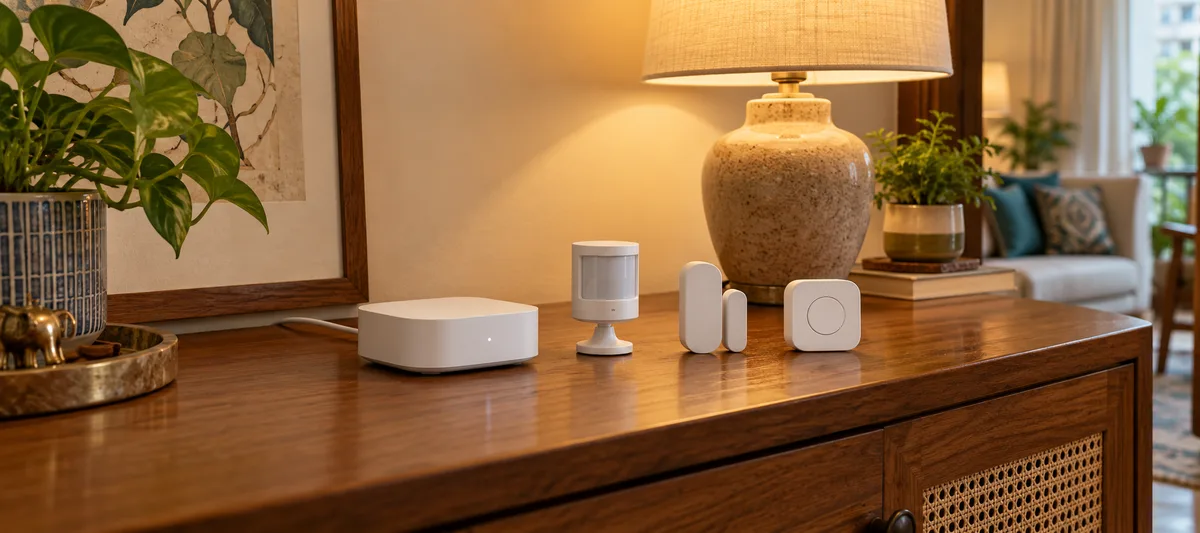
A hub is a small box that plugs into your router and runs the wireless network your devices use. Zigbee is a low-power mesh built for sensors, switches and lights; mains-powered devices help pass messages along, so coverage can improve as you add them. Matter is a common language that lets different brands and apps work together, and it can reach Zigbee devices through a bridge. Neither standard is tied to one brand’s cloud. That is the open-stack route we recommend: local control, several brands on one network, and the freedom to move to another app or to Home Assistant later.
The hub does nothing alone, so buy it together with the devices for your first room. Both hubs below sit on wired Ethernet, so you need a spare LAN port on your router (or a switch next to it) and a socket for the USB-C power cable.
| Hub | What it is | Pick it if | Price today (incl. GST) | Stock today |
|---|---|---|---|---|
| Core LAN | Zigbee 3.0 coordinator on wired Ethernet; up to 128 Zigbee devices. Its product page names Home Assistant and compatible Zigbee automation platforms. | Most first-time buyers | ₹8,100 | Stock: see product page |
| Core Matter | Zigbee 3.0 plus a Matter bridge; up to 128 devices, wired Ethernet. Exposes Zigbee devices to Matter-enabled apps and Apple Home through Matter. | You want Zigbee devices in Matter apps and Apple Home | ₹18,900 | Stock: see product page |
Our catalogue lists Amazon Alexa, Google Home and Apple Home compatibility for both. The Core LAN page itself names Home Assistant and compatible Zigbee automation platforms, so tell us how you want to control your home (voice, app, Home Assistant) before you buy and we will confirm the route. Zigbee devices talk to the hub over their own radio network; remote access, voice assistants and cloud alerts need internet.
Hub-first versus Wi-Fi only, no hub
Plug-and-play Wi-Fi products are not wrong. They are the right answer for one or two devices, and cameras and doorbells are the one place Wi-Fi is the sensible network because video needs bandwidth. They are the wrong foundation for a home you plan to grow. We label such products “Wi-Fi only, no hub” so the trade-off is visible.
| Hub-first (Zigbee or Matter) | Wi-Fi only, no hub | |
|---|---|---|
| First-day effort | One extra step: connect the hub to the router, then pair devices to it. | Plug in and pair with the brand’s app. Quickest for a single device. |
| Network load | Devices talk to the hub, not to your router, so a full flat does not fill the router’s device list. | Every device is a router client. A few are fine; dozens can strain a home router. |
| Apps and accounts | One hub and one place for rooms, scenes and automations, across brands the hub supports. | Usually one app and account per brand, with automations that stay inside each brand. |
| When the internet drops | The radio network between devices and hub keeps running. Remote access, voice and cloud alerts need internet; ask us which automations run locally on your setup. | Often depends on the brand’s cloud as well as your Wi-Fi. Check the product page. |
| Adding more later | Add any compatible device to the same hub. Our hubs list up to 128 devices. | Each new brand is another app and another Wi-Fi client. |
| Best for | Lights, fans, sensors, curtains and locks across a home you will keep expanding. | One-off jobs: an IR blaster for an AC, a camera, a doorbell, a plug. |
Three starter baskets, by budget
Each basket is a shopping list, not a bundle price. Totals are added up from catalogue prices when this page is built, include GST, and exclude delivery and installation. The stock pill on each row is the same live check the product page uses.
Basket 1: a hub and one room: ₹22,200
Stays under ₹25,000. One flat, one problem to fix: the living room lights that never get switched off, or the front door you cannot see from the sofa. You want to find out whether you enjoy living with this before spending more. It puts 2 switch circuits under control.
| Product | What it does here | Qty | Price each (incl. GST) | Stock today |
|---|---|---|---|---|
| Core LAN | The hub. Plugs into your router with an Ethernet cable and runs the Zigbee network. | 1 | ₹8,100 | Stock: see product page |
| Layer Relay 2 | Sits behind two of your existing wall switches and makes those two circuits smart. The switches keep working by hand. | 1 | ₹4,500 | Stock: see product page |
| Aware Contact | Stick-on door or window sensor. Tells the hub when the main door opens. | 1 | ₹3,900 | Stock: see product page |
| Aware Motion | Battery motion and light sensor. Turns a passage or bathroom light on when someone walks in. | 1 | ₹5,700 | Stock: see product page |
| Basket total | Add an electrician’s visit for anything behind a switch. Delivery and installation are quoted separately. | ₹22,200 |
What this basket leaves out: No dimming, no curtains, no voice speaker, no lock. Add them one at a time later.
Basket 2: the main living area: ₹48,150
Stays under ₹50,000. You have lived with Basket 1 for a few weeks, or you already know you want the lights, fans and a dimmable mood light in the living room and master bedroom under control. It puts 8 switch circuits under control.
| Product | What it does here | Qty | Price each (incl. GST) | Stock today |
|---|---|---|---|---|
| Core LAN | The hub, as in Basket 1. | 1 | ₹8,100 | Stock: see product page |
| Layer Relay 2 | Behind six existing switches: lights and fans that stay under 4A per channel. | 3 | ₹4,500 | Stock: see product page |
| Layer Dimmer 2 | Two dimmable circuits for living-room or bedroom lights. Dimmable bulbs or drivers only. | 1 | ₹4,200 | Stock: see product page |
| Aware Contact | Main door and balcony door. | 2 | ₹3,900 | Stock: see product page |
| Aware Motion | Passage and bathroom lights, and a night-light rule based on room brightness. | 2 | ₹5,700 | Stock: see product page |
| Reach IR | Wi-Fi only, no hub: joins your router, not the Zigbee hub. Sends infrared to a split AC or TV within line of sight (up to 8 m) and depends on your Wi-Fi. | 1 | ₹3,150 | Stock: see product page |
| Basket total | Add an electrician’s visit for anything behind a switch. Delivery and installation are quoted separately. | ₹48,150 |
What this basket leaves out: No lock, no curtains and no scene panels. Heavy loads such as geysers and ACs are not switched by these modules.
Basket 3: a whole floor, with Matter: ₹98,394
Stays under ₹1,00,000. A 2 or 3 BHK where you are already sure about the open-stack route and want Zigbee devices to appear in Matter apps. This is also roughly where a site survey and a package start to make sense. It puts 14 switch circuits under control.
| Product | What it does here | Qty | Price each (incl. GST) | Stock today |
|---|---|---|---|---|
| Core Matter | The hub, with a Matter bridge for apps and ecosystems that speak Matter. | 1 | ₹18,900 | Stock: see product page |
| Layer Relay 2 | Behind ten existing switches across living room, bedrooms and kitchen. | 5 | ₹4,500 | Stock: see product page |
| Layer Dimmer 2 | Four dimmable circuits for lounge, dining and bedroom lights. | 2 | ₹4,200 | Stock: see product page |
| Aware Contact | Main door, balcony and a window you care about. | 3 | ₹3,900 | Stock: see product page |
| Aware Motion | Passage, bathroom and utility area. | 3 | ₹5,700 | Stock: see product page |
| Aware Wave | USB-powered presence sensor for a room where people sit still (a study or bedroom), so lights do not switch off on you. Needs a USB power source. | 1 | ₹9,297 | Stock: see product page |
| Interface Scene | Battery-powered four-gang scene switch: one button for "movie", "goodnight" and so on. No relay, so it triggers scenes rather than switching a load. | 1 | ₹10,497 | Stock: see product page |
| Basket total | Add an electrician’s visit for anything behind a switch. Delivery and installation are quoted separately. | ₹98,394 |
What this basket leaves out: No curtains, locks or cameras. Add them from the next section when you are ready.
Before you buy any basket: wiring, loads and neutral
- Neutral wire. According to our product documentation, the standard Layer relays and dimmers need Live, Neutral and Load wires in the box behind your switch. Many older Indian switchboxes carry only a switch loop with no neutral. Ask an electrician to check one box first; our no-neutral guide explains the options.
- Loads. The Layer Relay 2 and Dimmer 2 handle ordinary lights and fans within their stated limits (4A per channel for the relay; for the dimmer, up to 100W per channel and dimmable bulbs or drivers only). Do not put an air conditioner or geyser on them. The heavy-duty Layer Relay 1 HL (₹6,600) exists for heavy loads and needs a qualified installer and correct cable sizing.
- Non-standard wiring. Indian homes are wired in many ways. If your boxes are unusual, we can recommend or customise the installation for your wiring: send photos before you buy.
- The Wi-Fi-only shortcut. If all you want today is to control a split AC or TV by voice or app, the Reach IR blaster (₹3,150) on its own is the cheapest useful purchase. It is Wi-Fi only, no hub: it joins your router, needs line of sight to the appliance, and does not join the Zigbee network.
Then grow in this order
The order follows two rules: do first what you touch every day, and do last what is costly or most likely to need a site check. Lights and fans are used dozens of times a day and are easy to undo. Locks and curtain motors cost more and fail for physical reasons (a door that does not fit, a curtain that is not motorised), so they come after you know the system suits you.
| Stage | What to buy | Why at this point | Price today (incl. GST) | Read next |
|---|---|---|---|---|
| 1. Hub and first room | A hub, relays behind the switches you use most, one or two sensors | Proves the idea in one room and sets the foundation every later device joins | Basket 1: ₹22,200 | Basket 1 |
| 2. Lights and fans in the main rooms | More relays, plus dimmers where you want mood lighting | Lights are what you touch dozens of times a day, so this is where the benefit is felt first | Relay ₹4,500; dimmer ₹4,200 | Basket 2; best smart switches |
| 3. Sensors and automations | Door sensors, motion and light sensors, presence sensors | Sensors turn a remote-controlled home into one that acts on its own: lights on when you walk in, a message when the door opens | Door sensor ₹3,900; motion ₹5,700; presence ₹9,297 | motion sensor guide |
| 4. Scenes and wall controls | Scene buttons, then replacement-plate switches and touch panels when you renovate | Wall controls are for family and guests who will not use an app. Replacement plates cost more and need a proper electrician job, so they come after the retrofit route has proved itself | Battery scene switch ₹10,497; TAC switches from ₹21,900; TOQ panels from ₹13,116 | touch switches |
| 5. Curtains | A shutter module for an AC-motor curtain or shutter | A comfort upgrade, not a first purchase. It needs a motorised curtain or shutter on the wall already, and it controls the motor, not the curtain itself | Layer Shutter ₹4,200 | curtain motors guide |
| 6. A smart lock | A lock chosen after you measure the door | The one purchase that can fail for a reason that has nothing to do with smart homes: the lock does not fit the door | Priced locks from ₹14,999 | door-fit guide; lock prices |
| 7. Cameras and video doorbell | Camera or doorbell on your Wi-Fi | Video needs bandwidth, so Wi-Fi is the sensible network here. These are Wi-Fi only, no hub: each has its own app, and they stop working when Wi-Fi or the internet is down | Varies by model; see the category pages | video doorbells |
Prices in the table are current catalogue prices; locks are the lowest priced model in stock from the range on our smart lock comparison. Follow the links in the last column for the detail on each step.
Renting a flat or owning the house
If you rent, or cannot change the walls
Much of a starter system needs no electrician and comes with you when you leave:
- The hub plugs into your router and a USB-C power source.
- The door and motion sensors are battery powered and stick on or screw on; no wiring.
- The battery scene switch (₹10,497) mounts with adhesive or works as a portable handheld controller, and triggers scenes without any wiring.
- A Wi-Fi IR blaster (Wi-Fi only, no hub) controls an AC or TV without touching the wall.
Anything behind a wall switch, including the relays in the baskets, needs an electrician and your landlord’s consent, and you should plan to have the original wiring put back when you move. If that is a step too far, stay with the items above and add smart plugs or bulbs; keep in mind that Wi-Fi-only bulbs and plugs usually stay in one brand’s app.
If you own the home
You can put relays behind the existing switches, or on a DIN rail at the distribution board to control a whole circuit, and keep the wall switches you already have. If you are renovating, decide now which rooms get replacement-plate switches or touch panels, and ask the electrician to bring a neutral to each box while the walls are open: it is much easier then than later. Our TAC wall switches (from ₹21,900) and TOQ touch panels (from ₹13,116) replace the plate and need a neutral wire. For a new build or a big renovation, ask for a site survey before you buy anything.
What not to buy first
- A whole-home bundle before you have lived with one room. You will learn which rooms and habits matter in a month. Basket 1 teaches that for ₹22,200.
- A different Wi-Fi-only device for every job. Five brands means five apps, five accounts and no shared automations.
- A smart lock before you measure the door. Thickness, backset and door type decide what fits. Start with the door-fit guide.
- Touch panels and replacement-plate switches. They cost more per circuit than a relay behind the switch you already have, and they need a neutral and a proper installation. Prove the idea first.
- A ceiling presence sensor. The Aware Wave Pro (₹13,050) needs mains wiring at the ceiling mount point. Get a basic motion sensor working first; the motion sensor guide explains when presence sensing is worth it.
- A hub with no plan for what goes under it. A hub alone does nothing. Pair it with one room’s devices on the day you buy it.
- Anything whose protocol you have not checked. Product pages state it: Zigbee 3.0 devices need a Zigbee hub, Wi-Fi 2.4 GHz devices need your router.
How this scales to a full BHK package
The baskets are for starting small and growing at your own pace. If you would rather plan the whole home at once, our BHK packages price a complete system by home size, with the device list for each tier; the lowest package tier there starts from ₹24,990. The home automation cost guide covers whole-home budgets, installation and wiring in more detail. Check a package tier’s device list against the hub-first approach above, because tiers differ in which devices are Wi-Fi based and which are Zigbee.
A sensible rule: if your home is bigger than Basket 3 or you are mid-renovation, use a package, or a site survey, as the plan. If you start with a basket and later want a package, send us a list of what you own on WhatsApp and we will check what carries over.
Frequently asked questions
What should I buy first for a smart home in India?
A hub plus the devices for one room. Our suggestion is a Zigbee hub, a relay behind the switches you use most, and a door sensor and motion sensor: Basket 1, which comes to ₹22,200 at today’s catalogue prices. Check for a neutral wire in the switchbox before you buy the relay.
How much does a smart home starter kit cost in India?
It depends on what you put in it, because there is no standard kit. Our three baskets come to ₹22,200 (a hub and one room), ₹48,150 (the main living area) and ₹98,394 (a whole floor, with a Matter hub), including GST and excluding delivery and installation. Whole-home packages are priced separately; the lowest tier starts from ₹24,990.
Do I need a hub, or can I start with Wi-Fi plugs and bulbs?
For one or two devices you can skip the hub: a Wi-Fi IR blaster, a camera or a plug works on its own, but these are Wi-Fi only, no hub, and each brand has its own app. Beyond a handful of devices a hub gives you one network and one set of automations across brands. If you expect to grow, buy the hub first.
Can I start a smart home in a rented flat?
Yes. The hub, battery sensors, a battery scene switch and a Wi-Fi IR blaster need no wiring and move with you. Relays and anything behind a wall switch need an electrician and your landlord’s permission.
Do smart switches need a neutral wire?
Smartify’s standard TAC switches, TOQ panels and Layer relays need Live, Neutral and Load wires where they are installed, according to our product documentation. Many older boxes have no neutral, so ask an electrician to check first. For non-standard wiring we can recommend or customise the approach. See smart switches without a neutral wire.
Does it work with Alexa, Google Home and Home Assistant?
Our catalogue lists Amazon Alexa, Google Home and Apple Home compatibility for the hubs and devices in the baskets. The Core LAN page names Home Assistant and compatible Zigbee automation platforms, and Core Matter exposes Zigbee devices to Matter-enabled apps and Apple Home through Matter. The exact setup depends on which app or assistant you use, so tell us before you buy and we will confirm it.
Not sure where to start? Ask on WhatsApp
Tell us whether you rent or own, how many rooms, your budget and the first thing you want to fix, and send a photo of one switchbox with the plate off if you can (circuit off at the MCB, no wires touched). We will tell you which basket fits, and whether your wiring allows it, before you buy anything. Message Smartify on WhatsApp, or use the contact page.
Sources
- Smartify catalogue and product pages for every product named above: price, protocol, device limits and compatibility, read at build time on 17 October 2026.
- Smartify product documentation for installation requirements (neutral wire, loads), as cited in our no-neutral guide.
- Connectivity Standards Alliance: Zigbee
- Connectivity Standards Alliance: Matter FAQ