Smart Home Automation in Mumbai: Wiring & Monsoon Guide
Mumbai smart home guide: carpet-area flats, wiring in older buildings, society permission, monsoon and salt-air choices, and how to judge an installer.

By Abhi Bavishi
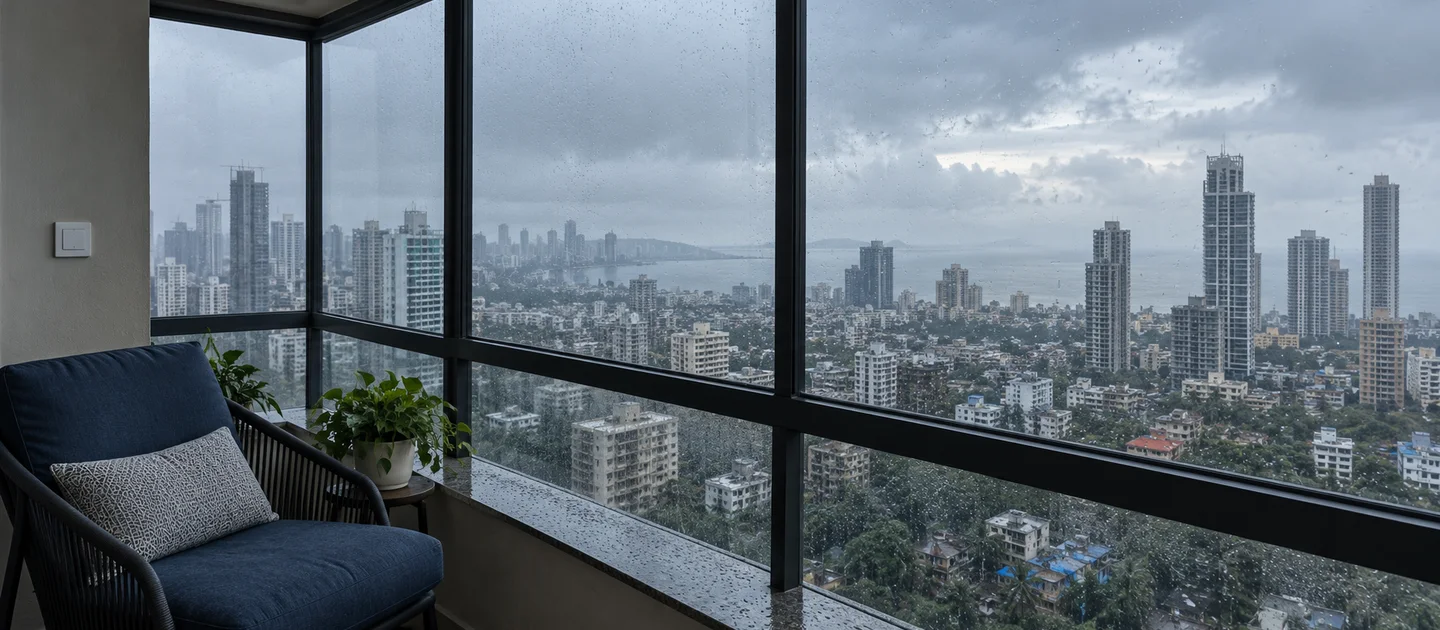
Smart home automation in Mumbai is a different problem from the same project in a villa city. The flat is small, the building is often old or very tall, the society committee has a say, and for about four months a year the air is wet. This guide covers what a Mumbai home actually needs, what to check about wiring and permissions before you spend anything, which devices cope with monsoon humidity and salt air, and how to judge an installer’s quote. For Smartify’s packages and pricing in the city, see our Mumbai smart home page; this page is the longer explanation behind it.
Short answer: start with the problems your flat really has (crowded switchboards, a main door, AC and fan control, water or humidity risk), choose an open stack (Zigbee, Z-Wave or Matter) so devices from different brands share one hub, label anything that is Wi-Fi only, no hub as such in your quote, and settle three things before you order a single device: what is behind your switch plates, what your society and builder paperwork allows, and who will look after the system through the first monsoon.
How we wrote this: statements about Smartify come from our own Mumbai page and product data. Statements about the law and the weather come from the primary sources linked in the text, checked on 17 October 2026. We name no installers and quote no Mumbai prices here, because a price that is not built from the catalogue goes stale; where we mention cost we point you to the live pages.
What a Mumbai home actually needs
Start with the size of the space. Under RERA, the law that governs new housing sales and that MahaRERA administers in Maharashtra, “carpet area” is defined as the net usable floor area of an apartment, excluding the area under external walls, service shafts, and the exclusive balcony, verandah and open terrace, and including the internal partition walls (section 2(k) of the Act). Two practical points follow. A flat advertised as a 2BHK may have less floor you can walk on than the brochure suggests, and the balcony that sea-facing flats are sold on is not part of that number. Our Mumbai page makes the related point that Mumbai homes are defined by carpet area rather than floor plan, and that a 2BHK in Andheri or Goregaon rarely has room for a second switchboard.
So the useful question is not “how many devices can I add?” but “which few jobs are worth automating?” In a compact flat the answer is usually the same short list:
| Your home | Sensible first layer | Add later |
|---|---|---|
| Compact flat in a tower (1–2BHK, e.g. the Andheri and Goregaon type) | Retrofit switches or relays behind the existing plates, an IR controller for the AC, a door sensor or smart lock | Motion sensors for passages and wardrobes, a video doorbell where the society permits it |
| Larger or sea- or lake-facing flat (3BHK and up, Worli, Powai, Juhu type) | The same switch layer, plus water-leak sensors and a lock chosen for the humid side of the door | Motorised curtains for large glass, scenes, cameras inside the flat |
| Older building, or a flat in a redeveloped tower | An electrician’s wiring check first (see the next section), then switches or relays that fit what is behind the plates | Everything else, once the base layer is reliable |
| Rented flat | Plug-in and battery devices that unmount without a trace; a hub you can take with you | Retrofit modules only if the landlord agrees and the originals can be restored |
For individual devices, our buyer’s guides go deeper than a city page can: smart switches, smart locks, which lock fits which door (important in older Mumbai buildings with a mix of wooden and metal doors), motion and door sensors and curtain motors.
Wiring reality in older Mumbai buildings
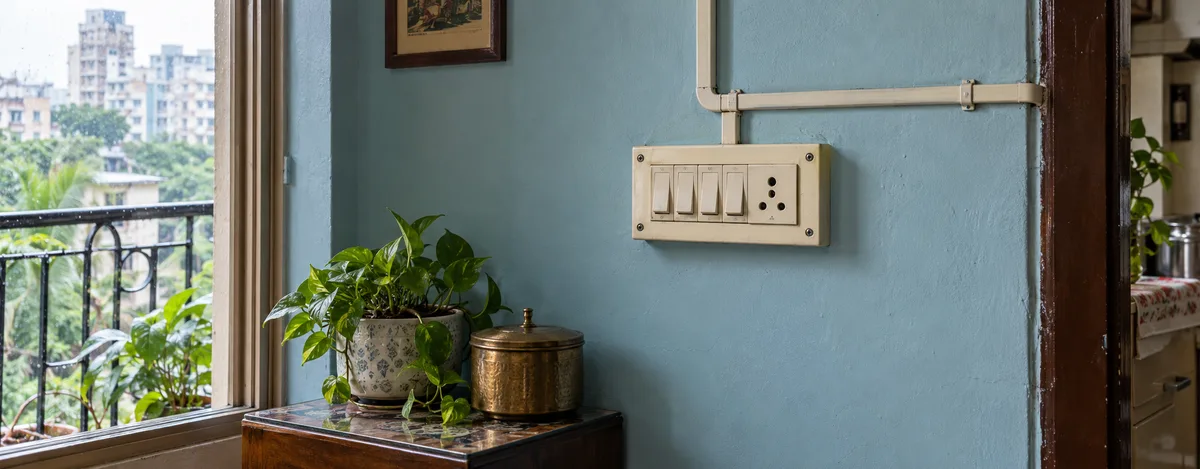
A building’s age tells you more about its wiring than its address does. A tower handed over in the last few years may have a neutral at every switchbox. An older building may not, and rooms rewired at different times can differ inside the same flat. The reason is how traditional Indian wiring works: the neutral runs straight to the light or fan, and the wall switch only breaks the live wire, so the box behind a switch plate can hold just two wires. A smart switch’s electronics must stay powered when the light is off, so most of them need that missing neutral. We explain the check and the five realistic options in Smart Switch Without a Neutral Wire in India. Read it before you buy any switch.
What to do in practice:
- Have an electrician open one box per room, with the circuit off at the MCB, and tell you what each wire is. Do not identify wires yourself or by colour. India’s wiring code, IS 732, applies to rewiring work.
- Ask about space as well as wires. If a neutral has to be added, ask whether the existing conduit has room for another wire or whether a wall would need chasing. In a flat where chasing needs permission (next section), that single answer can decide the project.
- Prefer solutions that leave the original wiring recoverable. Our Mumbai page describes retrofit modules that sit behind the existing plate and can be removed by reopening it and reconnecting the original wires. For an owner worried about walls, or a tenant, that reversibility is the main benefit.
- Check every box you plan to change. Do not assume the bedroom matches the living room.
Society permission and handover paperwork
Our Mumbai page says that almost every building has a society committee that must approve work touching common walls or the electrical shaft, and that committees tend to object to drilling, chiselling and anything entering the common shaft. A reversible, in-flat retrofit avoids most of that, but it is still worth settling in writing. Rules differ by society, so read your own registered bye-laws; in Maharashtra, housing societies commonly require the committee’s permission before a member alters their flat, and the state publishes model bye-laws that societies can adopt. We could not retrieve the official text of those bye-laws to quote a clause, so treat this as a prompt to check yours, not as legal advice.
A short, practical checklist:
- Get a written scope. Ask the installer for a one-page document that says what will be done inside the flat, that no common-area or structural work is involved, and that changes are reversible at the switchboard. Smartify’s Mumbai page describes giving such a scope document; whoever you hire, ask for it.
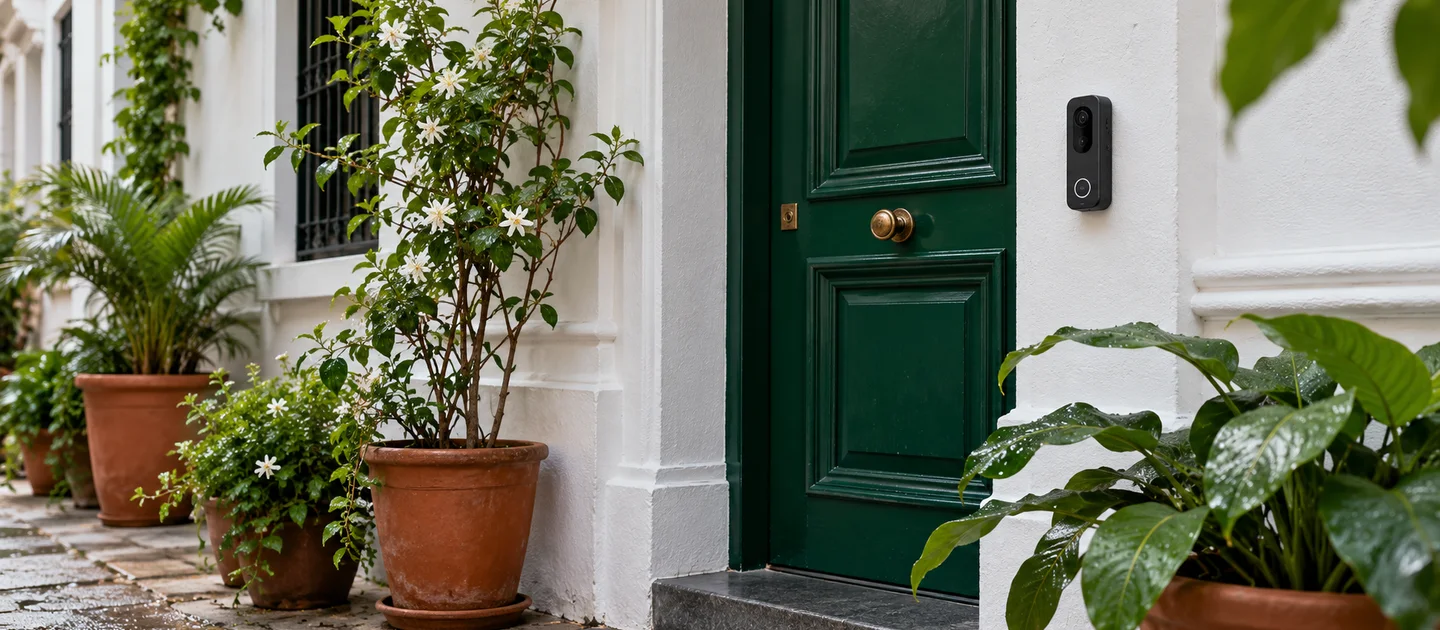
- Keep devices inside your own door. A video doorbell or camera that looks into a shared corridor or at neighbours’ doors is where objections arise. Ask the committee before fitting one, and angle any camera at your own threshold.
- Mind the lock. A smart lock changes how emergency and housekeeping access works for the flat. Tell the committee and keep a mechanical key option where the lock supports one.
If you bought a new flat recently, there is one more reason to read the paperwork first. The RERA Act requires a promoter to rectify structural defects and defects in workmanship, quality or services, at no charge and within thirty days, where the buyer notifies them within five years of handing over possession (section 14(3)). If you are inside that window, report any electrical or wall snag to the builder before adding devices, photograph the switchboxes before and after any work, and keep the installer’s scope document with your handover file. This is our practical reading of a statute, not legal advice; ask a lawyer if a real dispute arises.
Monsoon, humidity and salt air
The India Meteorological Department’s climatological table for Mumbai (1981–2010 normals) shows how concentrated the wet season is. Annual rainfall is about 2,373 mm, of which June to September account for about 2,260 mm, roughly 95 percent. July alone averages about 841 mm over about 23 rainy days, and the four monsoon months together have about 72 of the year’s 77 rainy days (IMD, Mumbai climatological table). Electronics that spent the dry months in a sealed flat then spend four months in air that is wet most days. Our Mumbai page adds that sea-facing flats in Worli and Juhu also get salt-laden air year round, which corrodes cheap contacts faster than in inland homes.
What this means for device choices and placement:
- Put electronics where moisture is least. Inside the flat, behind a sealed switch plate, is far kinder than an exposed balcony wall. Keep sensors and hubs off balcony walls and out of the splash zone of bathrooms and wash areas.
- Understand what an IP rating does and does not say. The IP code is the international scheme for the degrees of protection provided by enclosures (IEC 60529). It describes how well a case keeps out dust and water. It does not by itself tell you how a lock’s metal contacts or a sensor’s terminals behave after seasons of salty, humid air, so for a coastal flat ask the maker for any corrosion or salt-mist test evidence, not only an IP number.
- Mount the lock on the protected side. The exposed face of a balcony or terrace door takes the weather; the lock’s electronics belong on the sheltered side of the door.
- Use water-leak sensors where water can arrive. Under the kitchen sink, near the washing machine and by balcony doors are the usual spots. A leak sensor is cheap compared with a ceiling repair in the flat below.
- Plan for low-lying and ground-level homes. If your flat is at podium or ground level in a flood-prone pocket, keep the hub and any plug-in devices above the water line you have seen in past monsoons.
- Add a post-monsoon check to the support plan. Ask the installer to test every contact-heavy device (locks, door sensors, outdoor-facing switches) once the rains end, because corrosion shows up weeks after the damage starts.
Open stack first, and Wi-Fi in a crowded tower
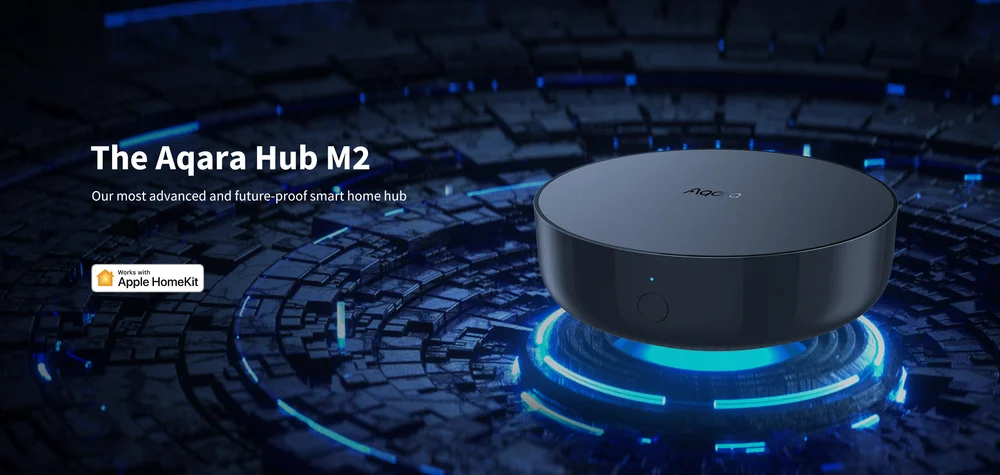
We recommend an open stack for the devices that make up the daily system, meaning Zigbee, Z-Wave or Matter, because devices from different brands can then share one hub and you are not locked to one maker’s app. Read Zigbee hub versus Wi-Fi smart home for the longer argument. Devices that join your Wi-Fi directly, with no hub, are not wrong, and cameras and video doorbells normally need Wi-Fi for bandwidth. But your quote should label them plainly, for example Wi-Fi only, no hub, so you know which parts of the system depend on your router and a vendor’s cloud and which can run locally.
Mumbai towers add a specific wrinkle. In a tower where many flats each run their own router, the 2.4 GHz band can be crowded, and Zigbee shares that band with Wi-Fi. A coexistence guide from Oscium notes that Wi-Fi channels 1, 6 and 11 use the same frequencies as Zigbee channels 11–22, that the Zigbee network is the one that suffers when they overlap, and that Zigbee channel 26 is usually the least affected but is not supported by many devices (Oscium, ZigBee and Wi-Fi coexistence). The practical answer is to ask your installer which Zigbee channel the hub uses, to have it checked against the Wi-Fi networks actually visible in your flat, and to expect a hub with a mesh of mains-powered devices to behave better than one lone hub in a corner.
Height is the other issue. Smartify’s Mumbai page says that for very tall towers a repeater or secondary hub is placed every few floors, so that a flat on a high floor performs like one on a low floor. Whoever installs, ask what they do about the floor you are on, and whether any powered switches or plugs will extend the mesh. Keep the hub and router on backup power, and choose battery-powered sensors for the security jobs you cannot afford to lose in a cut. If you want to compare protocols more deeply, see KNX versus Zigbee.
What it costs, and what drives it
We do not publish a Mumbai price in this guide, because the honest number depends on your flat. What we can tell you is what moves it. Smartify’s Mumbai page says that quotes there are driven by the number of switch points rather than floor area, which is why a compact flat with many switch points can cost the same as a larger one elsewhere. Beyond switch points, the cost levers are:
- Which jobs you automate: lighting only, or lighting plus lock, AC, sensors and curtains.
- Wiring work: if boxes need a neutral run, the electrician’s cost sits on top of the devices.
- The stack you pick: an open-stack design needs a hub; a Wi-Fi-only one does not, but depends on your router and each vendor’s cloud.
- Ongoing items: batteries, a post-monsoon check and any cloud subscriptions.
For numbers, use the live pages rather than a figure in an article: the home automation cost guide for India, the 2 BHK and 3 BHK pages, the packages page, and the cost calculator. Smartify’s Mumbai page gives a line-item quote after a site visit.
How to choose an installer in Mumbai
This section lists criteria only. We name no companies, and a place in a directory is not a recommendation. Use these tests on every quote:
- A site visit before the quote, including the boxes, the DB and the Wi-Fi. A quote written from a floor plan cannot know what is behind your plates.
- An itemised list with model numbers, the protocol of each device (Zigbee, Z-Wave, Matter, or Wi-Fi only, no hub) and the hub or controller that runs them.
- A written scope for your society saying that no structural or common-area work is involved.
- A clear answer on what works offline: which scenes run locally, and what stops when the internet or the hub is down.
- A monsoon plan: where devices will be mounted, what has been checked for humid or coastal use, and when the post-monsoon check happens.
- Handover you own: accounts in your name, a device inventory, a configuration backup and a restore process if the hub is replaced.
- Warranty and support in writing, including who comes to the flat, how quickly, and what is excluded.
- References from your own building or a nearby one, ideally a system that has been through a monsoon.
The Mumbai installer directory lists local companies you can compare against this checklist. Check each one yourself; Smartify does not vouch for the listings.
Frequently Asked Questions
1. Do I need to break walls for smart home automation in a Mumbai flat?
Not necessarily. Retrofit modules fit behind existing switch plates, and sensors, plugs, IR controllers and most locks need no wall work. The exception is a switchbox with no neutral wire, where an electrician may need to run one; see our no-neutral guide. If wall work is involved, the society’s permission and, in a recent handover, the builder’s defect-liability position are worth checking first.
2. Will my society allow it?
It depends on your own registered bye-laws and committee. Work that stays inside your flat, touches no common wall or shaft and is reversible at the switchboard is the least likely to be objected to, and a written scope helps. Devices that look into shared corridors, and anything that changes how access to the flat works, are where discussions start. Ask before you fit them.
3. Will smart devices survive Mumbai’s monsoon and salt air?
Many do, if they are placed well. Keep electronics inside and sheltered, away from balcony walls and wet areas, mount locks on the protected side of the door, and ask for corrosion or salt-mist test evidence for a coastal flat, not just an IP rating. A post-monsoon check catches corrosion early. Cheap contacts are the usual first failure.
4. Does wireless range become a problem on a high floor?
It can if the design ignores height. A Zigbee mesh relays through mains-powered devices rather than every device talking to one hub, and for very tall towers a repeater or secondary hub every few floors keeps a high flat performing like a low one. Ask your installer how they will cover your floor and which channel the hub will use.
5. Should I choose Wi-Fi devices or Zigbee/Matter?
For switches, sensors and locks, we recommend an open stack (Zigbee, Z-Wave or Matter), so brands can share one hub. For cameras and video doorbells, Wi-Fi is normal. Wherever a device is Wi-Fi only, no hub, the quote should say so, because it depends on your router and the maker’s cloud. Our Zigbee versus Wi-Fi guide explains the trade-offs.
6. Can I take the system with me when I move?
Mostly yes. Hubs, sensors, cameras and locks unmount and can be set up again in the next flat, and retrofit modules are reversible by reopening the plate and reconnecting the original wiring. That is a major reason to keep original wiring recoverable and to keep accounts in your own name.
Talk to us about your Mumbai flat
If you would like a second opinion before you spend anything, send us photos of one switchbox, the main door and your DB on WhatsApp, along with your area and floor, and we will tell you honestly which parts are straightforward and which need an electrician first. Message Smartify on WhatsApp, or see Smartify’s Mumbai page for packages and the free consultation.