Motion & Door Sensor Guide for Indian Homes
Which motion or door sensor for a wardrobe, stairs, bathroom, entry door, elderly parent or pet? PIR vs microwave vs mmWave, hub vs Wi-Fi, with real prices.

By Abhi Bavishi
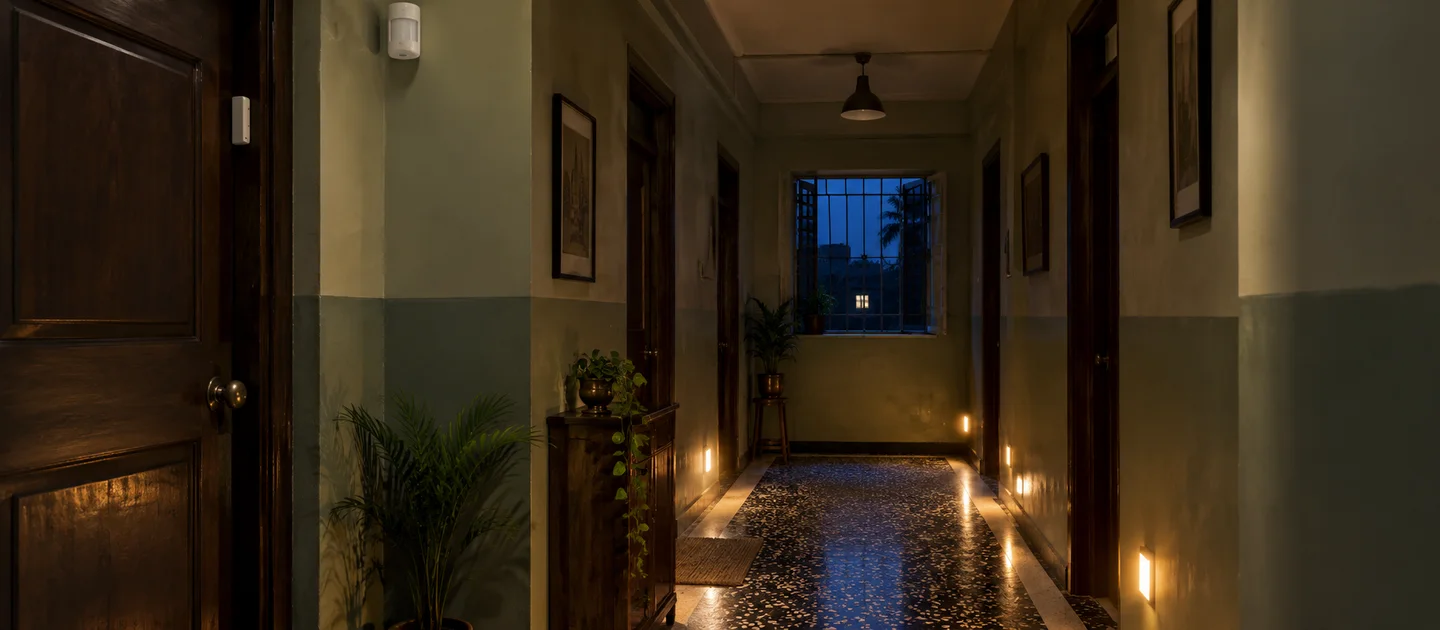
The right sensor depends on the spot you are fixing, not the brand. A wardrobe needs something that reacts to the door, a staircase needs motion plus a darkness check, a bathroom needs presence that survives you sitting still, and the front door needs a contact sensor. Choose the spot first, then the technology, then decide whether you want a stand-alone sensor that switches one light or a Zigbee sensor that feeds a whole-home system.
Short answer: for one light that should come on by itself (wardrobe, staircase, store room), a stand-alone sensor from ₹799 needs no hub and no app. For phone alerts and automations across rooms, use an open-stack Zigbee sensor such as Aware Motion (₹5,700) for movement or Aware Contact (₹3,900) for doors, on one gateway (Core LAN, ₹8,100). For rooms where people sit still, such as bathrooms, bedrooms and home offices, use an mmWave presence sensor such as Aware Wave Pro (₹13,050).
How we wrote this: Smartify sells every product named below. Prices and specifications are the ones on each product page on 16 October 2026, so check the page for the current figure. We have not lab-tested these sensors; technical statements come from the product pages or from the sources linked in the text.
Quick picks: which sensor for which spot
| Where | Best sensor type | Example we stock | Needs a hub? |
|---|---|---|---|
| Wardrobe or cupboard light | Door-triggered light sensor | WatchDog Wardrobe Sensor (₹2,499) | No, stand-alone |
| Staircase or corridor, one light | PIR with an adjustable darkness setting | PIR Motion Sensor Ceiling Mounted WD31C (₹799) | No, stand-alone |
| Staircase or corridor, smart home | Zigbee PIR with a light-level reading | Aware Motion (₹5,700) | Yes, Zigbee gateway |
| Bathroom or washroom | mmWave presence (or PIR with a long delay) | Aware Wave Pro (₹13,050) | Yes, Zigbee gateway |
| Entry door alert on your phone | Door and window contact sensor | Aware Contact (₹3,900) | Yes, Zigbee gateway |
| Intruder detection inside the home | Door contacts first, then motion | Aware Contact (₹3,900), plus WatchDog Microwave Sensor (₹3,499) for a siren or light | Contacts yes; the microwave sensor no |
| Elderly care and presence | mmWave presence, plus a contact sensor on the medicine cabinet | Aware Wave (₹9,297) | Yes, Zigbee gateway |
| Homes with pets | Contact sensors on entrances; motion only where pets cannot go | Aware Contact (₹3,900) | Yes, Zigbee gateway |
| Safe, locker or window tamper | Vibration sensor | Aware Vibration (₹5,100) | Yes, Zigbee gateway |
One Core LAN (₹8,100) serves every Zigbee sensor, switch and lock in the house, so the gateway is a one-off cost rather than a per-sensor one. Browse everything we stock in motion sensors, door and window sensors and all sensors.
PIR, microwave and mmWave: what each one senses
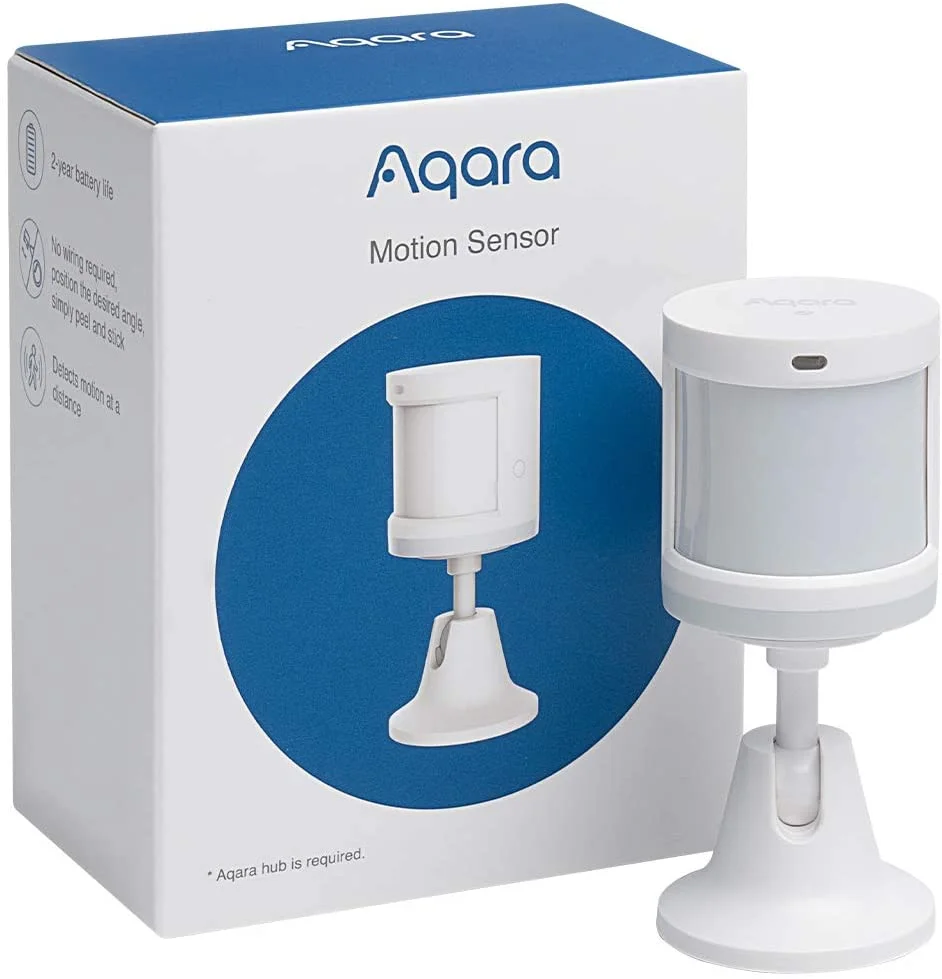
Three technologies sit behind most home motion sensors. They fail in different ways, which is why the right one changes from room to room.
| Type | What it senses | Good for | Struggles when |
|---|---|---|---|
| PIR (passive infrared), e.g. PIR Motion Sensor Ceiling Mounted WD31C, Aware Motion | The heat of a body moving across its view | Corridors, stairs, store rooms, entrances | Someone sits still; sunlight, heaters or air vents change the temperature in its view; glass is in the way |
| Microwave radar, e.g. WatchDog Microwave Sensor | Movement, from reflected radio waves | Concealed mounting; covering a room from behind a panel | It also sees through glass and thin walls, so people on the other side can trigger it |
| mmWave presence radar (24 GHz), e.g. Aware Wave, Aware Wave Pro | Presence, including the tiny movements of breathing | Bedrooms, bathrooms, desks, any room where people sit or lie still | Moving objects such as ceiling fans or curtains are in view and it is not tuned |
Per Homey’s PIR-versus-mmWave explainer, PIR sensors respond to heat and can be falsely triggered by rapid heat change such as direct sunlight or heating vents, and they need a clear view, so furniture or glass can block them. mmWave sensors are unaffected by heat, can register a still person, and can be set off by moving objects such as ceiling fans or rustling curtains if not configured properly. Radar can also pass through light materials such as drywall and curtains, which helps placement but means you should think about what is on the other side of a thin wall.
Two product-page facts matter here. Aware Motion is a PIR sensor, so its page says it needs motion rather than static presence to trigger. The WatchDog Microwave Sensor page says it detects motion through doors, panes of glass and thin walls. Neither is a fault; each is the nature of the technology, and each decides where the sensor should go.
Wardrobe and cupboard light
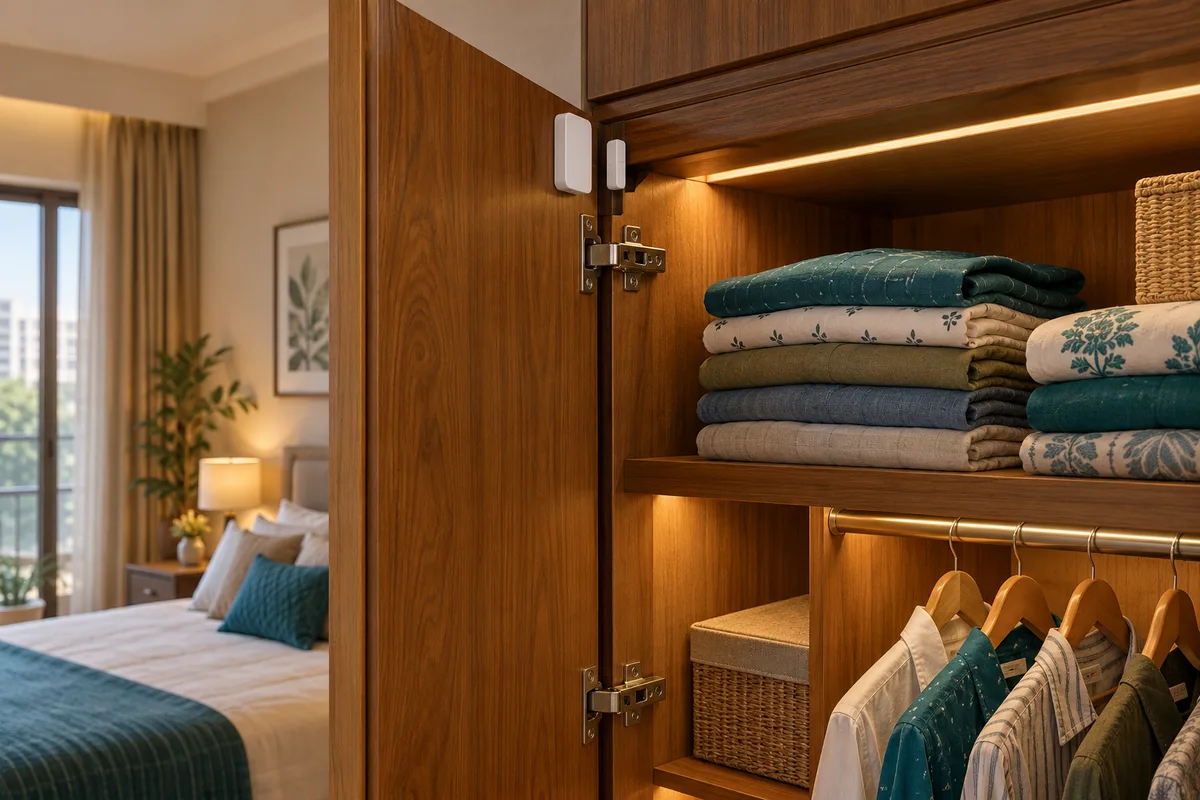
Wardrobe lighting is a door job, not a movement job. WatchDog Wardrobe Sensor (₹2,499) is built for it: its product page says it senses whenever the wardrobe door is opened and lights the inside instantly, works with most AC and DC lights, is rated at 6 A on a 230 V supply, and lists wardrobes, kitchen cabinets, bedroom closets, safes and utility rooms as places it suits. It is stand-alone, so there is no app, hub or Wi-Fi to set up.
The smart-home alternative is Aware Contact (₹3,900). Its product page lists wardrobe lights that come on the moment the door swings open as one use, but the sensor does not switch electrical loads, so you also need a relay such as Layer Relay 1 (₹4,500) and a gateway. That is more money for a single wardrobe, and worth it only if you already run a Zigbee gateway or want to log when a cupboard is opened.
A ceiling PIR is the wrong tool inside a wardrobe: it is built to cover a room, not a small dark box. Choose the wardrobe sensor, or a contact sensor on the door.
Staircase and corridor
Corridors and stairs are where PIR works best, because people are moving and you want the light on only when it is dark. For one staircase light, the stand-alone PIR range is enough. The PIR Motion Sensor Ceiling Mounted WD31C (₹799, ceiling) and PIR Motion Sensor Wall Mounted WD31W (₹1,600, wall) pages list a 0 to 7 m detecting distance, 360 degree angle, an adjustable delay of 10 seconds to 7 minutes and an adjustable ambient-light setting of 3 to 2000 lux, so the light stays off in daylight. Both list a load power of up to 300/1200 W and incandescent, LED, CFL and fan loads.
In a smart home, Aware Motion (₹5,700) adds a light-level reading and a 120 degree, 8 m detection range, and tells your automation system when someone approaches. It reports to the gateway and does not switch the light itself, so you also need a relay or smart switch on the light circuit. For the first light the full cost is the sensor, a relay such as Layer Relay 1 (₹4,500) and the Core LAN gateway (₹8,100); every later sensor reuses the same gateway.
Mount the sensor where it sees someone approaching the stairs, not where it looks across the stairwell, and fit one at each end of a long flight if a single sensor cannot see both.
Bathroom and washroom
A bathroom is where PIR-controlled lights and fans annoy people most: you sit or stand still, the sensor stops seeing movement, and the light switches off. There are two fixes.
- Long delay on a PIR sensor. The stand-alone PIR sensors above let you set the delay up to 7 minutes, which covers most visits but not a long shower with the curtain drawn.
- An mmWave presence sensor. The Aware Wave Pro (₹13,050) page describes it as designed for rooms where PIR fails, such as bathrooms and meeting rooms, with a 0.3 to 9 m configurable range, sensitivity from 0 to 9 and a disappearance delay from 0.5 seconds to 25 minutes. The page’s own example for a small bathroom is a 2 m range with a 30 second delay. It is wired to the AC mains at the ceiling point, so it needs a wiring point and a Zigbee gateway, and it does not switch the light itself.
Whatever you choose, keep the sensor out of direct shower spray and check its humidity rating. The stand-alone WatchDog PIR pages list a working humidity below 93% RH; the Aware Wave Pro page lists a temperature range but no humidity figure, so ask us before fitting it inside a wet area.
Entry door and window alerts
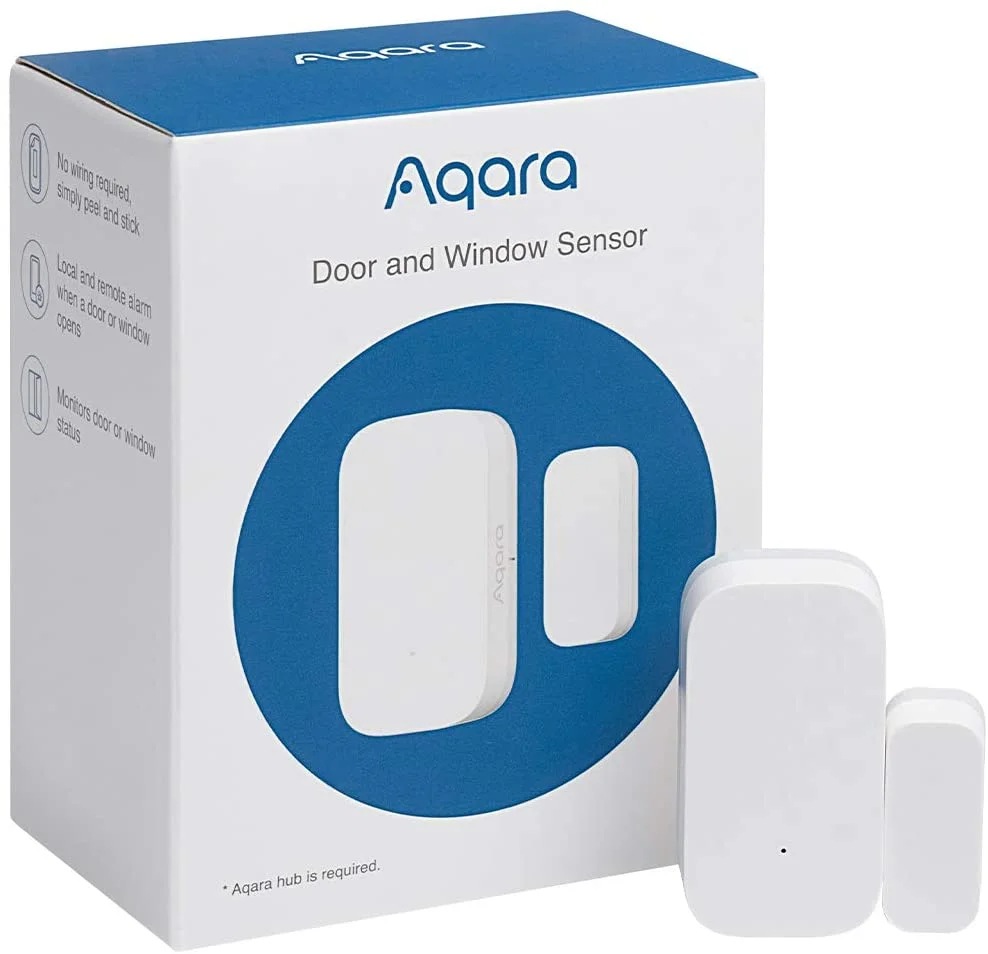
A contact sensor is two small parts, one on the frame and a magnet on the door, that tells you when the door opens or closes. It is the most reliable security sensor in a home because it measures one simple fact. Aware Contact (₹3,900) is a Zigbee 3.0 sensor on a replaceable CR2032 battery with a low-battery alarm; it surface-mounts with adhesive or screws, and its page says it needs a Zigbee coordinator or hub and automation rules on that hub to act.
No hub or hub? Most door sensors need a gateway, and that is the route we recommend: one Core LAN (₹8,100) serves every sensor, lock and switch whatever the brand, and the app that runs on it can send a notification to your phone when a door opens. A Wi-Fi-only sensor needs no gateway and is quick to set up, but it normally works only inside its own brand’s app. The one Wi-Fi door sensor in our listing, the Qubo Smart Door / Window Sensor, is listed out of stock in our product data on 16 October 2026, and its page says it works only with the Qubo Smart Indoor Camera. So “a Wi-Fi door sensor that alerts my phone with no hub” is possible in principle, but not something we can sell you today, and not one we would recommend as your first choice.
Other stocked options, with their catch stated: Aqara Door and Window Sensor (₹2,300) is Zigbee, but its page says automation flows need the Aqara Smart Home Hub; Confio Smart Door / Window Sensor (₹7,999) is Z-Wave and needs a Z-Wave hub. Both are on the door and window sensors page.
Intruder detection inside the home
Put contact sensors on the doors and windows an intruder would use, then add motion sensors for the rooms that matter. A door sensor tells you the moment someone enters; a motion sensor tells you someone is already inside. Motion alone triggers on anything that moves, so it works best as a second layer.
If you want a stand-alone motion sensor to switch a siren or light, the WatchDog Microwave Sensor (₹3,499) page lists a 1 to 8 m range, 360 degree coverage, a recommended mounting height of 1.5 to 3.5 m and a time delay of 10 seconds to 12 minutes. Because it senses through glass and thin walls, do not aim it at a window or a thin partition shared with a corridor or a neighbour. Stand-alone sensors switch a load; they do not send a message to your phone.
For a safe, a locker or a window you want to watch for tampering, a vibration sensor such as Aware Vibration (₹5,100) reports that something was moved even if nothing opened. For a wider security plan, see our guide to smart home security in India.
Elderly care and presence
For a parent living alone, the useful questions are quiet ones: is the bedroom light staying on while someone reads, did the bathroom light come on at night, was the medicine cabinet opened. An mmWave sensor such as Aware Wave (₹9,297, USB powered, 24 GHz, with a built-in light sensor) detects presence, not just movement, so lights stay on for someone sitting or lying still. Its page notes it picks up micro-movements such as breathing. A Aware Contact on the medicine cabinet can send a notification if it opens at odd hours; the product page lists this as a use.
Be clear about the limit: none of these product pages claim fall detection, vital-sign monitoring or any medical function, so treat these sensors as comfort and awareness tools and not as an emergency system. And agree the setup with the person it watches; a sensor in someone’s bedroom should be their choice too.
Homes with pets
Our sensor product pages do not publish a pet-immunity rating, so do not assume any sensor ignores a cat or a dog. A warm animal moving through a PIR sensor’s view, or a moving animal in front of a radar sensor, can trigger either. Plan around it:
- Use door and window contact sensors for security: they report whether a door or window opened, not what moved, so pets are far less likely to set them off.
- Arm interior motion sensors only when the pets are in a closed room, or place them where the animals do not go.
- For stairs and corridors, a light that comes on for a pet at night is usually harmless, and PIR remains the right choice there.
Zigbee or Matter versus Wi-Fi only
We recommend an open stack first (Zigbee, Z-Wave or Matter): sensors from different brands share one gateway, you can add rooms without another app, and Zigbee suits low-power battery sensors. The trade-off is the gateway (₹8,100 for Core LAN) and a little more setup. The Smartify Aware sensors list Amazon Alexa, Google Home and Apple HomeKit support through a gateway; for how the standards fit together, read our Zigbee hub versus Wi-Fi guide.
Products we label “Wi-Fi only, no hub” connect straight to your router, so there is nothing extra to buy and setup is quick. The trade-offs are that they usually work only in that brand’s own app and each one adds load to your Wi-Fi. Stand-alone WatchDog sensors are a third kind: no wireless at all, no app and no hub, which is exactly why they suit a single stair or wardrobe light, and exactly why they cannot start scenes or send phone alerts.
Placement, height, angle and false triggers
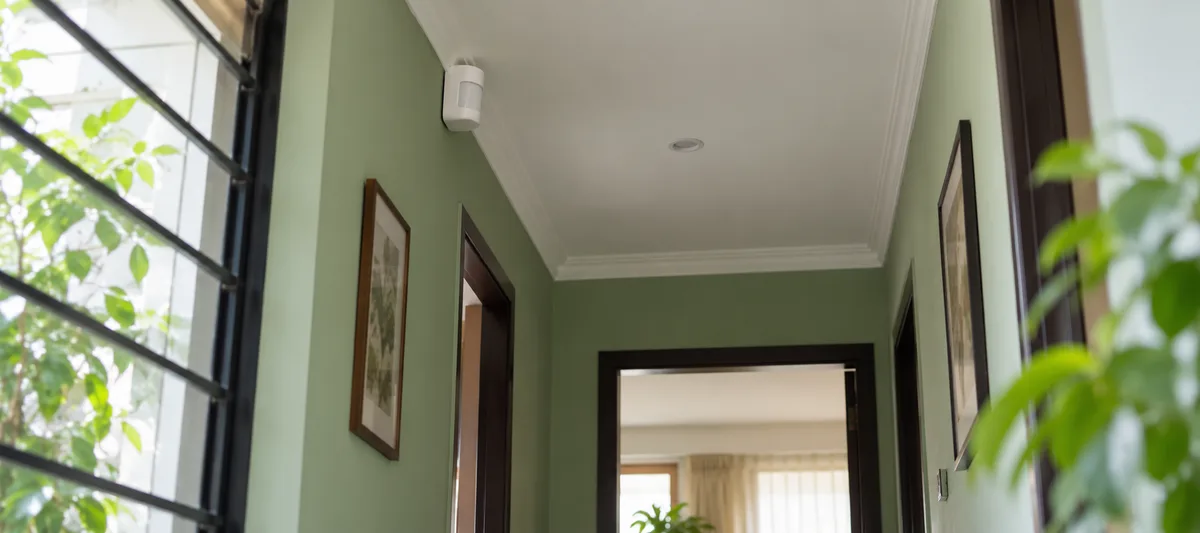
- Follow the product page’s mounting height. The stand-alone PIR sensors list an installation height of 2.2 to 4 m; the WatchDog Microwave Sensor page recommends 1.5 to 3.5 m.
- Keep PIR sensors away from heat and draughts. Do not aim them at a window in direct sun, a heater or an air-conditioner outlet; rapid temperature change in their view is a known cause of false triggers (Homey’s PIR-versus-mmWave explainer).
- Check radar sensors for moving objects. Ceiling fans and curtains in view can trigger radar sensors, so use the sensitivity and delay settings, such as the 0 to 9 sensitivity range on Aware Wave Pro.
- Aim across the path, not along it. A PIR sensor usually notices movement across its field of view more readily than movement straight towards it, so angle the sensor to the side of the doorway or stairs.
- Tune the delay. Too short and the light switches off while you are in the room; too long and it stays on for minutes after you leave.
- Plan for power cuts. Stand-alone sensors run on mains, so they stop when the power does unless the light circuit is on an inverter. Zigbee battery sensors keep working, but the gateway and your router also need backup power.
Battery and power
We do not quote battery-life figures for the Aware sensors, because their product pages do not give one. What the pages do give: Aware Motion runs on a replaceable CR2450 coin cell with a low-battery warning; Aware Contact on a replaceable CR2032 with a low-battery alarm; Aware Vibration on two AAA batteries and a 30-minute heartbeat, and its page says it lasts months between replacements. Aware Wave takes USB power (5 V, 0.5 W) and Aware Wave Pro is wired to AC mains. The stand-alone WatchDog sensors are mains-powered, with no batteries at all. Practical advice: fit sensors with low-battery alerts, keep a few spare coin cells, and put mains-powered sensors where you want zero maintenance.
Frequently asked questions
Which motion sensor is best for a wardrobe?
A sensor that reacts to the door. The WatchDog Wardrobe Sensor (₹2,499) lights the inside whenever the wardrobe door is opened, with no app or hub. If you already run a Zigbee gateway, Aware Contact (₹3,900) with a relay does the same job and can also log when the door opens.
What is the difference between PIR, microwave and mmWave sensors?
PIR senses the heat of a body moving across its view and is the right choice for corridors and stairs. Microwave sensors detect movement by radio waves and can sense through glass and thin walls. mmWave presence sensors use higher-frequency radar to detect people who are sitting or lying still, so they suit bathrooms, bedrooms and desks. Each fails differently: PIR when you sit still, and radar when fans or curtains move.
Is there a Wi-Fi door sensor that alerts my phone without a hub?
In principle yes, but the one in our listing, the Qubo Smart Door / Window Sensor, is listed out of stock and works only with the Qubo Smart Indoor Camera. We recommend a Zigbee contact sensor such as Aware Contact (₹3,900) with one gateway (₹8,100 for Core LAN), because that gateway then serves every other sensor, lock and switch. A Wi-Fi-only sensor would be labelled “Wi-Fi only, no hub” and usually ties you to one brand’s app.
Why does my bathroom light switch off while I am still inside?
PIR sensors need movement. If you sit or stand still the sensor sees nothing and the light times out. Lengthen the delay (the stand-alone PIR sensors go up to 7 minutes) or use an mmWave presence sensor such as Aware Wave Pro, which detects a still person.
Will pets set off a motion sensor?
They can. None of our sensor product pages publish a pet-immunity rating, so do not assume one. Use door and window contact sensors for security, and arm indoor motion sensors only when pets are in a closed room.
How long do door and motion sensor batteries last?
The Aware product pages do not state a figure, so we do not quote one. Aware Motion uses a replaceable CR2450 cell and Aware Contact a replaceable CR2032, and both warn you when the battery is low. Stand-alone WatchDog PIR and microwave sensors are mains-powered and need no batteries.
Not sure which sensor fits? Ask on WhatsApp
Tell us the room, the door or the person you are worried about, and a photo of the spot if you can. We will tell you whether a stand-alone sensor is enough or whether a Zigbee sensor is worth it. Message Smartify on WhatsApp, or use the contact page.