Home Automation Cost in India 2026: Price Guide
Home automation cost in India 2026: compare wireless, Zigbee, Matter and wired systems, room-by-room budgets, hidden fees, and ways to start small.

By Abhi Bavishi
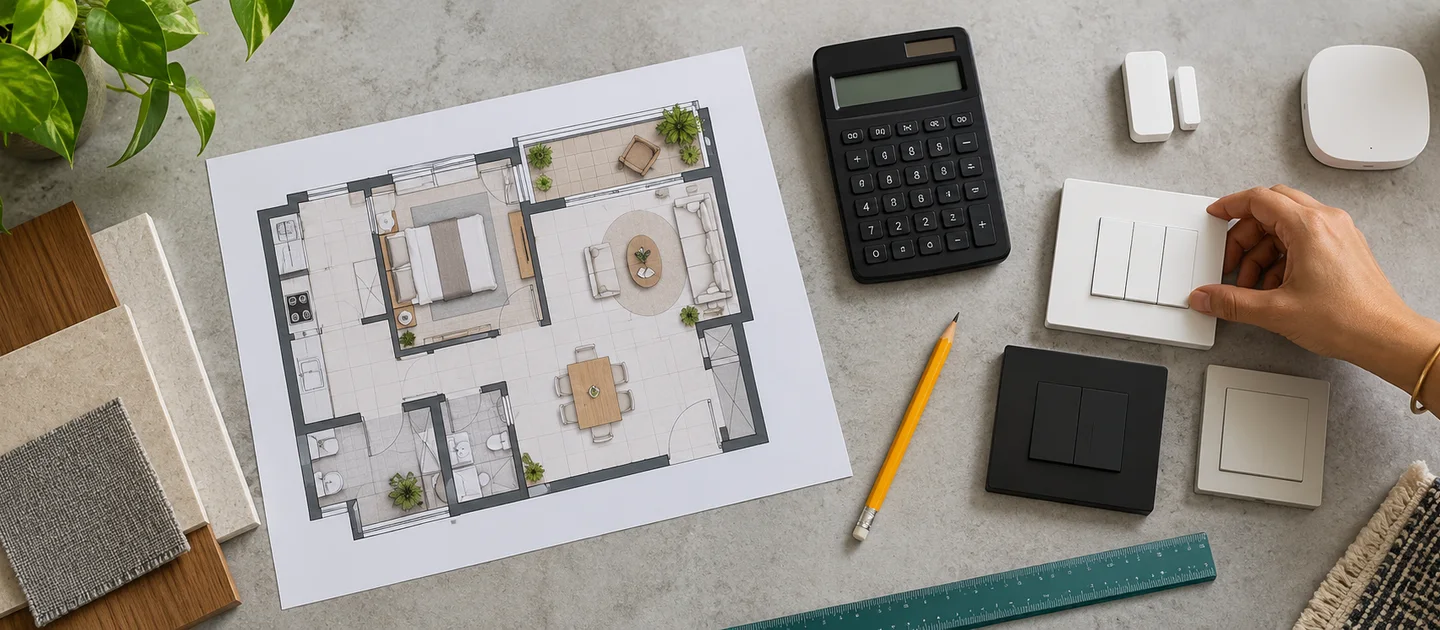
Planning to transform your house into a smart home? The first question that hits everyone is: "How much will home automation cost in India?" And honestly, the answer isn't straightforward—it can range from ₹25,000 for a basic 1BHK setup to over ₹15 lakhs for a fully automated luxury villa.
In this comprehensive guide, we'll break down every aspect of home automation costs in India for 2026, from brand-wise pricing to hidden expenses you never knew existed. Whether you're in Mumbai, Bangalore, or a tier-2 city, we've got you covered with real-world pricing data.
Quick Overview: What Does Home Automation Cost in India?
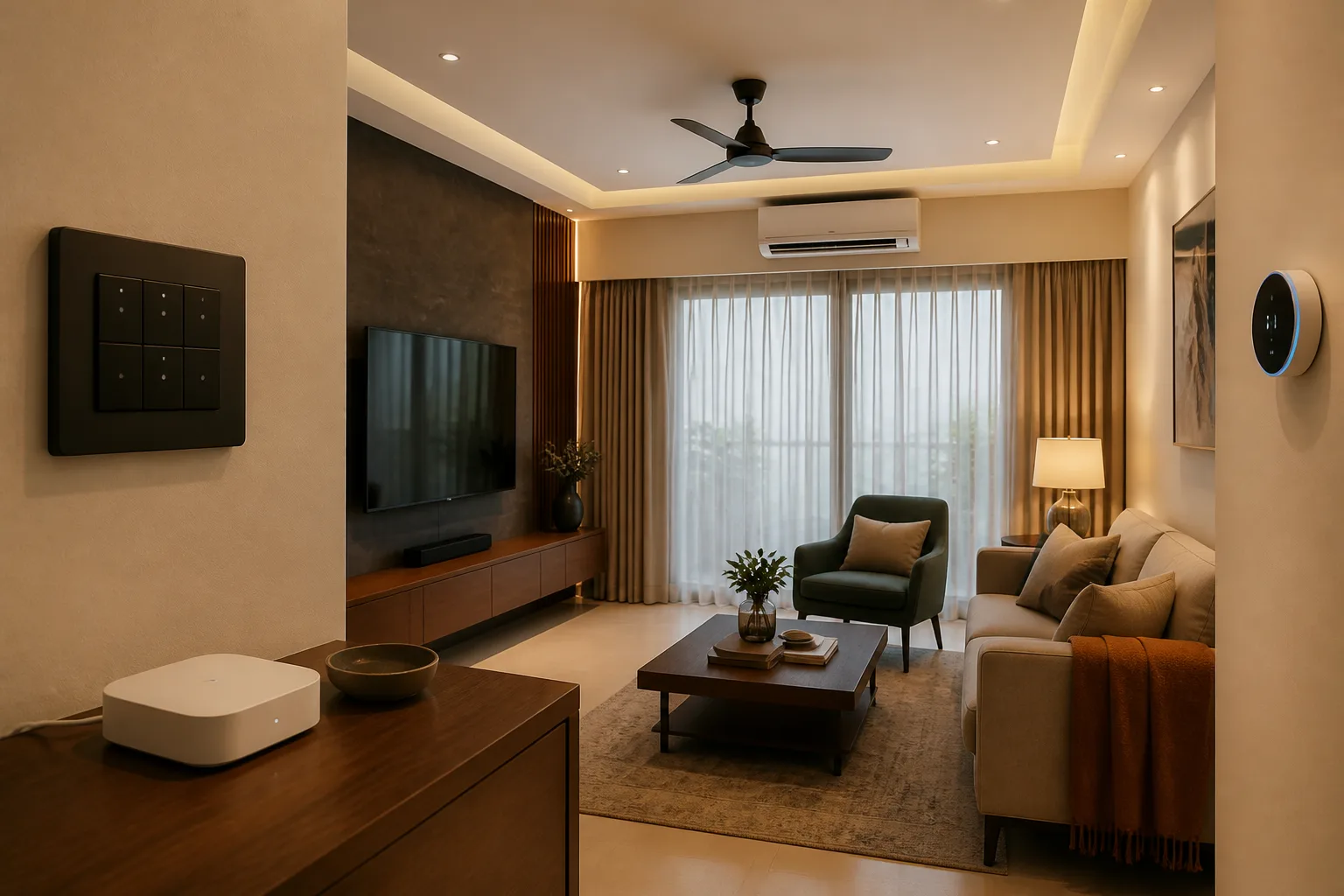
Before we dive deep, here's a quick snapshot of what you can expect to spend based on your home size:
| Home Type | Basic Setup | Mid-Range | Premium |
|---|---|---|---|
| 1BHK Apartment | ₹25,000 - ₹50,000 | ₹50,000 - ₹1,00,000 | ₹1,00,000 - ₹1,50,000 |
| 2BHK Apartment | ₹50,000 - ₹1,00,000 | ₹1,00,000 - ₹2,00,000 | ₹2,00,000 - ₹3,00,000 |
| 3BHK Apartment | ₹1,00,000 - ₹2,00,000 | ₹2,00,000 - ₹3,50,000 | ₹3,50,000 - ₹5,00,000 |
| 4BHK/Villa | ₹2,00,000 - ₹5,00,000 | ₹5,00,000 - ₹10,00,000 | ₹10,00,000 - ₹15,00,000+ |
Want a personalized estimate? Try our Smart Home Cost Calculator to get an instant breakdown based on your exact requirements.
Understanding the Cost Factors in Smart Home Automation
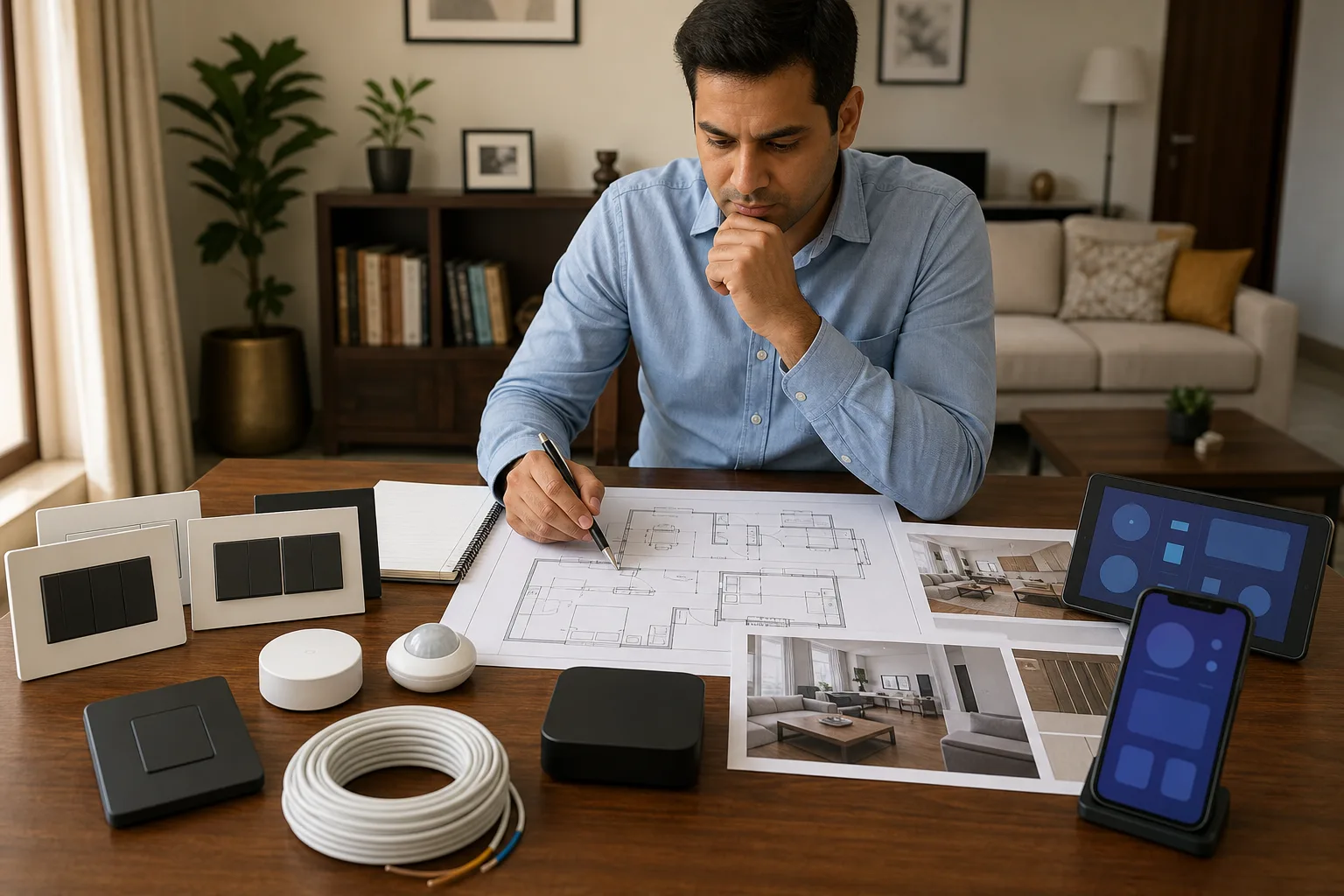
The cost of automating your home isn't just about buying smart switches and calling it a day. Several factors influence your final bill:
1. Home Size and Layout
Obviously, a 3BHK will cost more than a 1BHK, but it's not just about the number of rooms. Ceiling height (for motorized curtains), number of windows, balconies, and even your electrical wiring setup matter. Older homes might need rewiring, which adds ₹10,000-₹30,000 to your budget.
2. Brand Selection
This is where costs can swing wildly. Entry-level brands like Aqara start at ₹25,000 for a basic setup, while premium brands like Fibaro or Lutron can easily cross ₹1 lakh. We'll dive deeper into brand-wise pricing shortly.
3. Automation Level
Are you automating just lighting, or going full throttle with climate control, security, entertainment, and energy management? A basic lighting + fan automation setup costs 40-50% less than a comprehensive whole-home solution.
4. Installation Complexity
DIY-friendly systems like Aqara can save you ₹5,000-₹15,000 in installation costs. High-end systems usually require professional installation, adding 15-20% to your total hardware cost.
5. Your Location
Installation costs in Mumbai or Bangalore are 20-30% higher than in tier-2 cities like Indore or Coimbatore. Labour charges, travel time, and local demand all play a role.
Brand-Wise Home Automation Costs in India (2026)
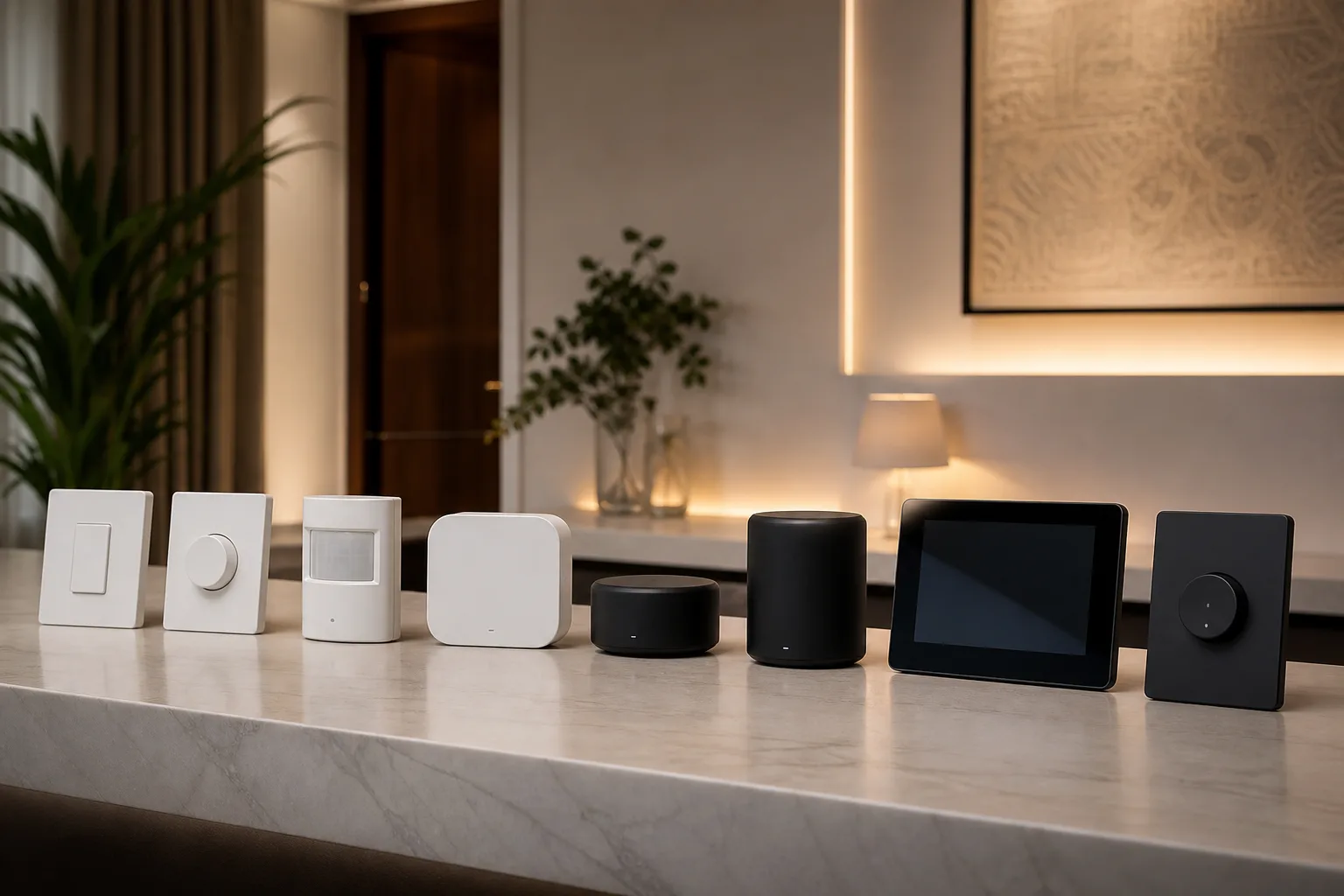
Let's talk brands. Choosing the right smart home ecosystem is crucial because it determines not just your upfront cost, but also long-term expandability and support.
Budget-Friendly: Aqara (₹25,000 - ₹80,000)
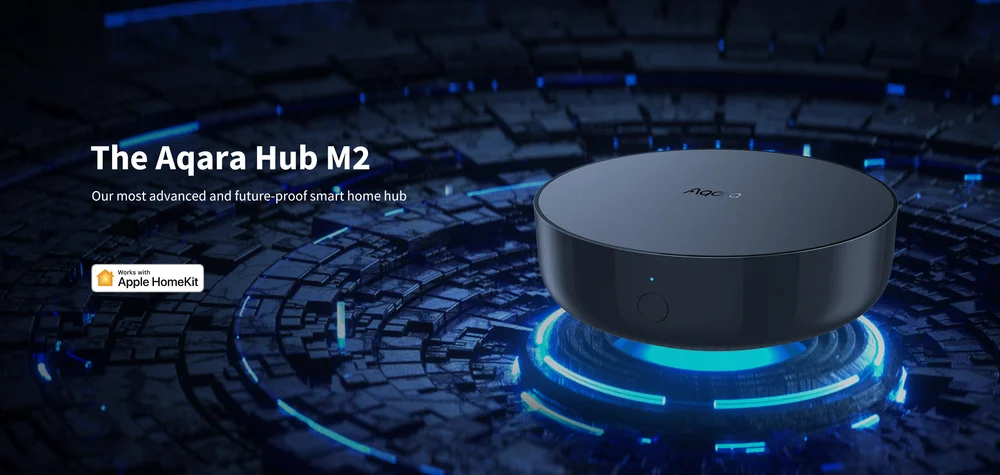
Best for: First-time smart home users, renters, DIY enthusiasts
Aqara has disrupted the Indian market with its incredibly affordable, feature-rich devices. A typical 2BHK automation with Aqara costs around ₹50,000-₹70,000, including:
- Hub (₹4,500)
- 10-12 smart switches (₹1,200-₹2,500 each)
- 4-6 motion sensors (₹900 each)
- 2-3 door/window sensors (₹800 each)
- Smart curtain motors (₹8,000 per window)
Pros: Extremely affordable, easy DIY installation, works with Apple HomeKit, Google Home, and Alexa
Cons: Requires a hub, limited premium features
Calculate your Aqara setup cost: Aqara Cost Calculator
Mid-Range: Schneider Wiser (₹50,000 - ₹2,00,000)
Best for: Homeowners wanting a balance of reliability and affordability
Schneider Electric's Wiser range is India's most popular mid-range option. Trusted brand, solid build quality, and decent smart features. A 3BHK setup typically costs ₹1,20,000-₹1,80,000.
- Gateway (₹8,000)
- Smart switches (₹2,500-₹4,500 each)
- Touch panels (₹12,000-₹18,000)
- Energy monitoring modules (₹6,000 each)
Pros: Established brand, energy monitoring, good after-sales support
Cons: Pricier than Aqara, fewer integrations
Get a custom quote: Schneider Wiser Calculator
Indian Premium: Tata eZhome (₹40,000 - ₹1,50,000)
Best for: Those who prefer Indian brands with strong local support
Tata's smart home solution combines affordability with the trust of an Indian conglomerate. A 2BHK setup ranges from ₹80,000-₹1,20,000.
- Smart switches (₹2,000-₹3,500 each)
- Smart IR remotes (₹4,500)
- Video doorbell (₹15,000)
- Pan-tilt cameras (₹8,000-₹12,000)
Pros: Made in India, responsive support, competitive pricing
Cons: Limited ecosystem compared to global brands
Explore Tata eZhome pricing: Tata eZhome Calculator
Premium: Fibaro (₹1,00,000 - ₹5,00,000+)
Best for: Luxury homes, tech enthusiasts, commercial spaces
Fibaro is the Mercedes of smart homes—sleek, powerful, and expensive. A fully automated 3BHK villa can easily cross ₹3-4 lakhs with Fibaro.
- Home Center hub (₹45,000-₹60,000)
- Smart modules (₹4,000-₹8,000 each)
- Flood sensors, smoke detectors (₹6,000-₹10,000 each)
- Advanced scene controllers (₹15,000+)
Pros: Extremely powerful automation, Z-Wave reliability, unlimited customization
Cons: Very expensive, requires professional installation
Premium automation pricing: Fibaro Cost Calculator
Luxury: Lutron, Crestron, Control4 (₹3,00,000 - ₹20,00,000+)
Best for: Ultra-luxury homes, celebrity residences
These are the Rolls-Royce of home automation—bespoke, professionally installed, and eye-wateringly expensive. A single Lutron Homeworks QSX system can cost ₹5-7 lakhs just for lighting control in a villa.
We won't dive deep here because if you're considering these brands, cost is likely not your primary concern!
Room-by-Room Cost Breakdown
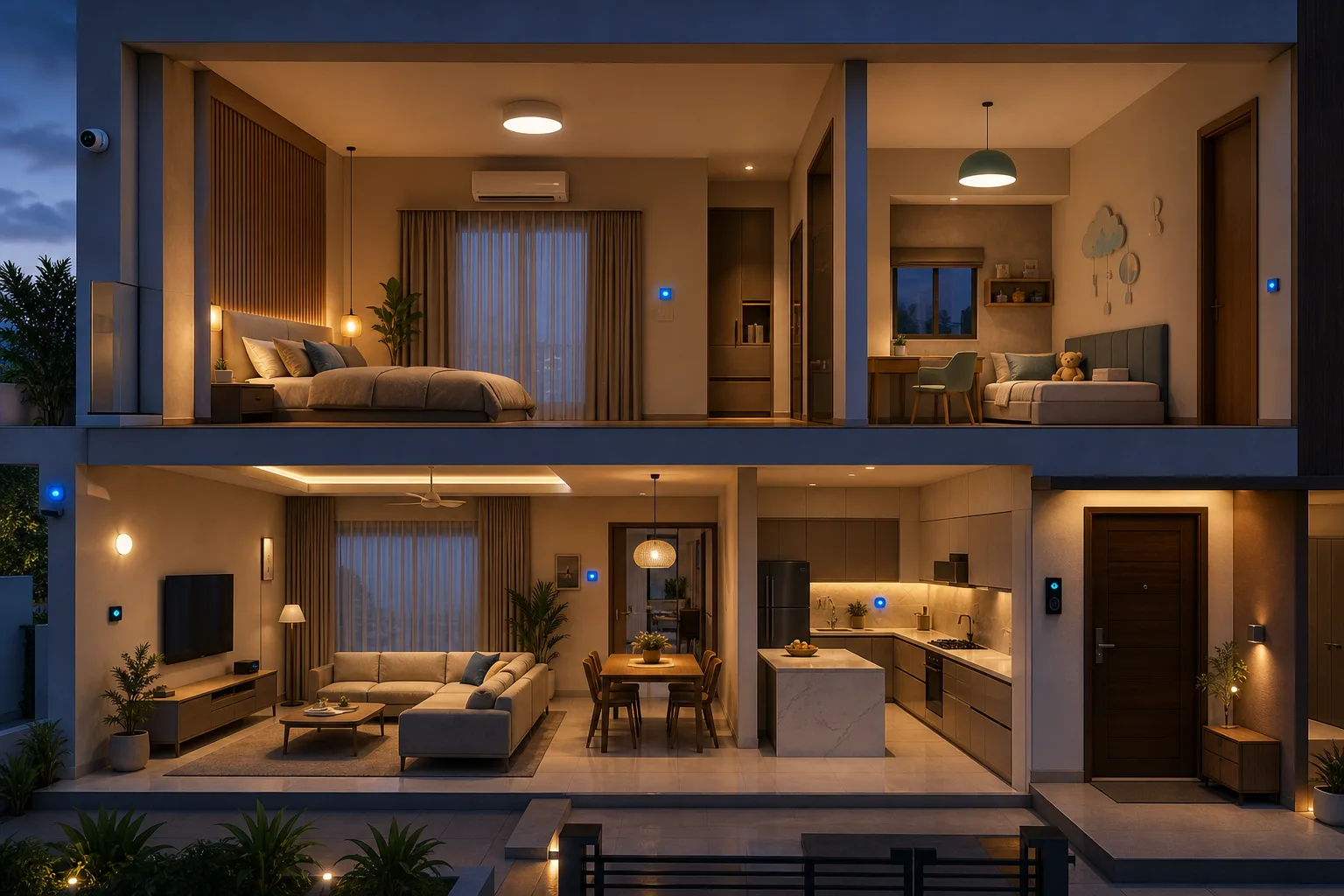
Let's get granular. Here's what it costs to automate each room in your home:
Living Room Automation (₹15,000 - ₹80,000)
Your living room is the heart of your home, and usually where people start their smart home journey.
| Component | Budget Option | Premium Option |
|---|---|---|
| Smart Lighting (4-6 lights) | ₹6,000 - ₹10,000 | ₹15,000 - ₹30,000 |
| Ceiling Fan Control | ₹1,500 - ₹2,500 | ₹4,000 - ₹6,000 |
| Curtain Automation (2 windows) | ₹16,000 - ₹20,000 | ₹30,000 - ₹50,000 |
| AC Control (IR or Wi-Fi) | ₹2,000 - ₹4,000 | ₹8,000 - ₹12,000 |
| TV/Entertainment Control | ₹2,000 - ₹3,000 | ₹10,000 - ₹25,000 |
| Motion Sensor | ₹900 - ₹1,500 | ₹3,000 - ₹5,000 |
Total Living Room Cost: ₹15,000 - ₹80,000 depending on your choices.
Bedroom Automation (₹10,000 - ₹60,000)
Bedrooms are all about comfort—lighting scenes, automated curtains, and climate control.
| Component | Budget Option | Premium Option |
|---|---|---|
| Smart Lighting (3-4 lights) | ₹4,000 - ₹8,000 | ₹12,000 - ₹20,000 |
| Ceiling Fan Control | ₹1,500 - ₹2,500 | ₹4,000 - ₹6,000 |
| Curtain Automation (1-2 windows) | ₹8,000 - ₹16,000 | ₹20,000 - ₹30,000 |
| AC Control | ₹2,000 - ₹4,000 | ₹8,000 - ₹12,000 |
| Smart Plug (bedside lamp) | ₹800 - ₹1,500 | ₹2,500 - ₹4,000 |
Total Per Bedroom: ₹10,000 - ₹60,000. Multiply by the number of bedrooms!
Kitchen Automation (₹8,000 - ₹40,000)
Smart kitchens are gaining popularity, though they require careful planning around moisture and heat.
| Component | Budget Option | Premium Option |
|---|---|---|
| Smart Lighting | ₹3,000 - ₹6,000 | ₹10,000 - ₹15,000 |
| Exhaust Fan Control | ₹1,500 - ₹2,500 | ₹4,000 - ₹6,000 |
| Smart Plugs (appliances) | ₹1,500 - ₹3,000 | ₹5,000 - ₹10,000 |
| Water Leak Sensor | ₹1,200 - ₹2,000 | ₹4,000 - ₹6,000 |
| Gas Sensor | ₹2,500 - ₹4,000 | ₹8,000 - ₹12,000 |
Total Kitchen Cost: ₹8,000 - ₹40,000.
Entrance & Security (₹20,000 - ₹1,50,000)
This is where many people splurge, and rightfully so—security is paramount.
| Component | Budget Option | Premium Option |
|---|---|---|
| Smart Door Lock | ₹8,000 - ₹15,000 | ₹25,000 - ₹60,000 |
| Video Doorbell | ₹5,000 - ₹10,000 | ₹15,000 - ₹30,000 |
| Outdoor Camera (1-2) | ₹6,000 - ₹12,000 | ₹20,000 - ₹50,000 |
| Door/Window Sensors (4-6) | ₹3,000 - ₹5,000 | ₹10,000 - ₹18,000 |
| Motion Sensors (2-3) | ₹2,000 - ₹4,000 | ₹8,000 - ₹15,000 |
Total Security Cost: ₹20,000 - ₹1,50,000.
City-Wise Cost Variations in India
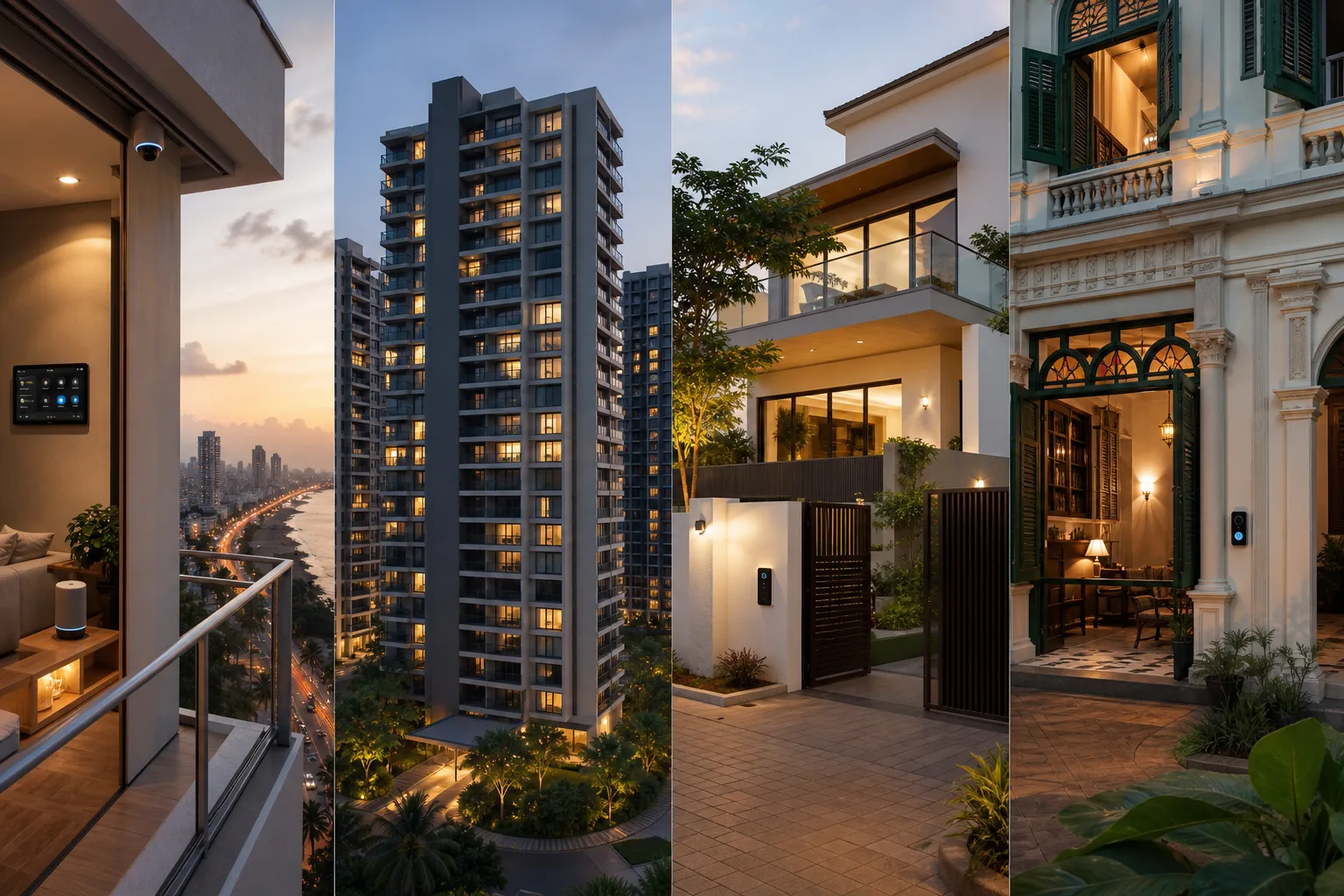
Where you live significantly impacts what you'll pay for smart home installation. Here's a realistic breakdown:
Tier 1 Cities: Mumbai, Delhi, Bangalore, Hyderabad, Pune, Chennai
Installation Premium: 20-30% above base product cost
These metros have the highest labor costs but also the best availability of installers and after-sales support. A typical 2BHK automation that costs ₹80,000 in hardware might cost ₹95,000-₹1,00,000 total with installation.
- Mumbai: Highest costs due to dense housing and limited working hours. Add 25-30% for installation.
- Bangalore: Tech-savvy market, competitive pricing. Add 20-25% for installation.
- Delhi-NCR: Wide range of installers. Add 20-25% for installation.
Check our city-specific guides for detailed pricing:
- Mumbai Smart Home Costs
- Bangalore Smart Home Costs
- Delhi Smart Home Costs
- Hyderabad Smart Home Costs
- Pune Smart Home Costs
Tier 2 Cities: Ahmedabad, Jaipur, Lucknow, Chandigarh, Bhopal, Indore, Kochi, Coimbatore
Installation Premium: 10-15% above base product cost
Tier 2 cities offer a sweet spot—lower labor costs with increasingly good availability of smart home products and installers. That same ₹80,000 setup might total ₹88,000-₹90,000 installed.
Coastal tier 2 cities carry one extra line item worth budgeting for. In Kerala, surge protection ahead of the hub, router and camera circuits is not optional given the state's lightning density — our guide to home automation in Kochi breaks down what that adds to a typical project and how remote monitoring is priced for owners living abroad.
Tier 3 Cities & Towns
Installation Premium: 5-10% above base product cost (if available)
The challenge here isn't cost—it's availability. You might save on installation, but you'll likely need to source products yourself online and possibly DIY the setup or bring in an installer from a nearby city (adding travel costs).
Pro tip: If you're in a tier 3 city, consider brands like Aqara that are DIY-friendly. You'll save significantly on installation while getting the same product quality.
Device Category Costs: The Building Blocks
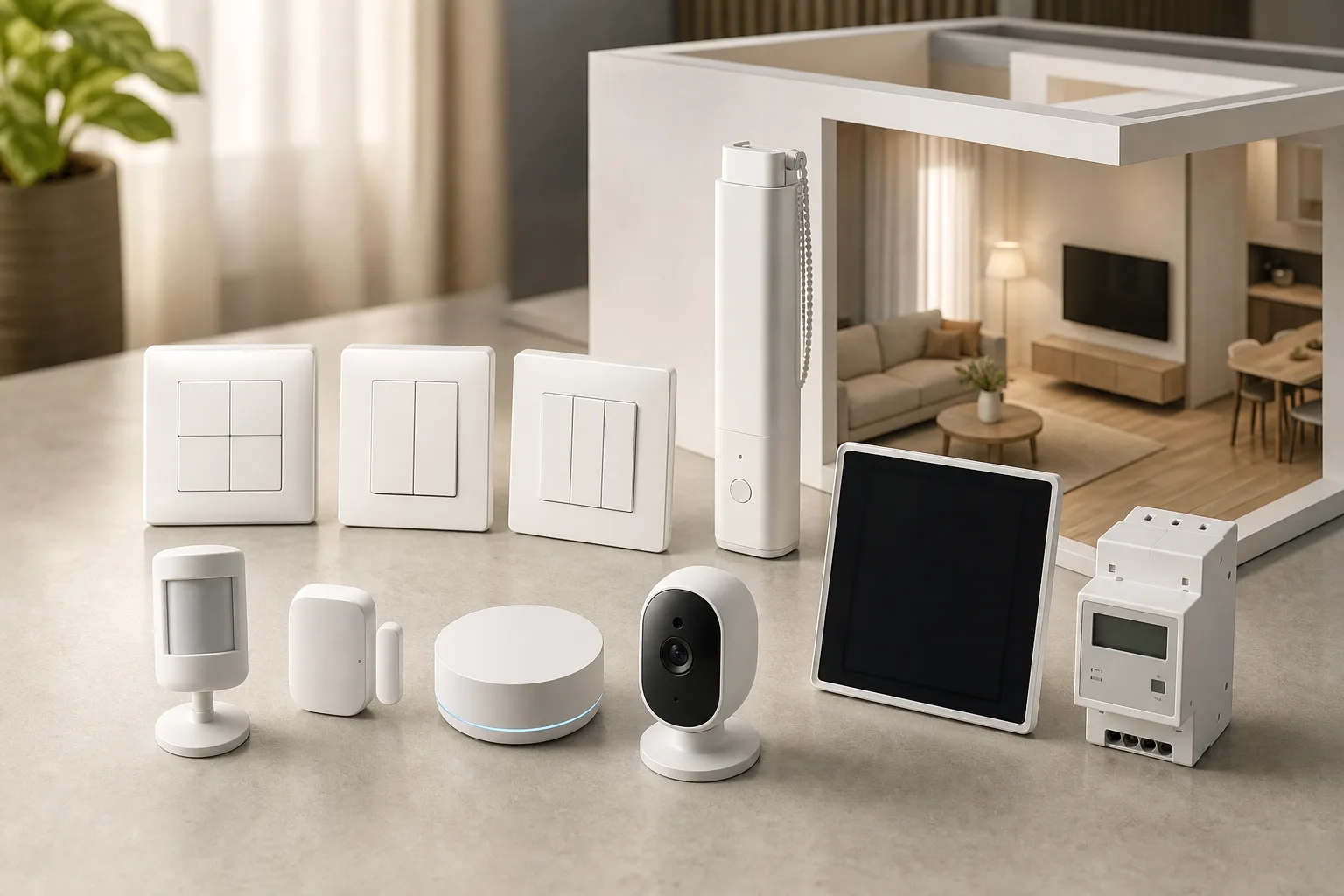
Understanding individual component costs helps you mix and match based on your priorities:
Smart Switches & Dimmers
| Type | Budget Brands | Mid-Range | Premium |
|---|---|---|---|
| 1-Gang Switch | ₹800 - ₹1,500 | ₹2,000 - ₹3,500 | ₹4,000 - ₹8,000 |
| 2-Gang Switch | ₹1,200 - ₹2,000 | ₹2,500 - ₹4,500 | ₹5,000 - ₹10,000 |
| 3-Gang Switch | ₹1,500 - ₹2,500 | ₹3,000 - ₹5,500 | ₹6,000 - ₹12,000 |
| Dimmer Switch | ₹1,500 - ₹2,500 | ₹3,500 - ₹6,000 | ₹7,000 - ₹15,000 |
| Fan Controller | ₹1,200 - ₹2,000 | ₹2,500 - ₹4,500 | ₹5,000 - ₹10,000 |
Sensors & Detectors
| Type | Budget Brands | Mid-Range | Premium |
|---|---|---|---|
| Motion Sensor | ₹800 - ₹1,500 | ₹2,000 - ₹4,000 | ₹5,000 - ₹10,000 |
| Door/Window Sensor | ₹700 - ₹1,200 | ₹1,500 - ₹3,000 | ₹4,000 - ₹8,000 |
| Temperature/Humidity | ₹1,000 - ₹2,000 | ₹2,500 - ₹4,500 | ₹5,000 - ₹10,000 |
| Water Leak Sensor | ₹1,200 - ₹2,000 | ₹2,500 - ₹5,000 | ₹6,000 - ₹12,000 |
| Smoke Detector | ₹1,500 - ₹3,000 | ₹3,500 - ₹6,000 | ₹8,000 - ₹15,000 |
Security Devices
| Type | Budget Brands | Mid-Range | Premium |
|---|---|---|---|
| Smart Lock | ₹8,000 - ₹15,000 | ₹15,000 - ₹30,000 | ₹35,000 - ₹80,000 |
| Video Doorbell | ₹5,000 - ₹10,000 | ₹12,000 - ₹20,000 | ₹25,000 - ₹50,000 |
| Indoor Camera | ₹2,000 - ₹5,000 | ₹6,000 - ₹12,000 | ₹15,000 - ₹35,000 |
| Outdoor Camera | ₹4,000 - ₹8,000 | ₹10,000 - ₹20,000 | ₹25,000 - ₹60,000 |
Motorization & Control
| Type | Budget Brands | Mid-Range | Premium |
|---|---|---|---|
| Curtain Motor (per track) | ₹7,000 - ₹12,000 | ₹15,000 - ₹25,000 | ₹30,000 - ₹60,000 |
| Smart IR Remote | ₹1,500 - ₹3,000 | ₹3,500 - ₹6,000 | ₹8,000 - ₹15,000 |
| Smart Plug | ₹600 - ₹1,200 | ₹1,500 - ₹3,000 | ₹3,500 - ₹6,000 |
Hubs & Controllers
| Type | Budget Brands | Mid-Range | Premium |
|---|---|---|---|
| Basic Hub/Gateway | ₹3,000 - ₹6,000 | ₹8,000 - ₹15,000 | ₹20,000 - ₹40,000 |
| Advanced Controller | N/A | ₹25,000 - ₹50,000 | ₹60,000 - ₹2,00,000 |
Hidden Costs You Must Know About
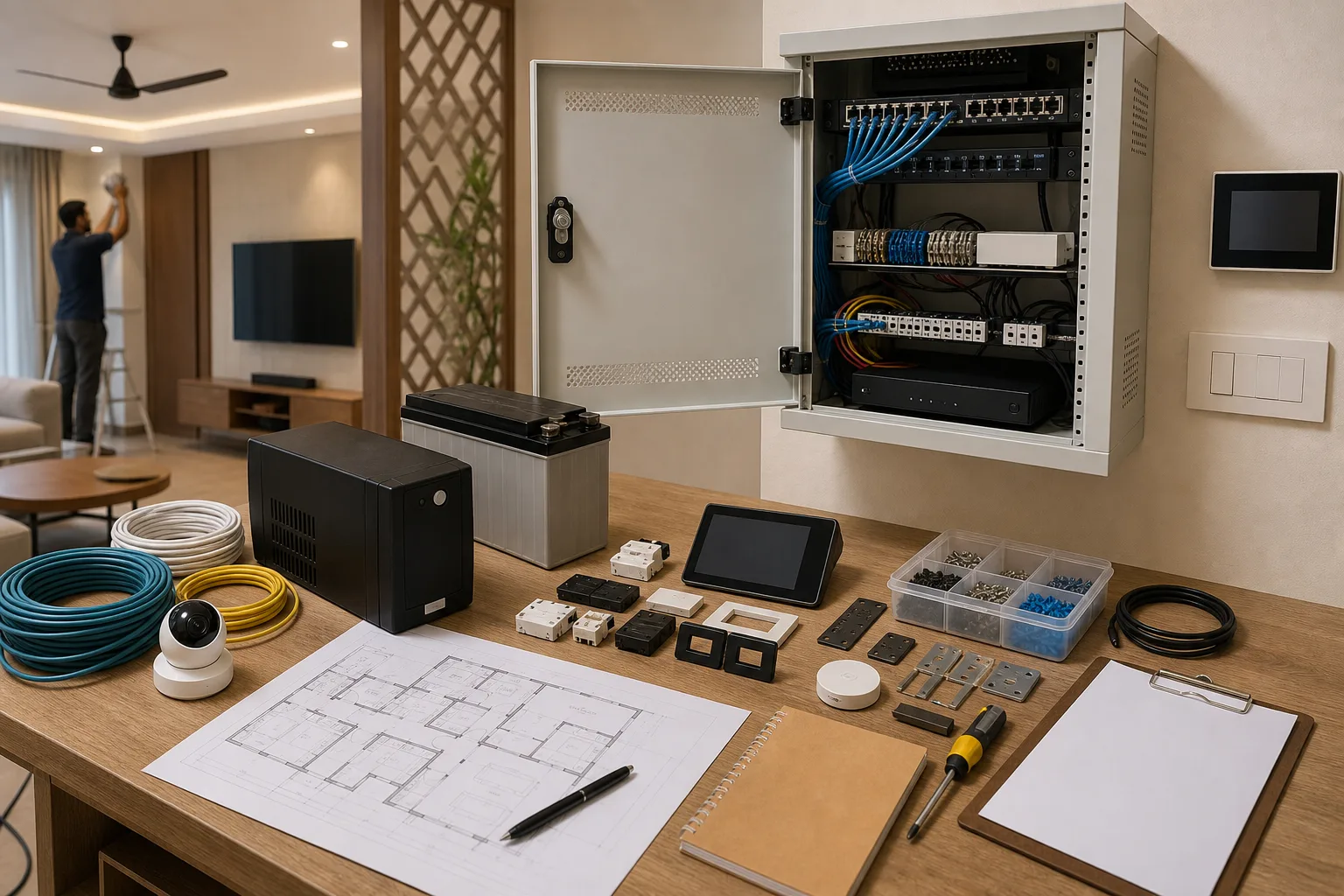
Here's where many people get surprised. The sticker price of devices is just the beginning:
1. Electrical Work & Rewiring (₹5,000 - ₹30,000)
Older homes often lack neutral wires in switch boxes, which most smart switches require. Rewiring can add ₹300-₹500 per switch point. For a full apartment, budget ₹10,000-₹30,000 for electrical updates.
2. Civil Work (₹2,000 - ₹15,000)
Need to cut walls for new sensor placements? Installing outdoor cameras requires drilling. Expect ₹2,000-₹5,000 for minor civil work, more if extensive changes are needed.
3. Professional Installation (10-25% of hardware cost)
DIY brands save you this, but professional systems require expert installation. For an ₹80,000 hardware purchase, add ₹8,000-₹20,000 for installation.
4. Networking Infrastructure (₹3,000 - ₹25,000)
Smart homes need robust Wi-Fi. Your basic ISP router won't cut it for 30+ connected devices. A mesh Wi-Fi system adds ₹8,000-₹25,000 to your budget. Factor in a UPS for your router (₹2,000-₹5,000) to keep your smart home running during power cuts.
5. Cloud Subscriptions (₹500 - ₹5,000 per year)
Security cameras often require cloud storage subscriptions for video history. Expect ₹500-₹1,500 per camera annually. Some advanced automation features also come with subscription fees.
6. Smart Speakers & Voice Control (₹3,000 - ₹20,000)
Want voice control? You'll need smart speakers. Budget ₹3,000-₹5,000 for basic speakers (Google Nest Mini, Echo Dot) or ₹10,000-₹20,000 for premium ones (HomePod, Echo Studio) per room.
7. Backup Power (₹5,000 - ₹30,000)
Power cuts can disable your smart home. A UPS for critical devices (hub, router, main switches) costs ₹5,000-₹10,000. For comprehensive backup, a smart inverter integration adds ₹15,000-₹30,000.
8. Maintenance & Support (₹5,000 - ₹25,000 per year)
Annual maintenance contracts, firmware updates requiring professional help, and device replacements add up. Budget 5-10% of your installation cost annually.
Bottom line: Add 30-50% to your base hardware cost for these hidden expenses. A ₹1 lakh hardware budget realistically needs ₹1.3-1.5 lakhs total.
ROI & Payback Period: Is Home Automation Worth It?
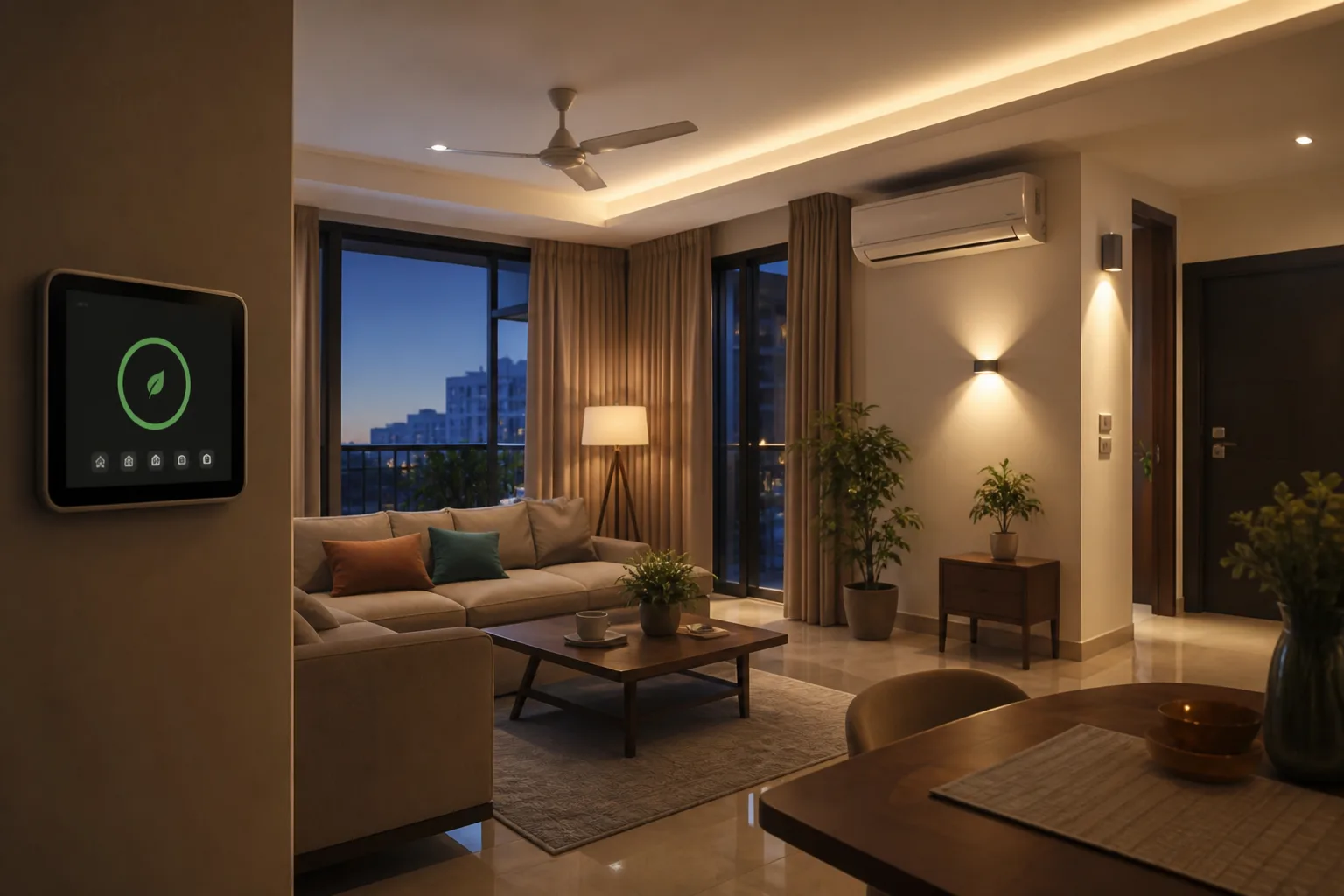
Let's talk money—the financial case for smart homes isn't just about cool factor.
Energy Savings
Proper automation can reduce your electricity bill by 15-30%. Here's how:
- Occupancy-based lighting: Lights auto-off when rooms are empty. Save 20-40% on lighting costs.
- Smart AC control: Pre-cooling, geofencing, and temperature optimization can cut AC costs by 15-25%.
- Power monitoring: Identify vampire power drains. Save 5-10% on overall consumption.
- Smart fan control: Variable speed control saves 10-20% compared to traditional regulators.
For an average Indian household spending ₹3,000-₹5,000 monthly on electricity, smart automation can save ₹600-₹1,500 per month (₹7,200-₹18,000 annually).
Payback Period Calculation
Let's run realistic numbers for a 2BHK apartment:
- Total investment: ₹1,00,000 (hardware + installation)
- Monthly electricity bill: ₹4,000
- Estimated savings: 20% = ₹800/month = ₹9,600/year
- Simple payback period: 10.4 years
That seems long, but consider:
- Property value increase: Smart homes command 5-10% premium in resale (₹50,000-₹2,00,000 for most apartments)
- Convenience value: Time saved, comfort gained (hard to quantify but real)
- Security benefits: Preventing one break-in pays for the system
- Insurance discounts: Some insurers offer 5-10% discounts for smart security systems
Realistic payback: 5-7 years when including property value and insurance benefits, faster if you have high energy consumption.
When ROI Matters Less
Honestly? If you're automating purely for financial ROI, you might be disappointed. Smart homes are about:
- Convenience and comfort
- Security and peace of mind
- Future-proofing your home
- The "cool factor" (yes, it's valid!)
The energy savings are a bonus, not the primary justification.
Financing Your Smart Home: EMI & Payment Options
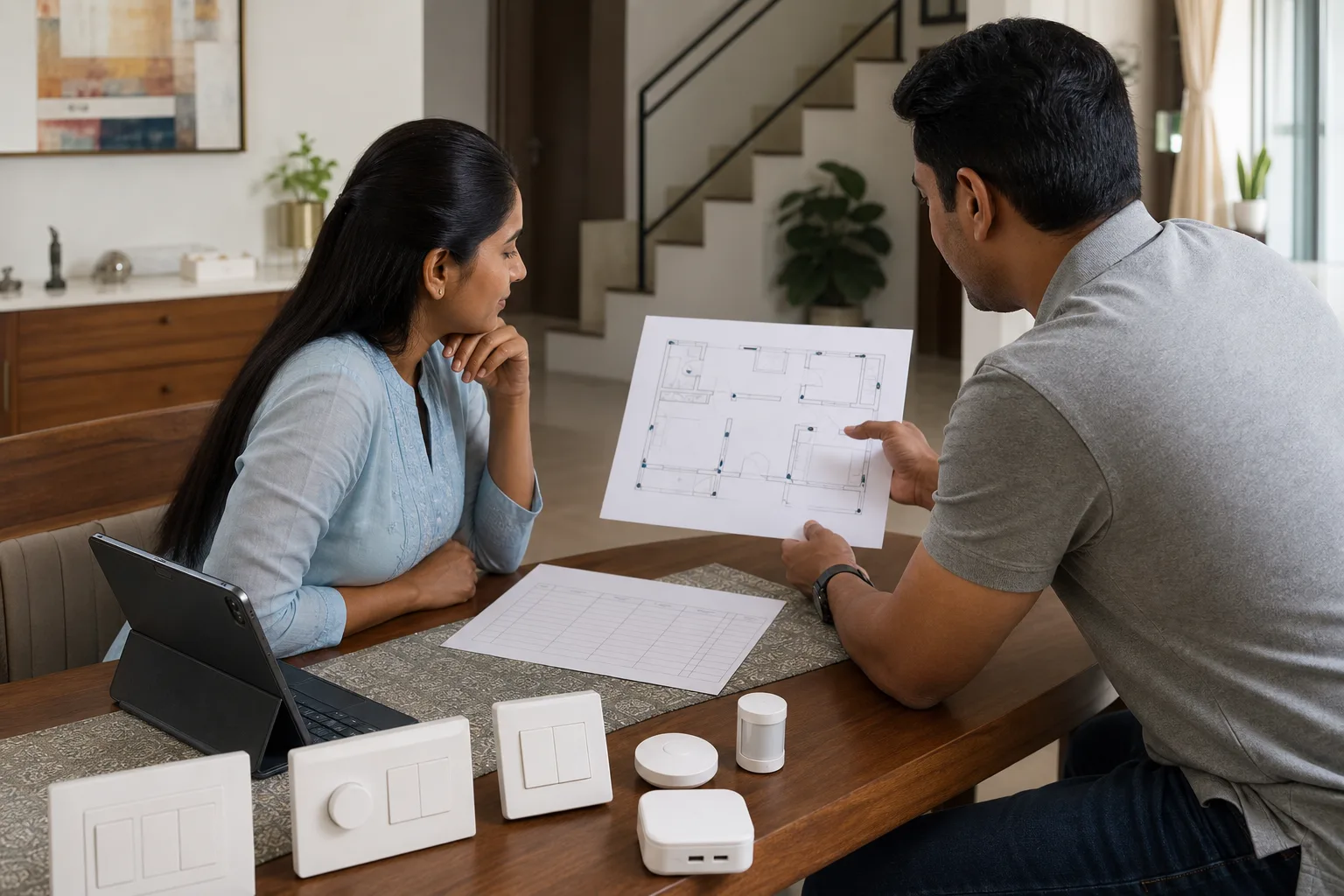
Don't want to drop ₹1-2 lakhs upfront? You have options:
1. Credit Card EMI
Most premium credit cards offer 3-12 month no-cost EMI on home improvement purchases. A ₹1 lakh purchase becomes ₹8,333/month for 12 months with zero interest.
2. Personal Loans
Banks offer home improvement loans at 10-14% interest. For ₹1.5 lakhs over 3 years at 12% interest, you'd pay approximately ₹5,000/month.
3. Home Renovation Loans
If you're doing a larger renovation that includes automation, these loans offer better rates (9-12%) and longer tenures (up to 5 years).
4. Phased Implementation
Our recommendation? Start small and expand:
- Phase 1 (₹25,000-₹40,000): Living room lighting, security basics (door lock, video doorbell)
- Phase 2 (₹30,000-₹50,000): Bedrooms automation, curtain motors
- Phase 3 (₹20,000-₹40,000): Kitchen, bathrooms, advanced sensors
- Phase 4 (₹15,000-₹30,000): Entertainment integration, outdoor lighting
This spreads the cost over 6-12 months and lets you learn what you actually use before investing more.
5. Builder Packages
Buying a new home? Many builders now offer smart home packages at ₹50,000-₹2,00,000 that can be included in your home loan. This is often the cheapest financing option (7-9% over 20 years).
Cost-Saving Tips from the Experts
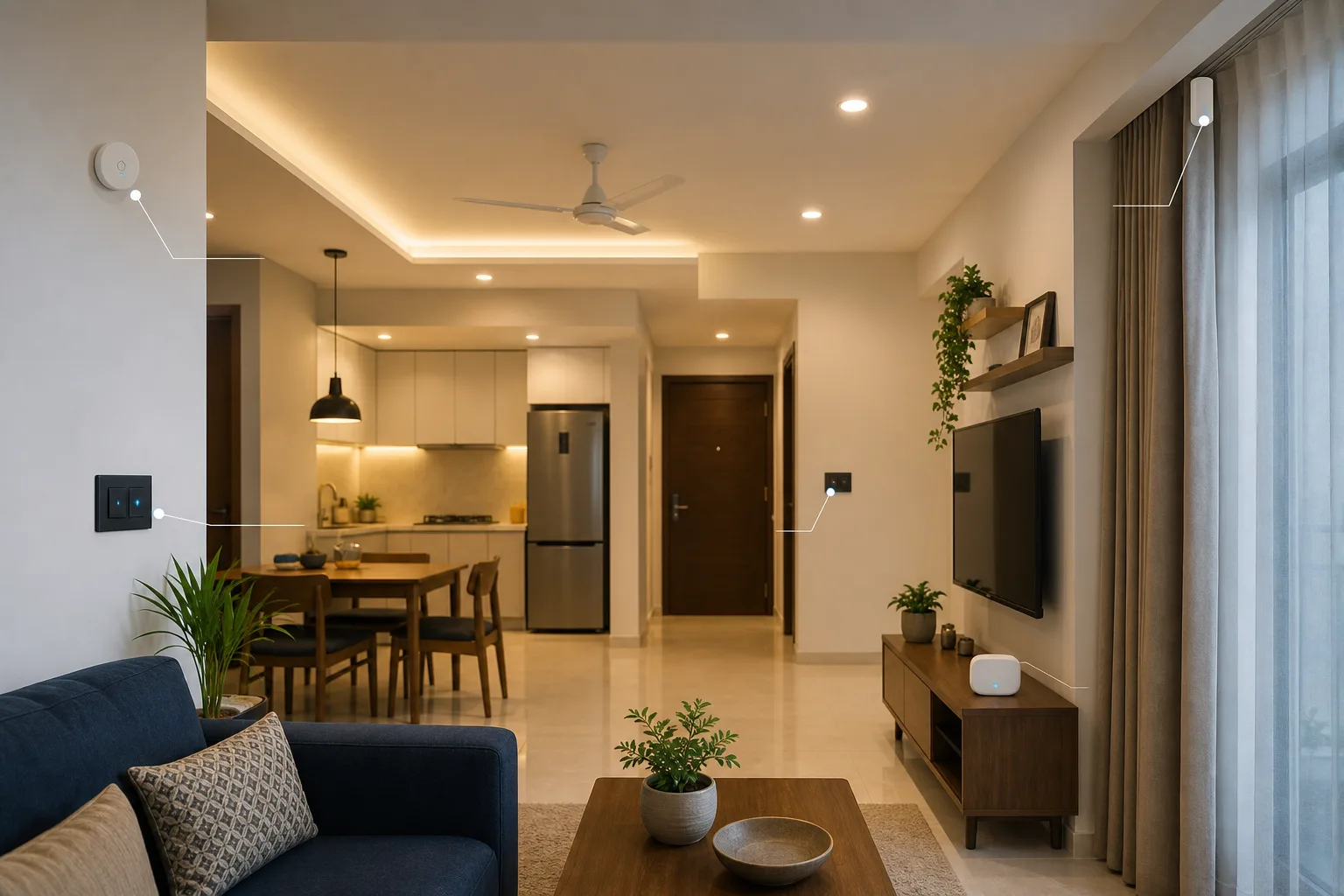
Want to automate smart without breaking the bank? Here are insider tips we share with our clients:
1. Start with a Single Ecosystem
Don't mix brands unnecessarily. Sticking to one ecosystem (all Aqara, all Schneider) gets you better bulk pricing and simpler installation. Mixing brands "just because" adds complexity and cost.
2. DIY Where Possible
Brands like Aqara are designed for DIY installation. Save ₹10,000-₹20,000 by installing yourself. Professional help is available on YouTube and brand forums.
3. Prioritize High-Impact Automations
Not everything needs to be smart. Focus on:
- Main areas you use daily (living room, master bedroom)
- Security (always worth it)
- High-energy devices (AC, geysers)
Skip automating guest bedrooms or store rooms initially—you won't miss it.
4. Use Smart Plugs for Appliances
Instead of buying smart appliances (expensive), use smart plugs to control regular ones. A ₹1,000 smart plug makes any device smart.
5. Negotiate Bundled Pricing
Installers offer better rates for complete home projects. A 3BHK full automation quote will have better per-device pricing than buying piecemeal.
6. Buy During Sales
Amazon/Flipkart sales (Prime Day, Big Billion Days, Diwali) offer 20-40% discounts on smart home devices. Time your purchase right, save ₹15,000-₹30,000 on a full setup.
7. Skip Unnecessary Premium Features
Do you really need that ₹15,000 premium glass touch panel? A ₹2,000 standard switch does the same job. Spend on reliability and features you'll use, not aesthetics.
8. Retrofit Instead of Replace
Smart relay modules (₹1,500-₹2,500) fit behind existing switches, making them smart without replacement. Saves money and preserves your existing décor switches.
9. Local Storage Over Cloud
Security cameras with SD card storage cost nothing monthly. Cloud storage is convenient but adds ₹500-₹1,500 per camera annually. If you can access footage when needed, local storage works fine.
10. Get Multiple Quotes
Always compare 3-4 installers. Prices can vary by 20-30% for the same scope. Use our free consultation service to get competitive quotes.
Should You Hire a Professional or DIY?
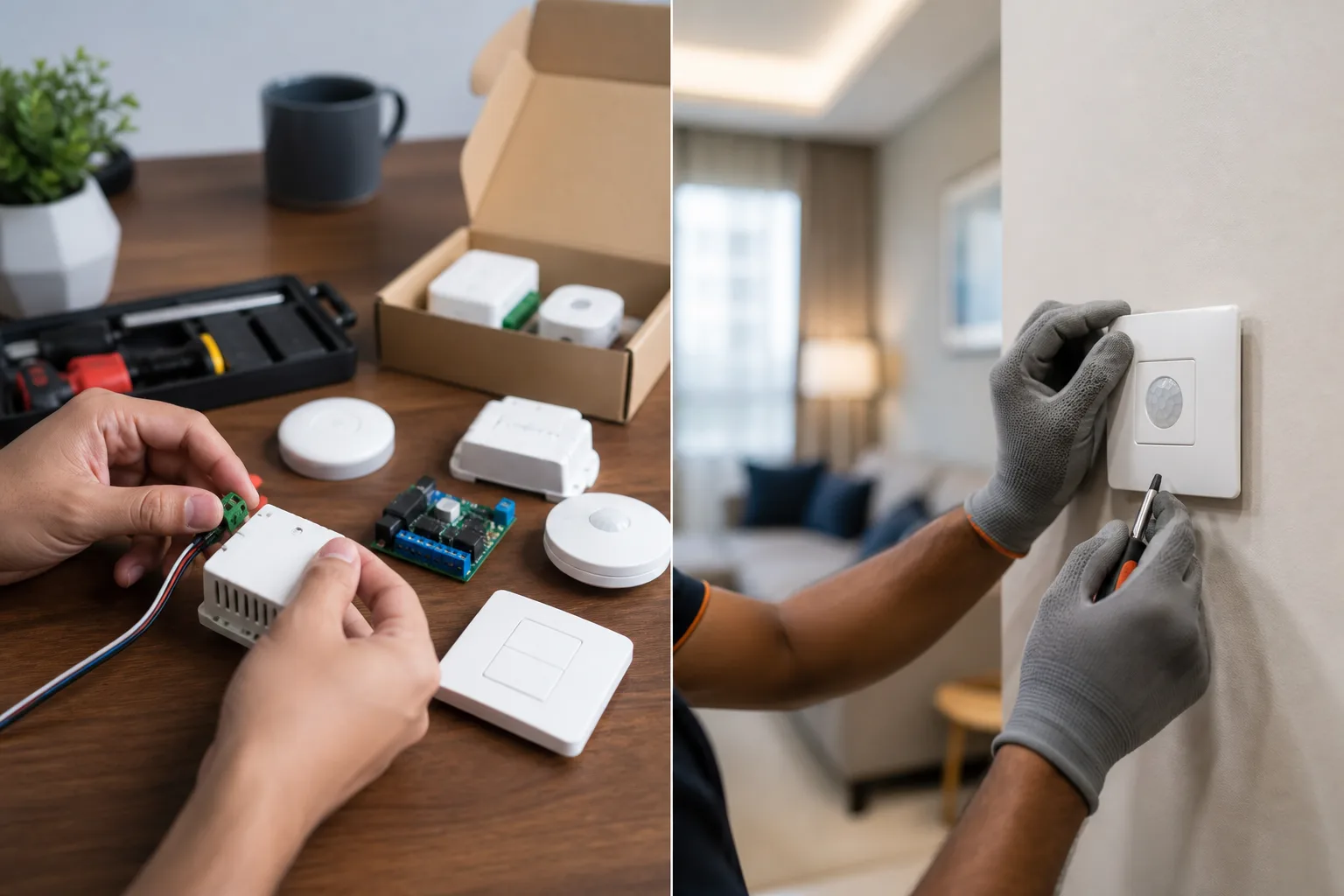
The age-old question. Here's our honest take:
Go DIY If:
- You're using DIY-friendly brands (Aqara, Tuya-based devices)
- You have basic electrical knowledge (can identify live/neutral wires safely)
- Your home already has neutral wires in switch boxes
- You're starting small (5-10 devices)
- You enjoy tinkering and troubleshooting
- Budget is very tight
DIY can save: ₹10,000-₹30,000 on installation costs.
Hire a Professional If:
- You're using professional systems (Fibaro, Schneider, Lutron)
- You need electrical modifications (rewiring, additional circuits)
- You're doing a whole-home automation (20+ devices)
- You want warranty and after-sales support
- You have zero electrical experience
- You value time over money
Professional installation costs: ₹15,000-₹50,000 depending on scope.
Hybrid Approach (Our Recommendation)
Hire an electrician for the electrical work (₹5,000-₹10,000), then DIY the device installation and configuration. Best of both worlds—safety and cost savings.
Need help deciding? Book a free consultation with our smart home experts.
2026 Smart Home Trends Affecting Costs
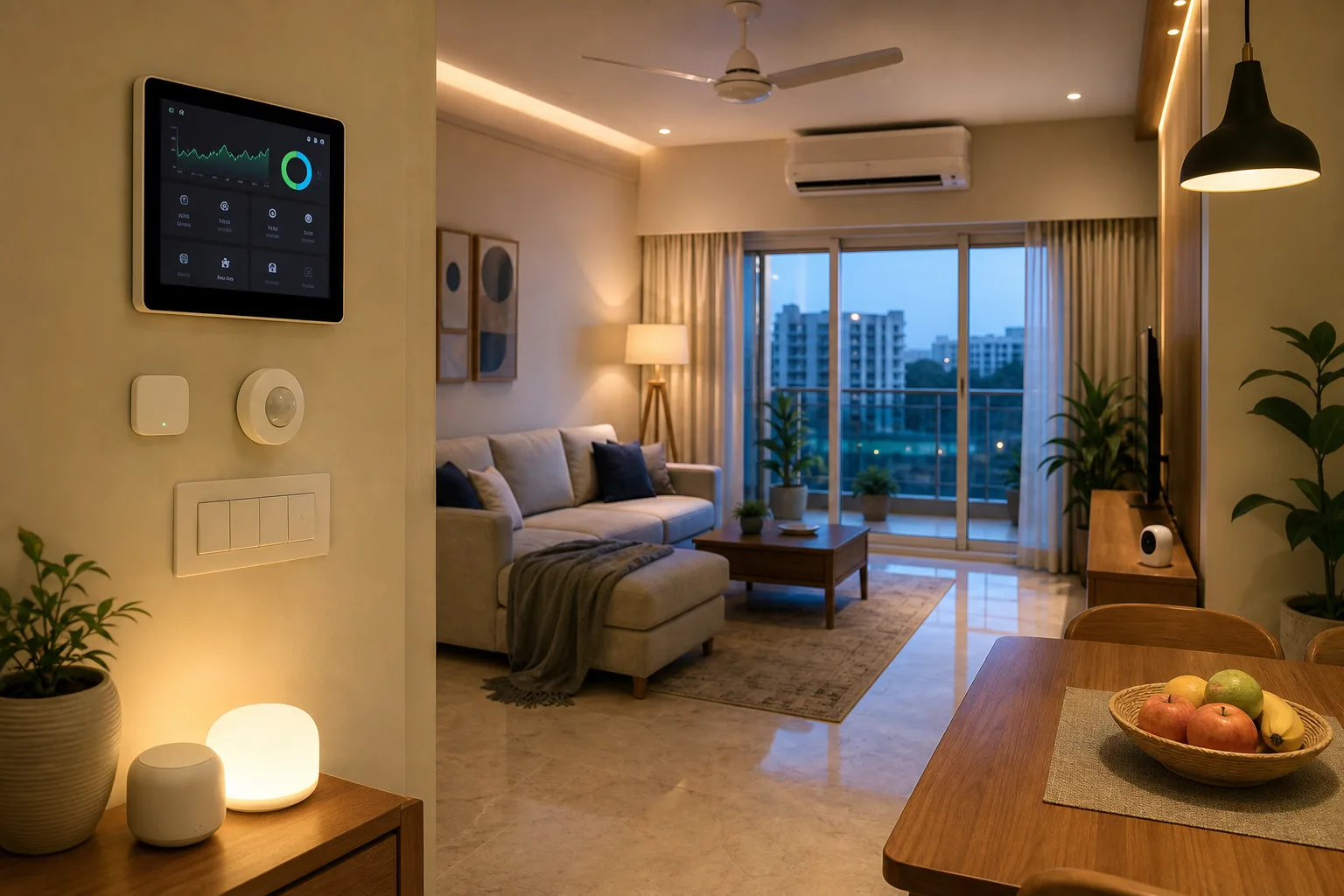
What's changing in the Indian smart home market this year?
1. Matter Protocol Adoption
Matter-compatible devices are arriving, promising better interoperability. Early Matter devices carry a 10-15% premium, but expect prices to normalize by late 2026.
2. Local Manufacturing Boom
More brands are manufacturing in India (thanks to PLI schemes), reducing costs by 15-20%. Tata, Havells, and other Indian brands are getting very competitive.
3. AI-Powered Automation
AI-based learning systems are becoming mainstream, but they add ₹15,000-₹40,000 to hub/controller costs. Expect this to become standard by 2027.
4. Energy Management Focus
With rising electricity costs, energy monitoring is now standard even in budget systems. No price increase, just better value.
5. Rental-Friendly Solutions
Non-invasive, portable smart home solutions are growing. Great for renters, and they cost 20-30% less than permanent installations.
Smartify Package Prices by BHK (Published)
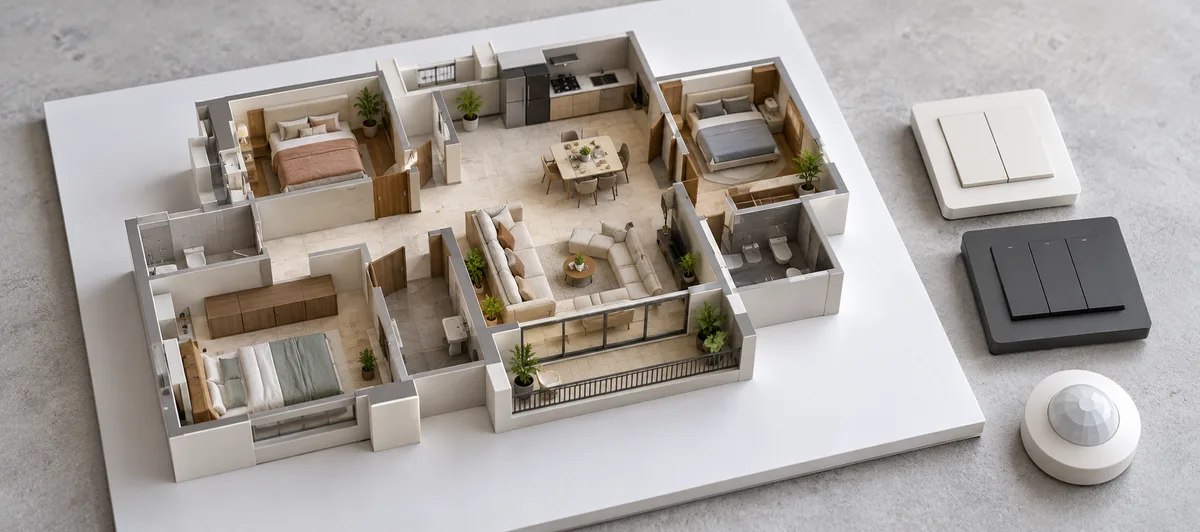
This section and the three that follow were added in October 2026. They use Smartify's published package prices and calculator price list; anything else is labelled as an estimate.
The Quick Overview table near the top of this guide is a wider planning estimate across brands and scopes. The prices below are one company's published package prices, so they sit lower. They come from Smartify's smart home packages page, which describes its prices as "with professional installation"; the cost calculator below instead adds installation as a separate line, so always check what your own quote includes.
| Home | Area (sq ft) | Entry package | Mid package | Premium package |
|---|---|---|---|---|
| 1 BHK | 400 - 800 | Essential Starter: ₹24,990 | Smart Comfort: ₹45,990 | Premium Suite: ₹72,990 |
| 2 BHK | 800 - 1,400 | Essential Starter: ₹38,990 | Smart Comfort: ₹79,990 | Premium Suite: ₹1,34,990 |
| 3 BHK | 1,400 - 2,200 | Essential Starter: ₹54,990 | Smart Comfort: ₹1,19,990 | Premium Suite: ₹1,89,990 |
| 4 BHK | 2,200 - 3,000 | Villa Essentials: ₹89,990 | Luxury Estate: ₹1,79,990 | Ultimate Residence: ₹2,69,990 |
Source: smart home packages, October 2026. Entry packages are mostly Wi-Fi based; mid and premium packages use a Zigbee hub with more switches, sensors, a lock, doorbell or curtain motors. Package contents, brands and prices can change, so open the packages page for the current device list.
Why an Open Stack Can Lower Long-Term Cost
Smartify's view is that an open stack (Zigbee, Z-Wave or Matter devices on a hub) tends to cost less over the life of a home than a Wi-Fi-only system, even though it can cost more to start. This is an editorial position, and Smartify sells mostly Zigbee products, so weigh it accordingly. The reasoning:
- Replace one device, not the system. Devices from different brands can share a hub and a standard, so a failed or discontinued device can be swapped for another brand's.
- No per-device Wi-Fi load. Zigbee devices repeat each other's signals and talk to the hub, while every Wi-Fi device connects to your router, so a large install can mean upgrading the router or adding mesh access points.
- Local control. Hub-based systems can usually keep basic automations running when the internet is down, which avoids add-ons such as extra UPS capacity for cloud-dependent devices.
- The trade-off. A hub is an upfront cost, so Wi-Fi-only devices (no hub) are cheaper for one or two rooms. That is why the entry packages above are Wi-Fi based and the mid and premium packages use a Zigbee hub. These are qualitative points; we have not measured the long-term saving in rupees.
Home Automation Cost for 2, 3 and 4 BHK: Itemised Bill of Quantities
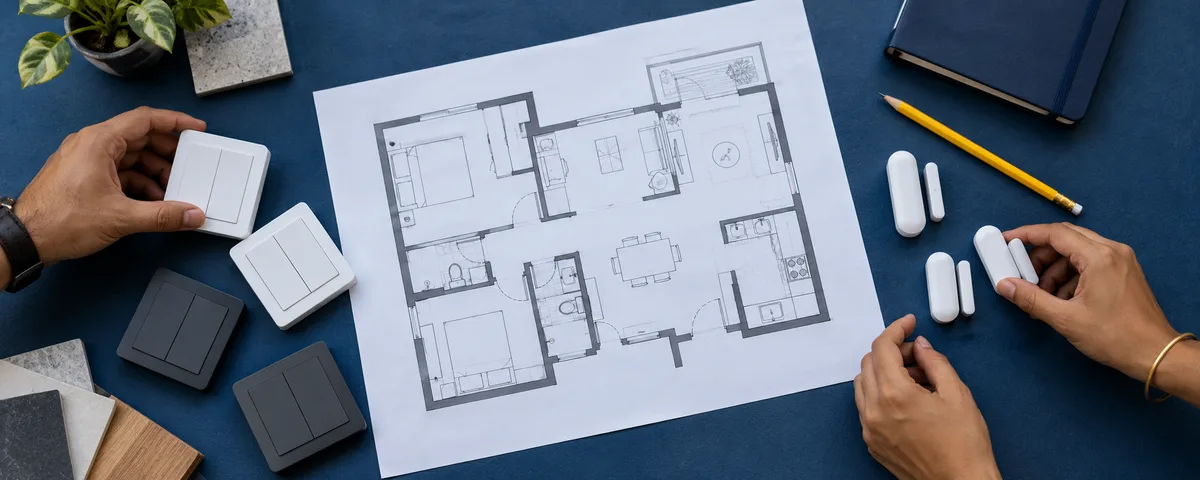
A bill of quantities lists every item, how many you need and what each costs. The three tables below are built from Smartify's cost calculator price list (the Smartify option at base price in a metro city), applied to an illustrative room-by-room selection. They show a fully featured home, so treat them as a ceiling for a Smartify-priced retrofit rather than the cheapest way to start. Prices in the calculator are per room per item, not per device.
What is not in these totals: GST treatment, Wi-Fi or mesh upgrades, a UPS, smart speakers, cloud subscriptions and any electrical or civil work. See the hidden costs section above, and confirm every line against your own quote.
2 BHK Home Automation Cost: Bill of Quantities
Assumed home (estimate): a 2 BHK of roughly 800 - 1,400 sq ft with 8 areas: living room, master bedroom, second bedroom, kitchen, two bathrooms, entrance and balcony. Every room gets lighting and a switch panel; the living room and master bedroom also get motorised curtains; the entrance gets a smart lock and camera.
| Item (per room it is installed in) | Qty | Unit price | Line total |
|---|---|---|---|
| Smart switch panel | 6 | ₹3,600 | ₹21,600 |
| Smart lighting | 8 | ₹4,200 | ₹33,600 |
| Smart fan control | 3 | ₹1,800 | ₹5,400 |
| AC control (IR blaster + scheduling) | 3 | ₹2,800 | ₹8,400 |
| Motorised curtain track | 2 | ₹6,500 | ₹13,000 |
| Motion sensor | 4 | ₹1,400 | ₹5,600 |
| Smart lock | 1 | ₹8,500 | ₹8,500 |
| Security camera | 1 | ₹4,800 | ₹4,800 |
| Gas sensor | 1 | ₹1,200 | ₹1,200 |
| Smart geyser control | 2 | ₹1,600 | ₹3,200 |
| Exhaust control | 3 | ₹900 | ₹2,700 |
| Product subtotal | ₹1,08,000 | ||
| Installation (18% of product cost, calculator default) | ₹19,440 | ||
| Estimated total | ₹1,27,440 |
Same selection priced by the calculator for a tier-2 city: about ₹1,17,764; for a tier-3 city: about ₹1,09,032.
3 BHK Home Automation Cost: Bill of Quantities
Assumed home (estimate): a 3 BHK of roughly 1,400 - 2,200 sq ft with 12 areas: living room, dining, three bedrooms, kitchen, three bathrooms, entrance, balcony and utility area. Curtains in the living room and master bedroom; lock and camera at the entrance.
| Item (per room it is installed in) | Qty | Unit price | Line total |
|---|---|---|---|
| Smart switch panel | 10 | ₹3,600 | ₹36,000 |
| Smart lighting | 12 | ₹4,200 | ₹50,400 |
| Smart fan control | 5 | ₹1,800 | ₹9,000 |
| AC control (IR blaster + scheduling) | 5 | ₹2,800 | ₹14,000 |
| Motorised curtain track | 2 | ₹6,500 | ₹13,000 |
| Motion sensor | 4 | ₹1,400 | ₹5,600 |
| Smart lock | 1 | ₹8,500 | ₹8,500 |
| Security camera | 1 | ₹4,800 | ₹4,800 |
| Gas sensor | 1 | ₹1,200 | ₹1,200 |
| Smart geyser control | 3 | ₹1,600 | ₹4,800 |
| Exhaust control | 5 | ₹900 | ₹4,500 |
| Product subtotal | ₹1,51,800 | ||
| Installation (18% of product cost, calculator default) | ₹27,324 | ||
| Estimated total | ₹1,79,124 |
Same selection priced by the calculator for a tier-2 city: about ₹1,65,554; for a tier-3 city: about ₹1,53,400.
4 BHK Home Automation Cost: Bill of Quantities
Assumed home (estimate): a 4 BHK of roughly 2,200 - 3,000 sq ft with 17 areas: living room, dining, four bedrooms, study, kitchen, four bathrooms, entrance, two balconies, utility area and pooja room. Curtains in the living room, dining and master bedroom; lock and camera at the entrance.
| Item (per room it is installed in) | Qty | Unit price | Line total |
|---|---|---|---|
| Smart switch panel | 13 | ₹3,600 | ₹46,800 |
| Smart lighting | 17 | ₹4,200 | ₹71,400 |
| Smart fan control | 7 | ₹1,800 | ₹12,600 |
| AC control (IR blaster + scheduling) | 7 | ₹2,800 | ₹19,600 |
| Motorised curtain track | 3 | ₹6,500 | ₹19,500 |
| Motion sensor | 6 | ₹1,400 | ₹8,400 |
| Smart lock | 1 | ₹8,500 | ₹8,500 |
| Security camera | 1 | ₹4,800 | ₹4,800 |
| Gas sensor | 1 | ₹1,200 | ₹1,200 |
| Smart geyser control | 4 | ₹1,600 | ₹6,400 |
| Exhaust control | 6 | ₹900 | ₹5,400 |
| Product subtotal | ₹2,04,600 | ||
| Installation (18% of product cost, calculator default) | ₹36,828 | ||
| Estimated total | ₹2,41,428 |
Same selection priced by the calculator for a tier-2 city: about ₹2,23,256; for a tier-3 city: about ₹2,06,736.
Summary of the three bills (metro city, with installation): 2 BHK ₹1,27,440, 3 BHK ₹1,79,124, 4 BHK ₹2,41,428. Change any room, item or city in the cost calculator and download an itemised estimate.
Home Automation Cost per Square Foot in India
Cost per square foot is a rough way to sanity-check a quote. It is not how automation is priced, because cost follows the number of switches, rooms and devices, not floor area. The figures below are derived from Smartify's published numbers, using the midpoint of each BHK's area range.
Published packages, price per sq ft (derived)
| Home | Area (sq ft) | Entry package | Mid package | Premium package |
|---|---|---|---|---|
| 1 BHK | 400 - 800 | ₹42 | ₹77 | ₹122 |
| 2 BHK | 800 - 1,400 | ₹35 | ₹73 | ₹123 |
| 3 BHK | 1,400 - 2,200 | ₹31 | ₹67 | ₹106 |
| 4 BHK | 2,200 - 3,000 | ₹35 | ₹69 | ₹104 |
How derived: package price divided by the midpoint of the area range (for example 3 BHK: 1,400 - 2,200 sq ft, midpoint 1,800), rounded to the nearest rupee.
Calculator bills above, price per sq ft (derived)
| Home | Calculator total (with installation) | Cost per sq ft |
|---|---|---|
| 2 BHK | ₹1,27,440 | ₹116 |
| 3 BHK | ₹1,79,124 | ₹100 |
| 4 BHK | ₹2,41,428 | ₹93 |
Across both views, Smartify-priced retrofit automation lands at roughly ₹30 - ₹125 per sq ft for packages and about ₹90 - ₹120 per sq ft for the fully featured calculator selections. Premium-brand, AV-heavy and luxury projects can cost far more per sq ft. Larger homes tend to come out lower per sq ft because costs follow rooms and switches rather than area.
Retrofit vs New Build: What Changes the Bill
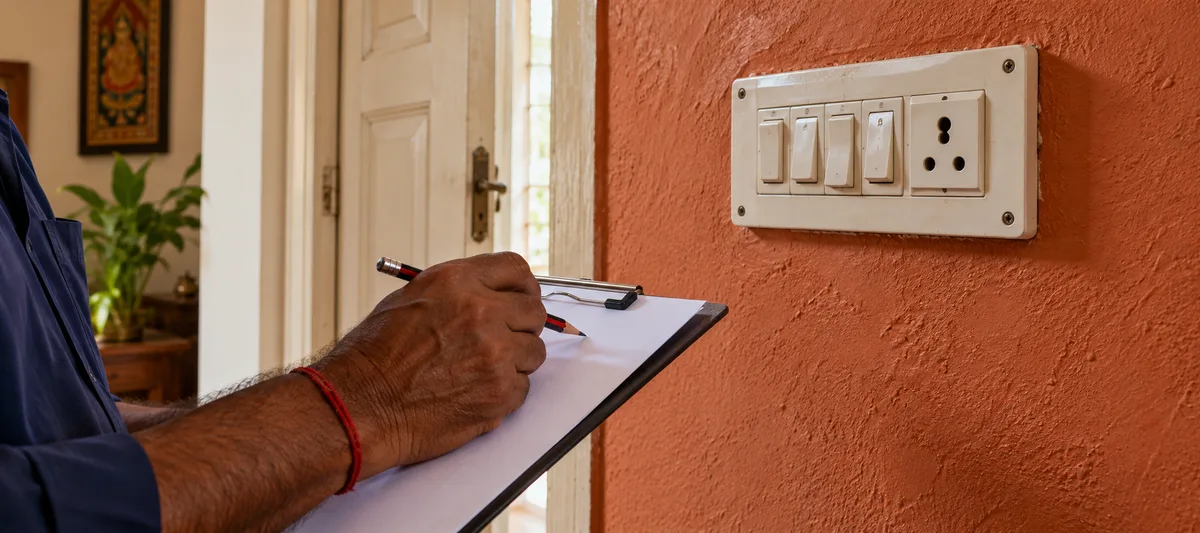
Wireless retrofit and automation planned during construction cost money in different places. The figures in this table are the planning estimates used elsewhere in this guide, not Smartify quote data.
| Cost line | Retrofit (existing home) | New build (during construction) |
|---|---|---|
| Neutral wire and switch-box rework | Older homes may need neutral wires added: about ₹300 - ₹500 per switch point, or ₹10,000 - ₹30,000 for a full apartment (planning estimate) | Planned in the conduit layout before walls are closed, so no rework |
| Wall chasing and civil work | About ₹2,000 - ₹15,000 if sensors, cameras or new routes need drilling or chasing (planning estimate) | Conduits and back-boxes are placed before plastering and paint |
| Hardware | Wireless modules and switches that fit existing wiring; retrofit relay modules behind existing switches cost about ₹1,500 - ₹2,500 each (planning estimate) | The same wireless hardware, or a wired system if the budget allows |
| Installation labour | The calculator adds 18% of product cost; professional installation is quoted at 10 - 25% of hardware elsewhere in this guide | Often lower because electricians are already on site (not quantified) |
| Disruption | Work happens around furniture, paint and occupants | The easiest time to place keypads, sensors and cameras |
| Overall | No wall rework needed with wireless products, but labour and any rewiring are extra | Commonly said to be 30 - 40% cheaper to automate during construction (see the FAQ below); we have not yet backed this with a like-for-like quote comparison |
If you are building or doing a major renovation, plan the switch positions and ask your electrician to pull neutral wires to every switch box, even if you will not automate everything on day one. In an occupied home, wireless retrofit avoids most of the civil work.
Wi-Fi, Zigbee, Thread and Matter: How Protocol Choice Changes the Quote
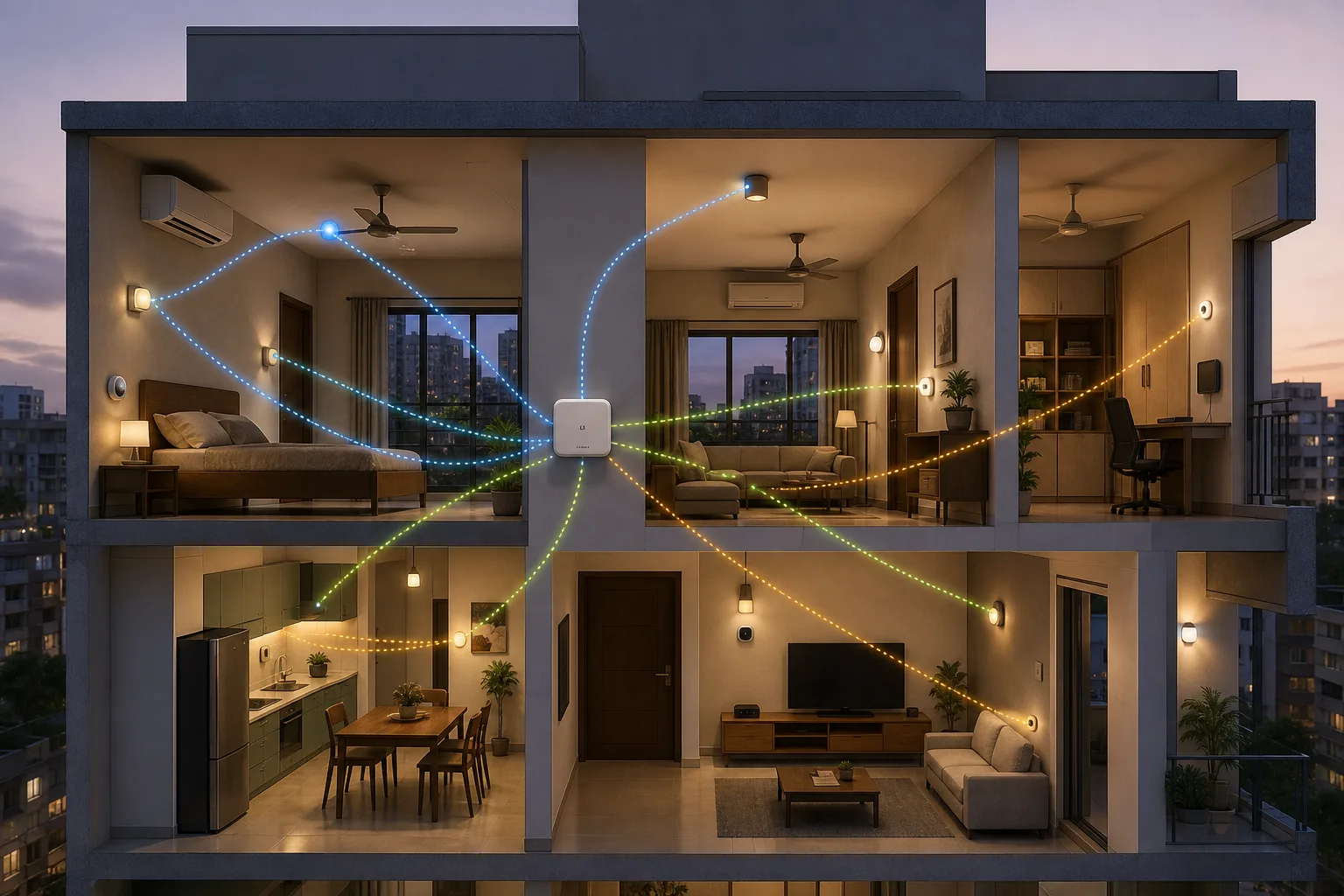
Two quotes can automate the same rooms and still use very different architectures. A Wi-Fi-only quote may look simple because it avoids a dedicated hub, while a Zigbee, Thread or Matter design adds coordinators, border routers or bridges. Wired systems add conduits and commissioning. Compare the complete installed system, not just the per-device price.
| Architecture | Where it can save money | Line items people miss |
|---|---|---|
| Wi-Fi | Small retrofit projects and devices already connected to the home network | Mesh access points, network upgrades, backup power and cloud subscriptions |
| Zigbee | Many switches and sensors with low-power mesh traffic | Coordinator, powered routers, compatible device list and battery replacement |
| Thread + Matter | Supported devices that need cross-platform local control | Border Router, Matter controller, feature parity and commissioning support |
| Wired KNX/DALI or similar | New builds where conduits and control wiring are planned early | Design, programming, panels, testing and future service access |
Why a low device price is not the full wireless budget
Wireless reduces civil work, but it does not remove design work. A professional quote may need to include access points, hub or coordinator, network segregation, inverter-backed power, site survey, commissioning, firmware handover and battery alerts. Ask whether the quoted hub can run scenes locally and whether the installer will return if the router or ISP changes.
When wired is worth paying for
Wired control can be worth the premium for a new construction project, critical loads, large villas or lighting systems that need predictable service access. Wireless is often practical for retrofits, but gates, pumps, access control and outdoor links deserve a separate reliability decision. A hybrid design is frequently more sensible than forcing one protocol across the whole home.
Matter improves choice only when the implementation is complete
Matter is an application standard that can run over Wi-Fi, Thread and Ethernet; it is not a replacement for a network plan. Check the device’s transport, controller requirements, local-control support, firmware path and exposed features. A Matter badge alone does not prove that two products will share every automation or energy feature you expect. The Connectivity Standards Alliance’s Matter FAQ explains how the standard relates to its underlying transports.
Frequently Asked Questions About Home Automation Costs
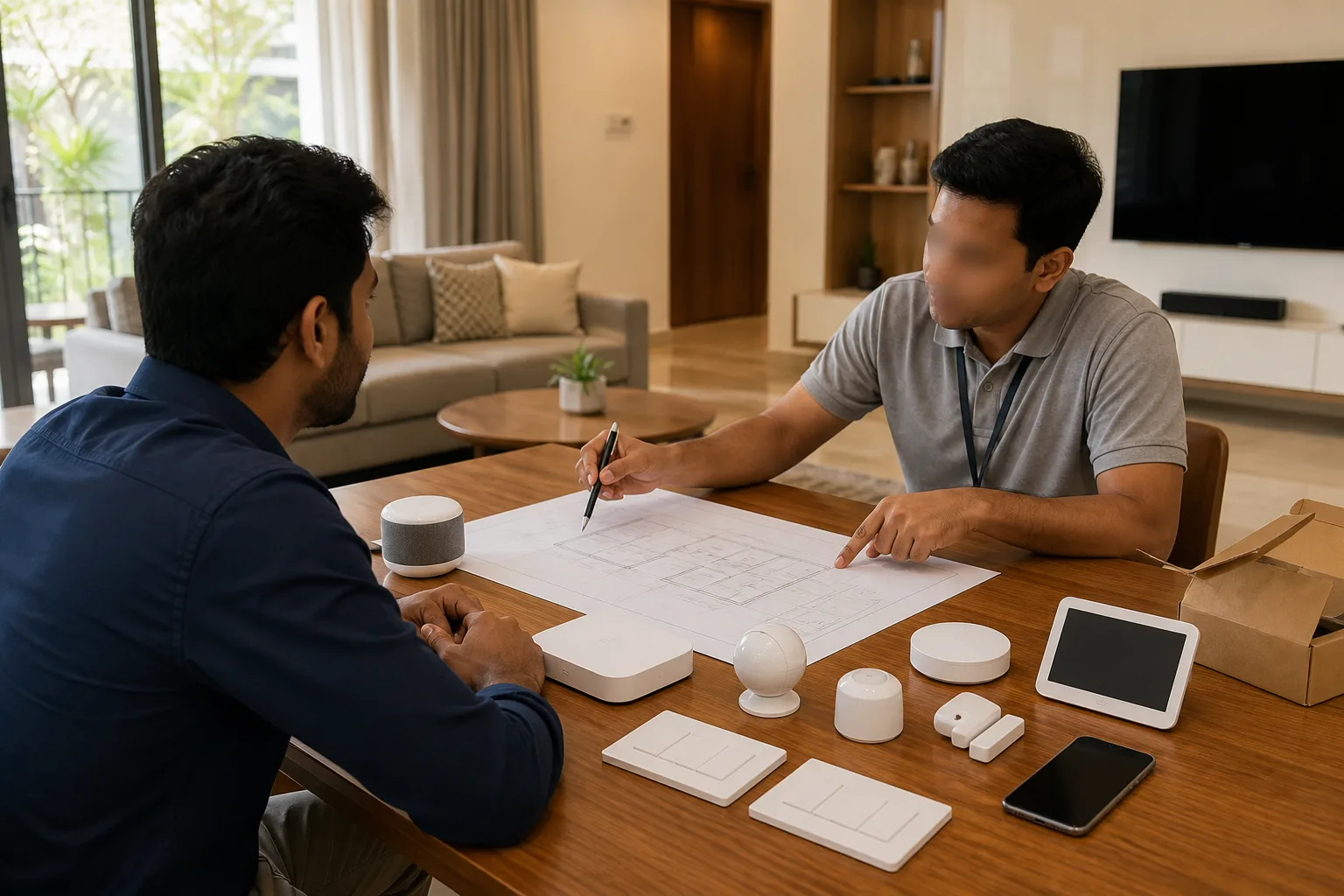
1. What is the minimum budget needed to start home automation in India?
You can start with as little as ₹5,000-₹8,000 for a couple of smart bulbs and a voice assistant. However, for meaningful automation that includes smart switches, sensors, and a hub, budget at least ₹25,000-₹30,000 for a 1BHK. This covers basic lighting control, a smart lock or video doorbell, and 1-2 sensors. It's better to automate one room well than spread your budget too thin across the entire home.
2. Is home automation cheaper during construction or as a retrofit?
During construction is almost always cheaper—by 30-40%. Here's why: electrical modifications are free (wires aren't pulled yet), no civil work needed, and bulk installation is faster. A ₹1 lakh retrofit project might cost only ₹60,000-₹70,000 if done during construction. Plus, you can plan for perfect switch placements and sensor locations. If you're building or doing major renovations, that's the ideal time to automate.
3. Which is more cost-effective: wireless or wired home automation?
For retrofits, wireless is hands-down cheaper. No civil work, no rewiring—just stick-on sensors and switches that replace existing ones. However, for new construction, wired systems offer better reliability and sometimes lower per-device costs. Our take: wireless (Zigbee/Z-Wave) for 80% of homes, wired only for luxury installations where budget isn't a constraint. Wireless technology has matured; it's as reliable as wired for residential use.
4. How much does it cost to automate a 3BHK apartment in India?
Expect ₹1,00,000 to ₹5,00,000 depending on the extent and brand choice. Here's a realistic breakdown:
- Basic (₹1,00,000-₹1,50,000): Aqara or similar, lighting + fans + basic security
- Mid-range (₹2,00,000-₹3,00,000): Schneider Wiser, comprehensive automation including curtains and advanced sensors
- Premium (₹3,50,000-₹5,00,000): Fibaro or similar, whole-home automation with premium finishes
5. Do smart home devices increase my electricity bill?
Negligibly—and they actually reduce your overall bill. A typical smart hub uses 3-5W (about ₹15-20 per month). Smart switches use under 1W in standby. Yes, you're adding 20-30 always-on devices, but they consume ₹50-₹100 monthly combined. Meanwhile, the automation features (auto-off, occupancy sensing, AC optimization) save ₹500-₹1,500 monthly. Net result: 15-25% lower electricity bills. The investment in smart devices pays for itself through energy savings in 3-7 years.
6. Are there any government subsidies for smart home automation in India?
Currently, direct subsidies don't exist for smart homes. However, there are indirect benefits:
- Solar integration: If you combine smart home with solar panels, you can claim 40% subsidy on solar under PM Surya Ghar Yojana (up to ₹78,000 for 3kW)
- Home loan inclusion: Automation costs can be part of home loans (7-9% interest)
- Business deduction: If you have a home office, smart home expenses may be partially tax-deductible (consult a CA)
7. How much do I need to budget for ongoing costs and maintenance?
Plan for 5-10% of your initial investment annually. For a ₹1 lakh smart home setup, budget ₹5,000-₹10,000 per year for:
- Cloud subscriptions for cameras (₹500-₹1,500 per camera/year)
- Device replacements (batteries, occasional failed devices)
- Firmware updates or professional troubleshooting (₹2,000-₹5,000/year)
- Internet/networking costs (not extra, but factor in reliable connection)
8. Can I expand my smart home system later, or should I install everything at once?
Absolutely expand later—that's the beauty of modern smart homes! Start with high-impact areas (living room, master bedroom, entry security) and add rooms/devices as budget allows. Just ensure you:
- Choose an expandable ecosystem (Zigbee/Z-Wave supports 100+ devices on one hub)
- Install a hub that can grow with you (don't cheap out here)
- Get neutral wires pulled to all switch boxes during any electrical work (even if not automating immediately)
9. How much does home automation cost for a 2 BHK in India?
Smartify's published 2 BHK packages cost ₹38,990 (Essential Starter), ₹79,990 (Smart Comfort) and ₹1,34,990 (Premium Suite). In Smartify's calculator, a fully featured 2 BHK selection with curtains in two rooms, a smart lock and a camera comes to about ₹1.27 lakh including installation (an estimate based on assumed rooms). See the 2 BHK bill of quantities above for the line items.
10. How much does home automation cost per square foot in India?
Dividing Smartify's published package prices by the midpoint of each BHK's area range gives roughly ₹30-₹125 per sq ft. Fully featured calculator selections come to about ₹90-₹120 per sq ft. Treat it as a sanity check only: automation is priced per switch, room and device, not per sq ft.
11. Is retrofit automation more expensive than automation in a new build?
Usually yes, mostly because of rework: neutral wires, wall chasing and working around an occupied home. Wireless retrofit products avoid much of the civil work, which narrows the gap. See the retrofit versus new build table above.
Does Zigbee need Wi-Fi or the internet?
Zigbee devices use their own low-power mesh to reach a coordinator. The coordinator may connect to Wi-Fi or Ethernet, but local schedules and scenes can work without internet when the hub supports local execution. Remote access and cloud services normally require internet.
What happens if the hub or internet goes down?
Budget for the failure mode you want. A local hub can keep selected automations running during an internet outage, but a failed hub may require restore or re-pairing. Keep physical control for essential loads and ask the installer to document backups, replacement steps and which features are cloud-dependent.
Can I mix devices from different brands?
You can often mix devices when the chosen hub or Matter controller supports them, but compatibility is model- and feature-specific. Confirm the exact device list before paying for an ecosystem, especially for locks, curtains, energy meters and sensors.
Ready to Automate Your Home? Here's What to Do Next
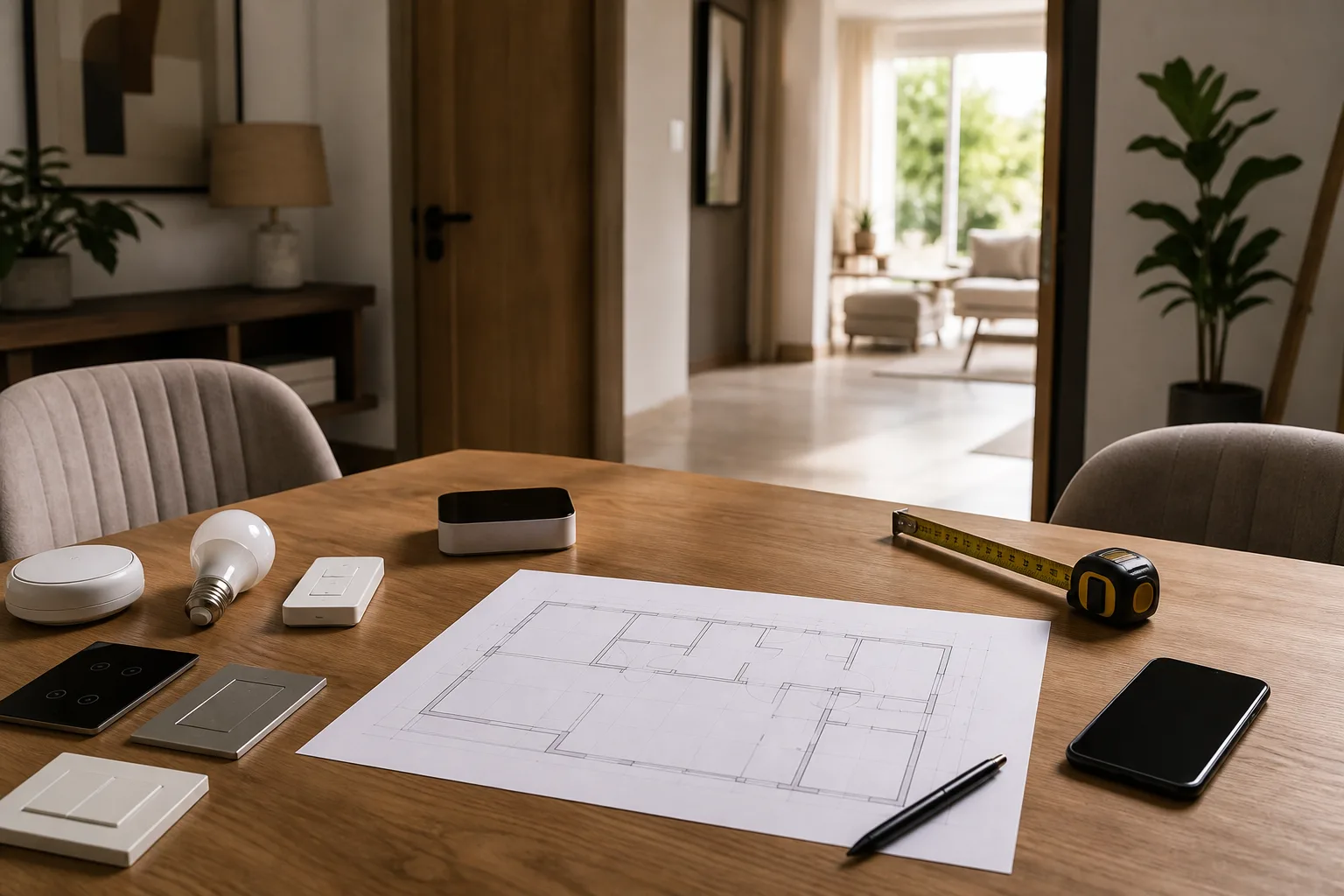
If you've made it this far, you're serious about smart home automation. Here's your action plan:
Step 1: Calculate Your Personalized Budget
Use our interactive calculators to get exact pricing for your home:
- General Smart Home Cost Calculator – Works for any brand
- Aqara Cost Calculator – Budget-friendly option
- Schneider Wiser Calculator – Mid-range option
- Fibaro Cost Calculator – Premium automation
- Tata eZhome Calculator – Indian brand option
Step 2: Book a Free Consultation
Our smart home experts offer free 30-minute consultations where we:
- Understand your home layout and requirements
- Recommend the best brand/ecosystem for your needs
- Provide a detailed, itemized quote with no hidden costs
- Answer all your questions about installation and maintenance
Schedule your free consultation now – No obligation, just expert advice.
Step 3: See Live Demos
We have experience centers in Mumbai, Bangalore, Delhi, Hyderabad, and Pune where you can:
- See and touch actual products
- Experience automation scenarios (lighting scenes, security, voice control)
- Compare different brands side-by-side
- Get hands-on with the apps and controls
Book a visit to our nearest experience center through our consultation page.
Step 4: Start Small, Think Big
Our most satisfied clients start with one room or one use case (security, or living room automation) and expand from there. You don't need to automate everything on day one.
First-time automation packages starting at ₹29,999 for 1BHK – includes planning, devices, installation, and 1-year support.
Final Thoughts: Smart Homes Are More Affordable Than You Think
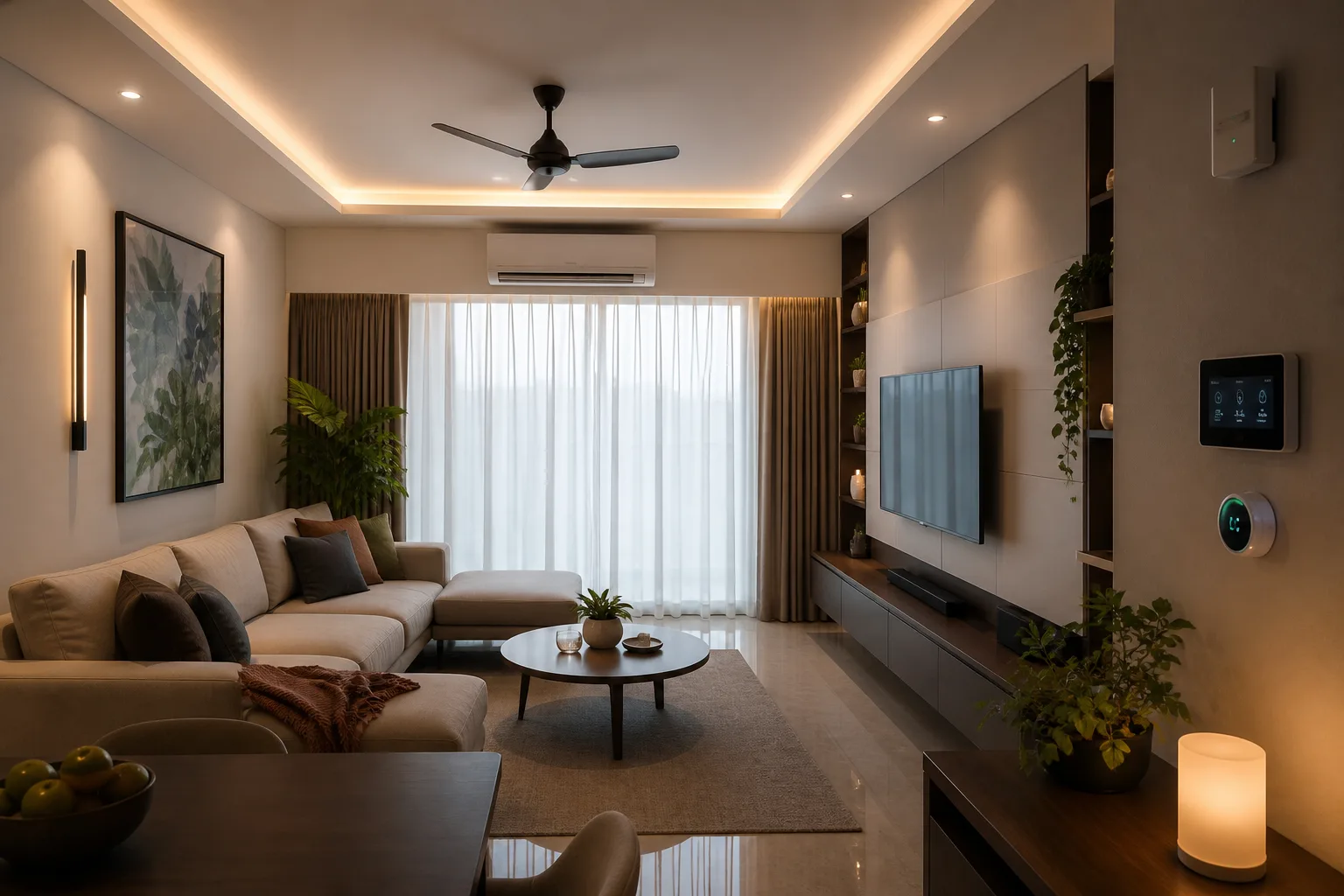
Home automation in India has come a long way. What cost ₹5-10 lakhs five years ago is now possible at ₹1-2 lakhs. What seemed futuristic is now practical.
The key is knowing exactly what you want, choosing the right brand for your budget, and working with experts who won't oversell you.
At Smartify, we've automated over 500 homes across India. Whether your budget is ₹30,000 or ₹3,00,000, we'll design a smart home that fits your life—not the other way around.
Ready to make your home smarter?
👉 Calculate your exact cost in 2 minutes
👉 Book a free expert consultation
👉 Call us at +91-XXXXXXXXXX for immediate assistance
Smart homes aren't just for the future anymore—they're for right now, and they're more affordable than you think.