Fingerprint vs PIN vs App Unlock: Which Smart Lock Type Suits Indian Homes?
Compare fingerprint, PIN and app unlock for smart locks in Indian homes, including monsoon humidity, power cuts, guest access and door installation.

By Abhi Bavishi
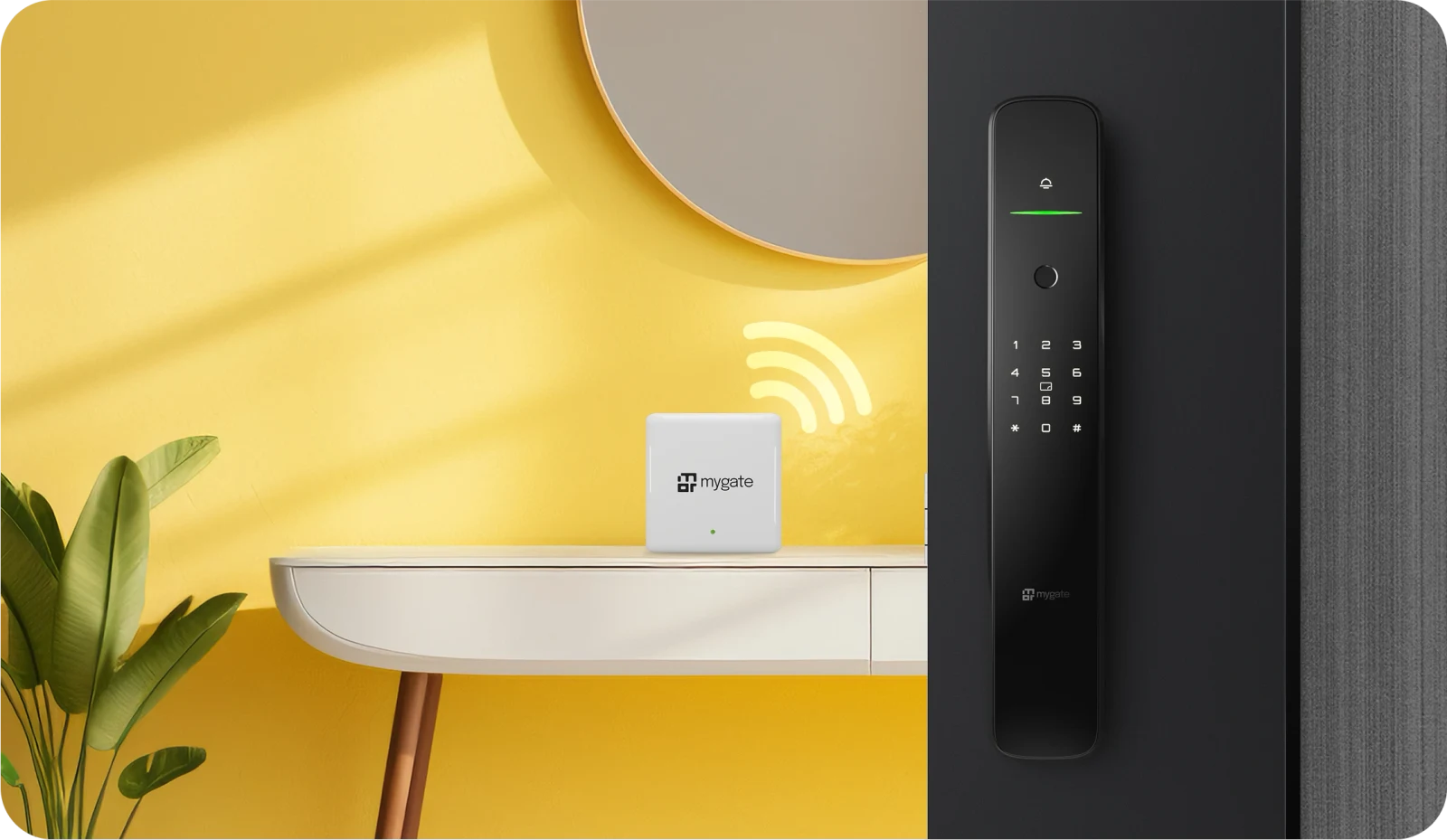
My mother in law visited last Diwali and stood outside my door for a full minute jabbing her thumb at the sensor before it finally read her fingerprint. It turned out her hands were damp from carrying sweets in the humidity. That one incident taught me more about unlock methods than any spec sheet ever did.
Every smart lock for doors sold in India today offers some mix of fingerprint, PIN, RFID card, and app or WiFi unlock. The brochure makes it sound like more is always better. In practice, the right combination depends on your household, your door, and honestly, how much patience you have for troubleshooting an app at 11 pm.
This piece breaks down each unlock method on its own, how they hold up against Indian conditions specifically, and which combination actually makes sense for different kinds of homes.
If you're short on time, the quick answer is this: fingerprint for daily use, PIN as backup, and app or OTP access only if you regularly need to let someone in remotely. Everything below explains why.
Quick comparison: fingerprint vs PIN vs app unlock
| Factor | Fingerprint | PIN / keypad | App / WiFi |
|---|---|---|---|
| Speed | Fastest, under 1 second on good sensors | Fast, but slower than fingerprint | Slowest, needs phone and network |
| Works in monsoon humidity | Capacitive sensors: good. Optical: inconsistent | Unaffected | Unaffected |
| Works during power cuts | Yes, runs on lock battery | Yes, runs on lock battery | Only if phone has data and lock has backup power |
| Best for | Household members, daily use | Backup access, guests without app | Remote guest access, deliveries, staff |
| Security risk | Very low, hard to fake | Risk if PIN is shared or seen | Depends on app security and WiFi setup |
| Setup effort | One-time registration per person | None | App download, account, WiFi pairing |
How fingerprint unlock actually performs in Indian homes?
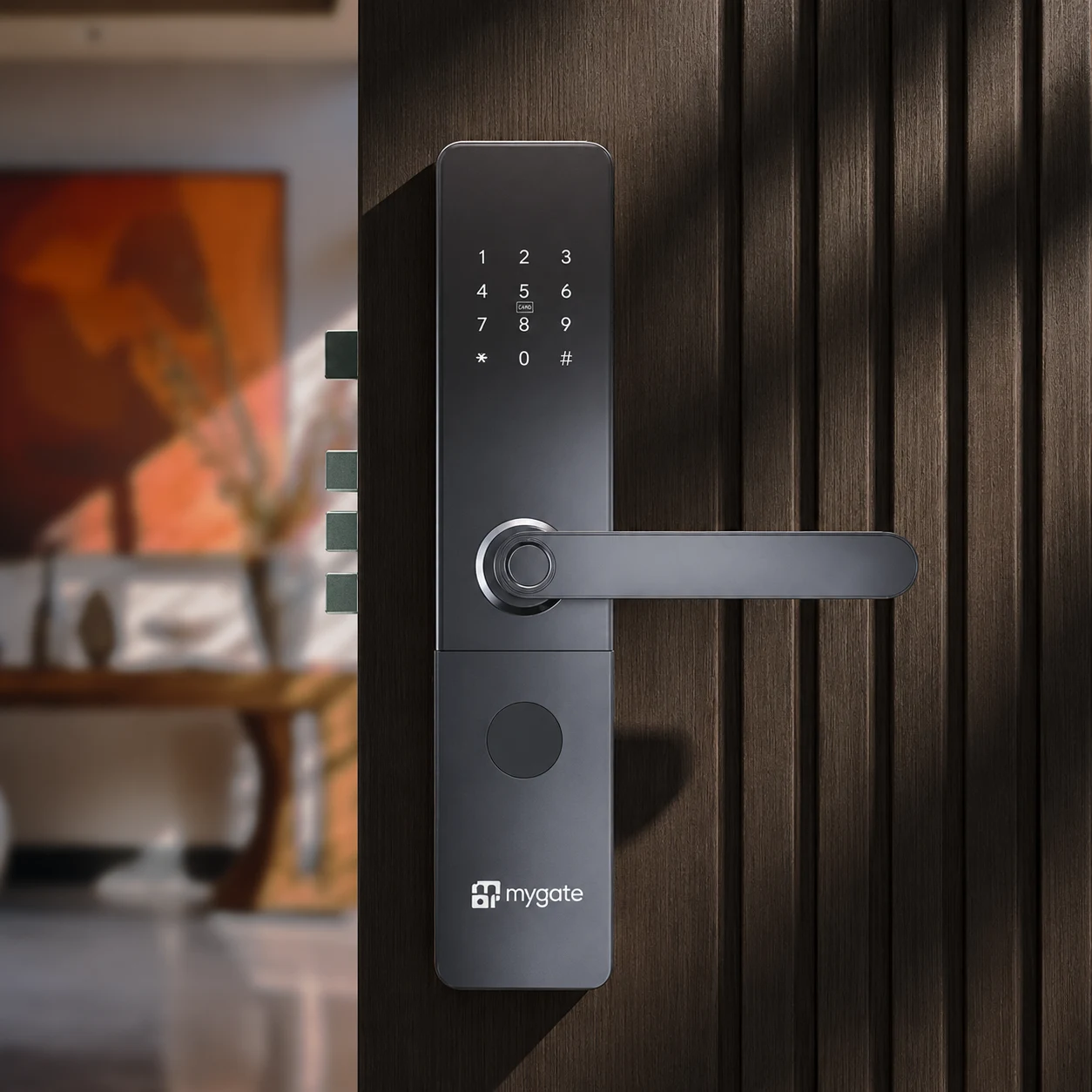
Fingerprint is the method most people use daily once it's set up, and for good reason. It's fast, nobody has to remember anything, and there's no card to lose.
The type of sensor matters more than the brand name on the box**.** Locks use either optical or capacitive fingerprint sensors, and the difference shows up exactly in the situations Indian homes deal with most: sweaty hands in summer, and damp fingers during monsoon.
Optical vs capacitive sensors
Optical sensors read a 2D image of your fingerprint using light, similar to how an old scanner works. They're cheaper to manufacture, which is why they show up on a lot of budget locks under ten thousand rupees.
Capacitive sensors read the actual ridges of your finger using tiny electrical signals. They cost more to build but hold up noticeably better when your finger is slightly wet, dusty, or has changed a bit due to a small cut or dry skin.
- If you live somewhere with heavy monsoons or high daily humidity, lean toward a capacitive sensor even if it costs a bit more
- Yale's YDM series and most locks in the fifteen thousand rupee and above range typically use capacitive sensors
- Budget locks under ten thousand rupees are more likely to use optical sensors, worth checking the spec sheet before you buy
Where fingerprint struggles
Fingerprints aren't perfect. Elderly household members sometimes have fainter ridge patterns that are harder for any sensor to read consistently. Construction workers, gardeners, or anyone doing regular manual work can develop calluses that throw off recognition too.
This is exactly why every smart lock worth buying keeps PIN and mechanical key as backups, not just fingerprint alone. Don't let a shiny fingerprint-only marketing pitch talk you out of a lock that keeps a proper keypad.
PIN and keypad unlock: the reliable fallback
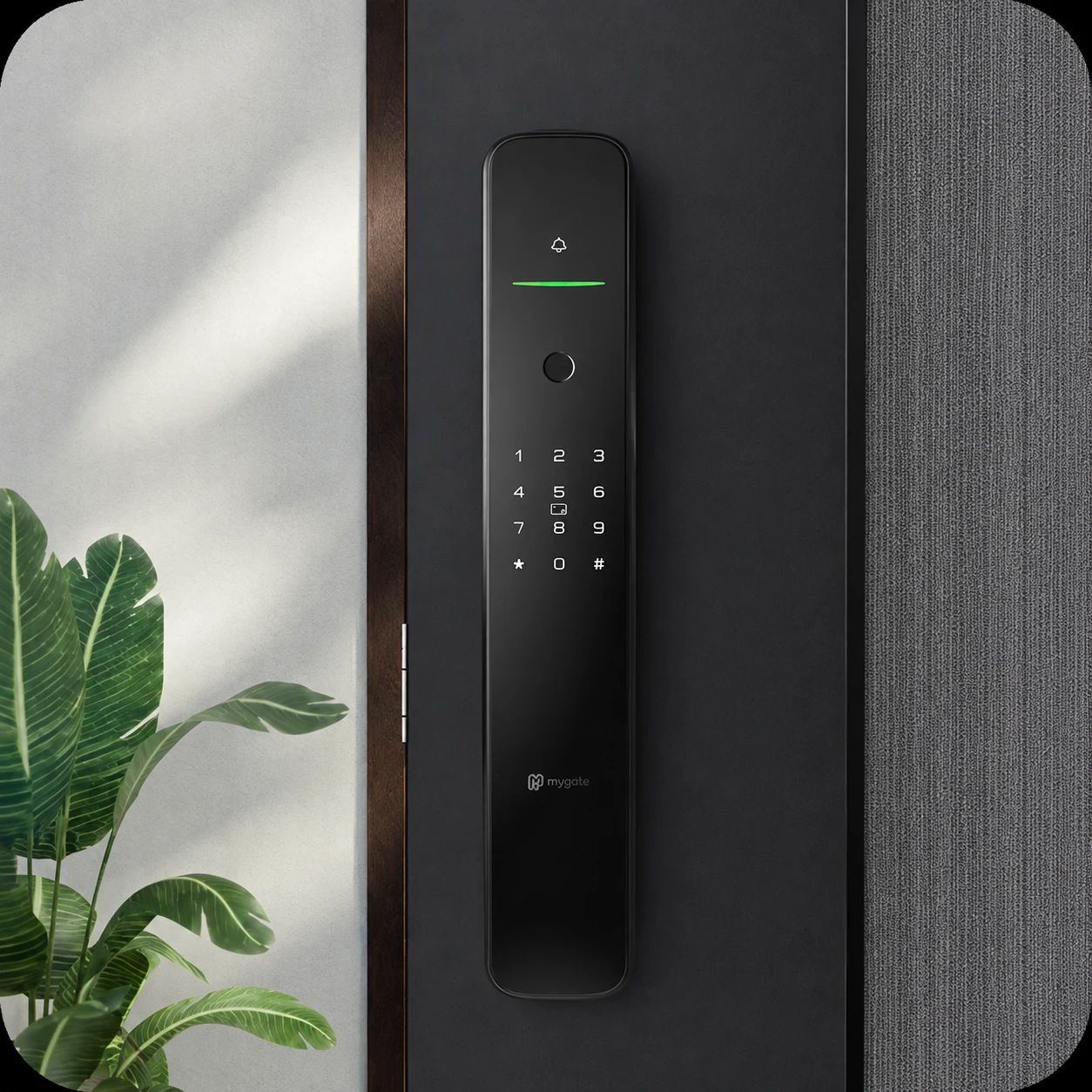
PIN access doesn't get much marketing attention because it isn't flashy, but it's the method that never lets you down. No sensor to misread, no app to crash, no card to misplace.
A PIN is the one access method that works exactly the same on day one and on day one thousand. That consistency is worth more than it sounds.
What to look for in PIN security
Not all keypads are equal. A few features separate a decent PIN system from a weak one:
- Decoy digits or scrambled entry. Several Indian brands, including Mygate and Qubo, let you add random numbers before or after your real PIN so someone watching over your shoulder can't figure out the actual code
- Attempt freeze. After a handful of wrong tries, the lock should lock out further attempts for a few minutes and send a tamper alert, standard on most mid-range and premium locks now
- Multiple PIN slots. Being able to set a separate PIN for house help or a rotating one for guests, rather than sharing your own permanent code, matters more than people realise until they've changed the locks after letting a code go stale
When PIN is genuinely the better choice
For a lot of households, PIN alone plus a mechanical key backup is honestly enough. If everyone at home already remembers their gate code or their old key routine, adding fingerprint and app on top mostly adds cost without adding daily convenience.
Renters in particular often do well sticking closer to PIN-based locks, since a simpler unit is cheaper to replace or take with you when you move out, and you're not tying a fingerprint database to someone else's door.
App and WiFi unlock: convenient, but with real caveats
App unlock is where smart locks actually start doing things a traditional lock can't. Share a one-time OTP with a delivery person over WhatsApp. Check who unlocked the door and when. Let your parents in remotely if they're visiting while you're stuck at work.
I set this up mainly so I could let my cook in without handing her a permanent PIN. It's genuinely useful for that specific case. It is not, in my experience, something you want to depend on for your own daily entry.
The real world gaps
- Phone dependency: If your phone is dead, in another room, or you're just walking in with your hands full of groceries, app unlock is slower than fingerprint every single time
- Network dependency: Full WiFi remote unlock needs your router to be up. During a power cut, if your router doesn't have its own backup power, remote unlock goes down with it even if the lock's own battery is fine
- WiFi vs Bluetooth matters: Bluetooth-only locks, like the Atomberg SL1, don't offer true remote unlock at all since you need to be within range. WiFi models cost more but let you unlock from anywhere with signal
- Setup friction: Pairing a lock to WiFi, creating an account, and getting family members added as users takes real time on day one, and older household members sometimes never fully adopt it
Where does app unlock earn its cost?
App and OTP access pays off specifically for remote guest entry, not for your own daily routine. If your household regularly has domestic help, delivery, or visiting family arriving while the main residents are out, the extra cost of a WiFi-enabled lock is worth it. If that's a rare situation for your home, a Bluetooth-only or PIN-first lock saves money and battery without giving up much.
Matching the method to your household
Nuclear family, both parents working
Fingerprint for both adults, PIN backup, and app or OTP access for the days the school van drops the kids off early or the cook needs to get in before anyone's home. This is the combination I run at my own place and it covers almost every situation without much thought.
Joint family with elderly members
Lean on PIN as the primary method here, not fingerprint. Elderly fingerprints can be harder for sensors to read consistently, and a keypad with large, backlit buttons is easier to use without frustration. Keep fingerprints as a secondary option for younger family members who want the speed.
Rented apartment or PG
Stick to PIN and mechanical key as the core, skip WiFi models entirely unless your landlord is fine with a semi-permanent installation. A simpler lock is cheaper, easier to uninstall when you move, and doesn't leave fingerprint data behind for the next tenant.
Household with regular domestic help or deliveries
This is where app or OTP access genuinely changes your day to day. Look specifically at brands offering OTP sharing over WhatsApp or SMS, since that avoids handing out a permanent PIN that never gets changed.
Independent house without a society gate
Fingerprint plus PIN covers daily use, but consider a WiFi model with a tamper alert and activity log, since you don't have a guard or gate keeping a record of who came and went the way a gated society does.
A note on Indian doors and installation
Whichever unlock method you pick, none of it matters if the lock doesn't sit flush on your door. Most smart locks are built for doors between 35mm and 80mm thick, but older teak doors in independent houses sometimes run thicker or have uneven carving near where the lock cavity needs to go.
Get your door thickness measured before you order, not after. I've seen an installation stretch from thirty minutes to over an hour because the cavity needed to be shaved down slightly for the lock body to sit properly. Most brands, including Yale, Godrej, and Qubo, offer free professional installation in major cities, which is worth using even if you're generally comfortable with DIY.
Frequently asked questions
Can I use fingerprint and PIN together on the same lock?
Yes, and you should. Every smart lock worth buying in India supports multiple access methods on the same unit, so fingerprint for daily use and PIN as backup isn't an either or choice.
Does fingerprint unlock work with wet or sweaty hands?
Capacitive sensors handle this reasonably well. Optical sensors, more common on budget locks, can struggle with wet or very dry fingers. If humidity is a regular issue where you live, check which sensor type a lock uses before buying.
Is app unlocking safe from hacking?
Reputable brands use encrypted connections and don't store raw fingerprint images, storing a mathematical representation instead. The bigger real world risk isn't hacking, it's a weak WiFi password or an old phone still logged into the app after you've sold it. Change your WiFi password periodically and remove old devices from the app's user list.
What happens if the battery dies while I'm out?
Every smart lock on the market runs on replaceable batteries, usually AA cells, with a low battery warning well before they die. Most also include a USB emergency port so you can jump start the lock with a power bank if you do get caught out.
Do I need WiFi if I already have RFID cards for my society gate?
Not necessarily. RFID cards work independently of your home WiFi and are a solid access method on their own, particularly useful for household staff who might not want to deal with fingerprints or apps at all.
There's no single right answer here, only the right combination for how your household actually lives. Pick the method your family will use without thinking twice, then keep the others as backup for the days things don't go as planned.