11 Supercool Things You Can Do With Home Automation
Explore practical smart-home automations for Indian homes, from lighting and security to climate, energy savings, scenes, and offline control.

By Abhi Bavishi
Home automation technology has evolved significantly, offering practical applications that can transform your daily life. Here are 11 amazing things you can do with a smart home.
1. Multi-Room Audio
Instead of having a decentralised music library, you can centralise all your favourite songs using a NAS (Network Access Storage) device, and listen to your favourite music from anywhere around your house. Stream different music to different rooms, or sync them all together for a party.
2. Mood Lighting
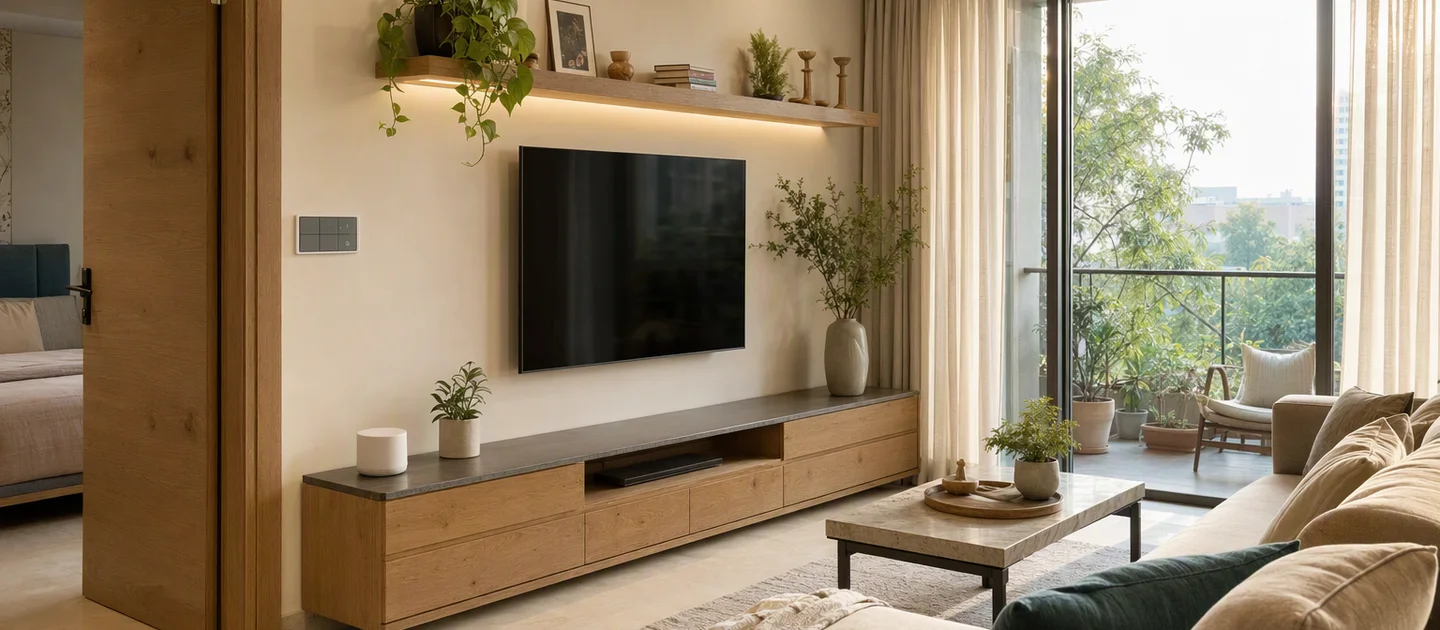
Adjust the lighting based on your mood, environment or even the ambience levels. With smart bulbs and LED strips, you can customize color and intensity for different occasions—romantic dinners, movie nights, or productive work sessions.
3. Energy Conservation
Automatically turn devices off after you leave your home. Smart sensors detect when rooms are empty and shut off unnecessary lights and appliances, reducing energy waste and utility expenses by up to 30%.
4. Advanced Security
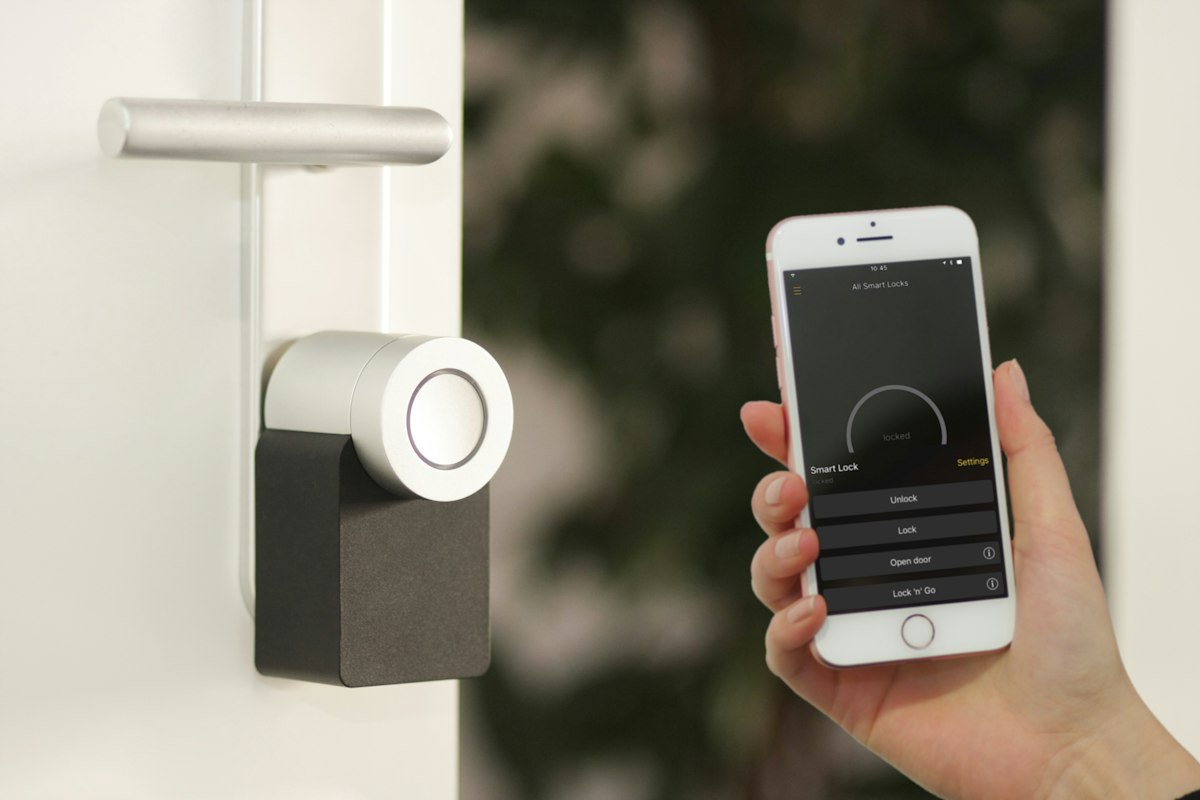
Automated motion sensors can trigger a voice playback as soon as they track movement when you're not at home. Combine this with smart cameras, locks, and alerts to create a comprehensive security system that keeps you informed 24/7.
5. Sleep Optimization
Smart homes can support better rest by gradually opening window shades in the morning and playing your chosen music at preset wake times. Your bedroom can simulate a natural sunrise to help you wake up refreshed.
6. Climate Control
Have your home prepared before you arrive. Smart thermostats learn your schedule and preferences, ensuring the perfect temperature awaits you—whether it's a cool retreat in summer or a warm welcome in winter.
7. Home Entertainment
Create the perfect movie experience with one command. Systems can coordinate dimming lights, closing blinds, turning on the TV, and adjusting the sound system—all automatically.
8. Social Media Integration
Smart homes can respond to social notifications with visual cues. Get a gentle light flash when someone mentions you on Twitter, or a color change when you receive an important email.
9. Automated Gardening
Smart irrigation systems water your plants based on weather forecasts and soil moisture levels. Never over-water or under-water again—your garden maintains itself.
10. Voice Control Everything
From "Hey Google, turn off the lights" to "Alexa, lock the front door"—control your entire home with simple voice commands. No more searching for switches or remotes.
11. Away Mode Simulation
When you're on vacation, your smart home can simulate occupancy by randomly turning lights on and off, playing sounds, and adjusting blinds—deterring potential intruders by making it look like someone's home.
Home Automation Questions People Ask in 2026
The use cases above still hold, but the implementation has changed. A practical Indian smart home usually starts with a few high-impact scenes—lighting, entry security, AC control or water management—then expands after the household has lived with the system. You do not need every device to be connected to Wi-Fi, and a hub with local execution can keep selected automations available during an internet outage.
For current buying context, compare smart switches, home security systems, and the 2026 cost guide before choosing a platform.
Frequently Asked Questions
Do I need Wi-Fi for every smart-home device?
No. Cameras and some appliances commonly use Wi-Fi, while Zigbee or Thread can be better for low-power sensors and switches. The hub, network coverage and local-control plan matter more than choosing one radio for every device.
Will automation work during a power or internet cut?
Battery sensors may remain active, but powered hubs, routers and switches need power. Put essential control equipment on suitable backup power and ask which scenes run locally. Remote app access and cloud alerts normally need internet.
Can I start with one room?
Yes. Start with a room or problem that has a clear payoff, choose an expandable hub, and document the device models before adding more. A small, reliable system is better than a large collection of disconnected gadgets.