 Aqara
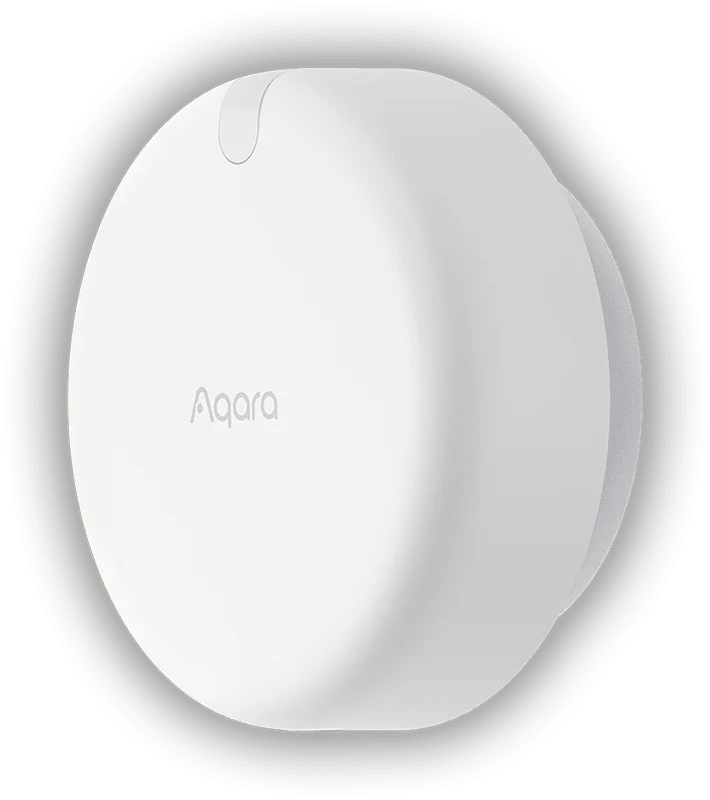
Aqara Presence Sensor FP2
Key features
Let the room respond to where you are. Aqara FP2 detects presence with radar and lets you define separate areas within a room. Use those areas to trigger compatible lighting and other automations, with a built-in light sensor adding context. Careful placement and setup help the room respond consistently.
Genuine Product
100% Authentic
Warranty
Confirmed with quote
Availability
Enquire before ordering
Expert Support
Mon-Sat Support
Product Description
Aqara Presence Sensor FP2
Aqara Presence Sensor FP2 uses mmWave radar to detect occupancy without a camera. Define zones around a desk, sofa or doorway and use them as separate automation triggers in supported systems. It can detect small movements that a conventional motion-only trigger may miss.
Respond to occupancy rather than a quick movement
A conventional motion trigger can be useful for someone walking through a passage, but a person sitting at a desk may move very little. FP2 uses radar to detect presence and small movements, making it worth assessing for rooms where people remain seated. The aim is to build automations around occupancy rather than simply restarting a timer whenever a large movement is detected.
Use different parts of a room as separate triggers
Zone positioning lets you distinguish areas such as a desk, sofa and doorway within the supported room coverage. For example, a desk zone could be used as a trigger for a compatible task light, while another zone controls a separate routine. The sensor supplies the detection information; the light or other controlled device still needs a compatible integration and a configured automation.
Give installation and calibration enough attention
Wall placement, room boundaries and the position of furniture affect how useful zone detection will be. Start by mapping the room and checking where the sensor reports occupancy, then refine zones around the way people actually use the space. Moving objects and unsuitable placement can create confusing results. Test sitting, entering, leaving and movement between zones before relying on the sensor to control lights throughout the day.
Connect it to a supported automation system
FP2 does not require an Aqara hub for the described setup. It needs continuous power and a suitable Wi-Fi connection, and supported ecosystems expose its occupancy information for automation. Home Assistant can pair it through the HomeKit Device integration. Check which entities and functions your chosen platform exposes; support for a platform does not mean that every app feature appears identically in every ecosystem.
Key features
- Zone-based presence detection across up to 30 configured zones
- Manufacturer-specified room coverage up to 40 m²
- Built-in light sensor
- Continuous USB-C power; no Aqara hub required
Compatibility and installation
Use wall placement and configure the room map for zone positioning. The sensor needs continuous power and a suitable Wi-Fi connection. Placement, moving objects and room layout affect detection, so allow time for calibration and testing. Home Assistant integration is available through HomeKit Device pairing. Do not assume native Matter connectivity. Ceiling-mounted fall-detection mode has different limitations and disables most zone features; the FP2 is not a medical device or a substitute for emergency monitoring.
Frequently asked questions
Does FP2 contain a camera?
The presence-sensing function uses mmWave radar rather than camera images. It provides occupancy and zone information, not a video view of the room. That distinction makes it useful where a camera would be inappropriate for the intended automation.
Can it run on batteries?
The FP2 requires continuous USB-C power. Plan a nearby power source and a sensible cable route before mounting. It should not be selected as if it were a small battery-operated door or motion sensor.
Can it turn ordinary lights on directly?
No. It is a sensor, not a mains switching relay. A compatible smart light, switch or controller and a configured automation are needed to act on its occupancy information.
Can zone detection and fall detection be used together?
The manufacturer describes different mounting and operating requirements. Ceiling-mounted fall-detection mode disables most zone-related features. It is not a medical device, and a notification feature should not be treated as a substitute for emergency monitoring.
Availability and enquiries
Out of stock at Smartify. Enquire to register your interest or discuss an available alternative. Availability, price, regional version and warranty will be confirmed before any order; no restock date is promised.
Share your room layout and the automation you want to trigger so Smartify can assess sensor placement.
Product video
Aqara Presence Sensor FP2 product introduction
Professional Installation Available In
Get expert installation for Aqara Presence Sensor FP2 in these cities with certified technicians and comprehensive warranty support.
Don't see your city? We're expanding! Contact us to check availability in your area or view all service locations.
Need Help Choosing?
Our smart home experts can help you find the perfect products for your home.